
Warehouse Actions
The Warehouse Actions module in Floorzap is designed to help you efficiently manage inventory and work order activity from one centralized location. This page allows your warehouse team to receive, transfer, allocate, prepare, pick up, and ship materials — ensuring accurate inventory tracking throughout your workflow.
For best results, warehouse employees should log into Floorzap using a mobile web browser on their phone, making it easy to scan barcodes and process actions directly from the warehouse floor.
Overview of the Warehouse Actions Page
The page is divided into two primary sections:
1. Warehouse Actions
Used for general inventory management tasks:
-
Receive Inventory – Record incoming materials from purchase orders.
-
Transfer Inventory – Move inventory between warehouses or stock areas.
2. Work Order Actions
Used to manage materials associated with specific jobs:
-
Receive
-
Allocate
-
Prepare
-
Pickup
-
Ship
These actions help ensure materials are properly assigned, staged, and delivered for each work order.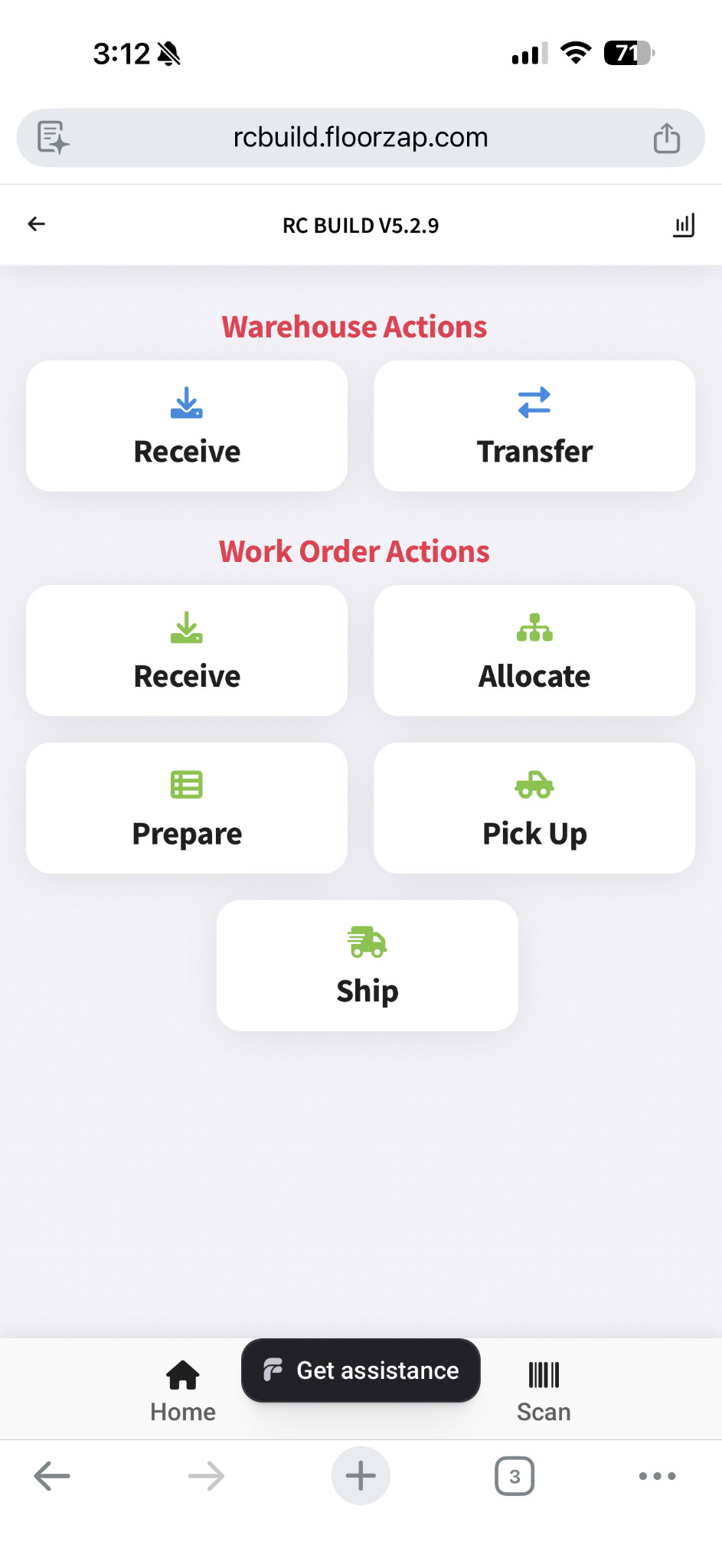
Using Barcode Scanning
The Warehouse Actions page is optimized for barcode scanning to streamline operations.
You can select Scan in the bottom right, and choose your Scan Value:
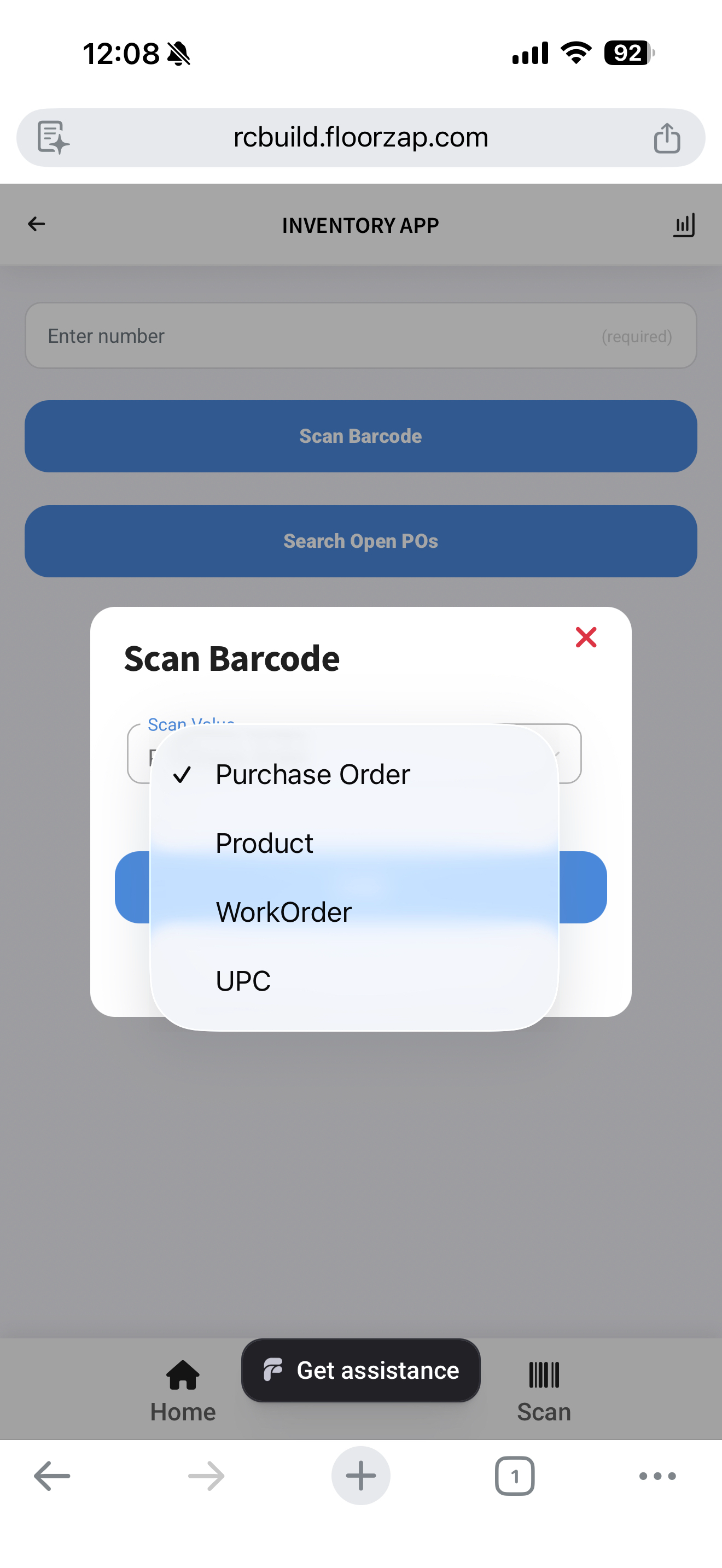
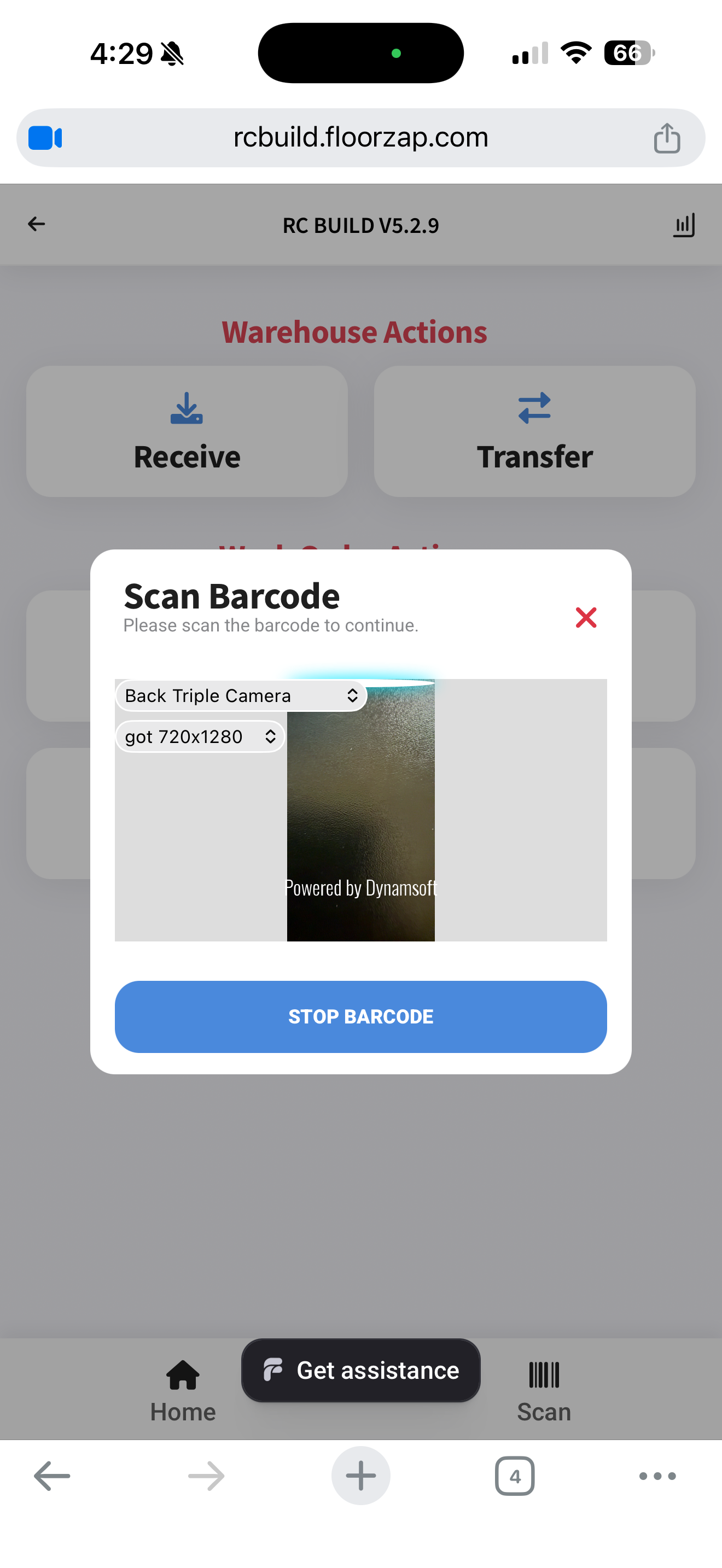
When you scan a barcode on a:
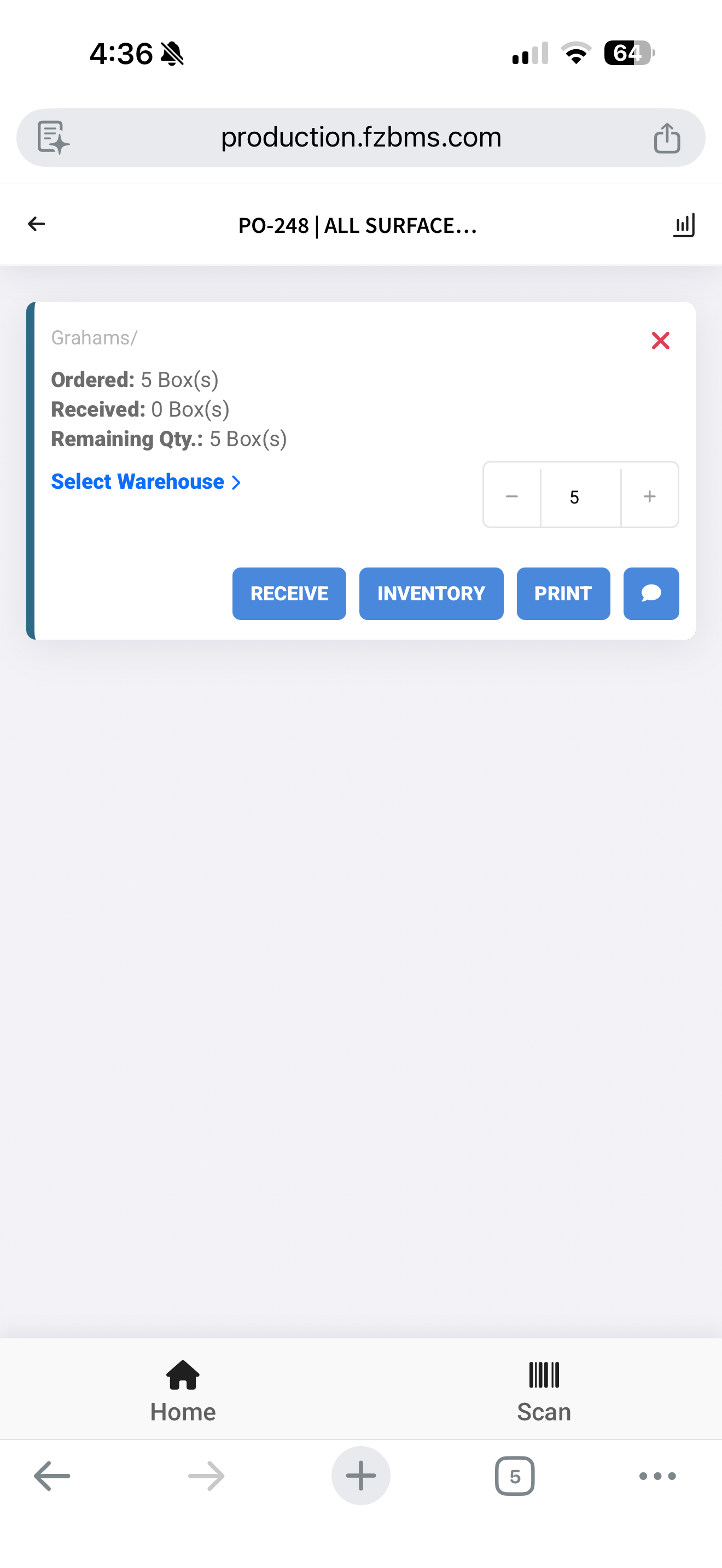
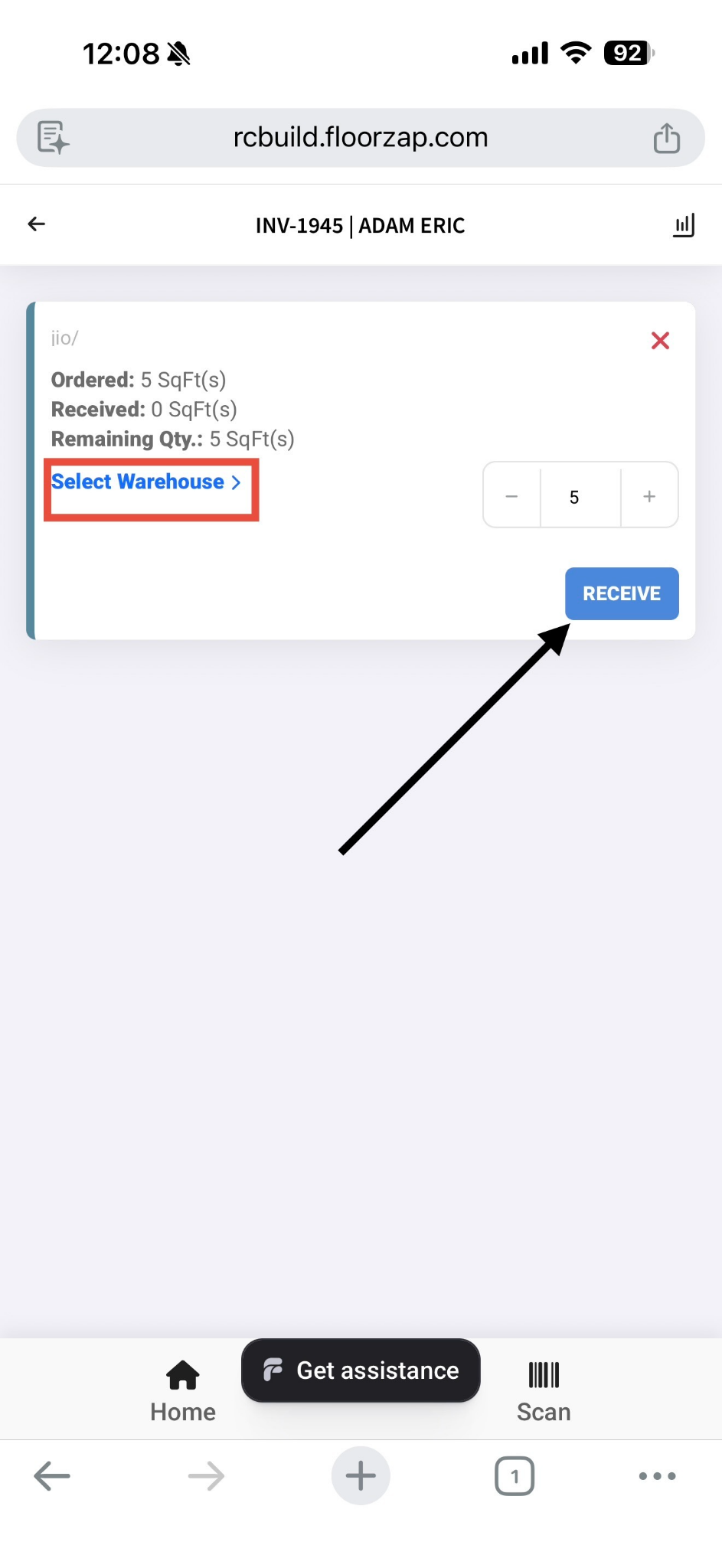
📦 Purchase Order
-
The system displays the PO details.
-
You can mark received, move to inventory, and leave comments directly from this screen
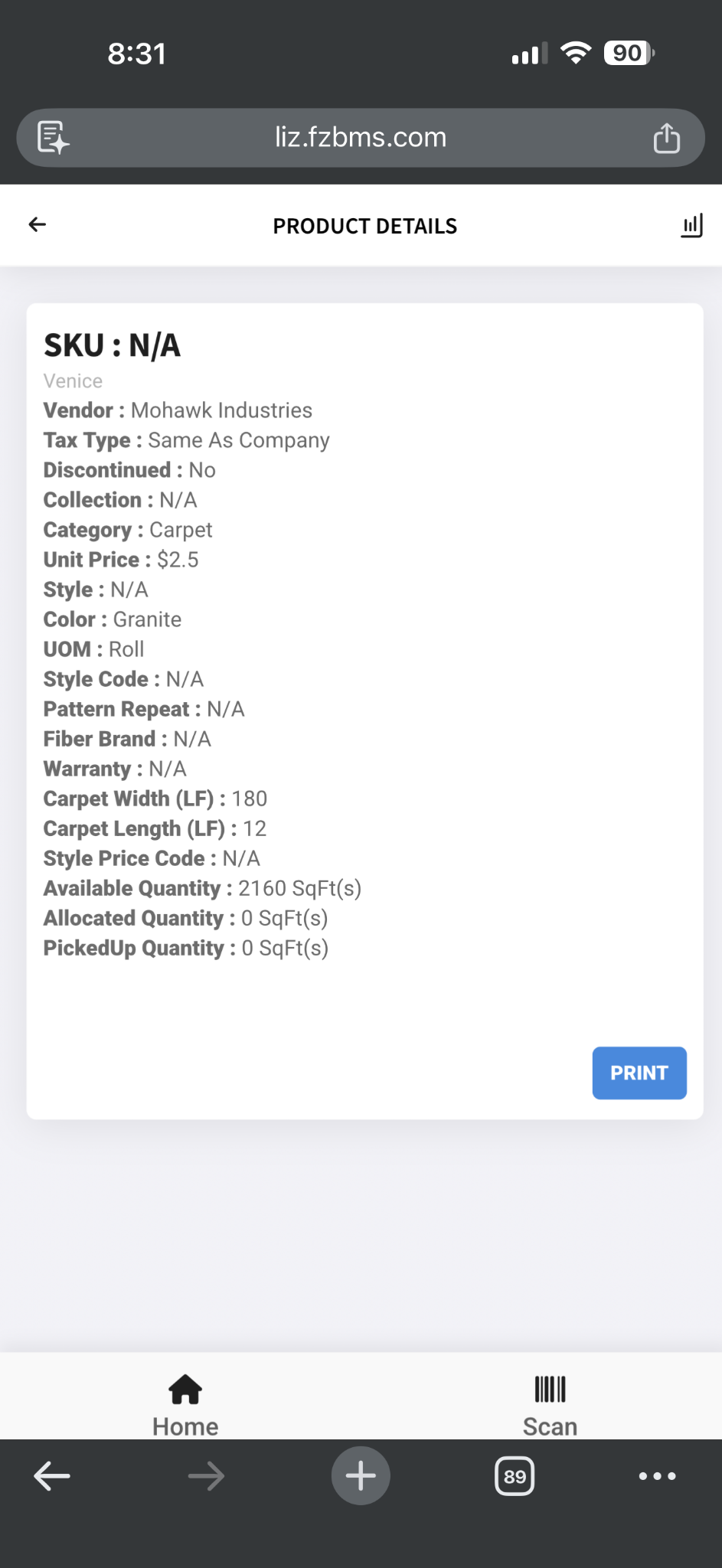
🏷 Product
-
Displays product information.
-
Shows inventory status and pricing (based on your system configuration).
📋 Picklist or Work Order
-
Pulls up the associated work order or picklist.
-
Allows you to process, allocate, prepare, or ship materials efficiently.
Barcode scanning minimizes manual entry and ensures faster, more accurate warehouse processing.
Shipping Materials
The Ship option is used to record and process the shipment of materials associated with a work order or inventory.
When selecting Ship, you can:
-
Choose the appropriate warehouse location
-
Specify the stock area
-
Add any relevant notes
Once completed, the system updates the material status to indicate it has been shipped. This ensures accurate inventory tracking and proper work order fulfillment.
Why Use Warehouse Actions?
-
Centralized inventory movement tracking
-
Real-time status updates
-
Faster warehouse processing
-
Improved job material accuracy
-
Reduced manual errors through barcode scanning