
Manage Tasks Within Leads
Step 1: Go to Leads.
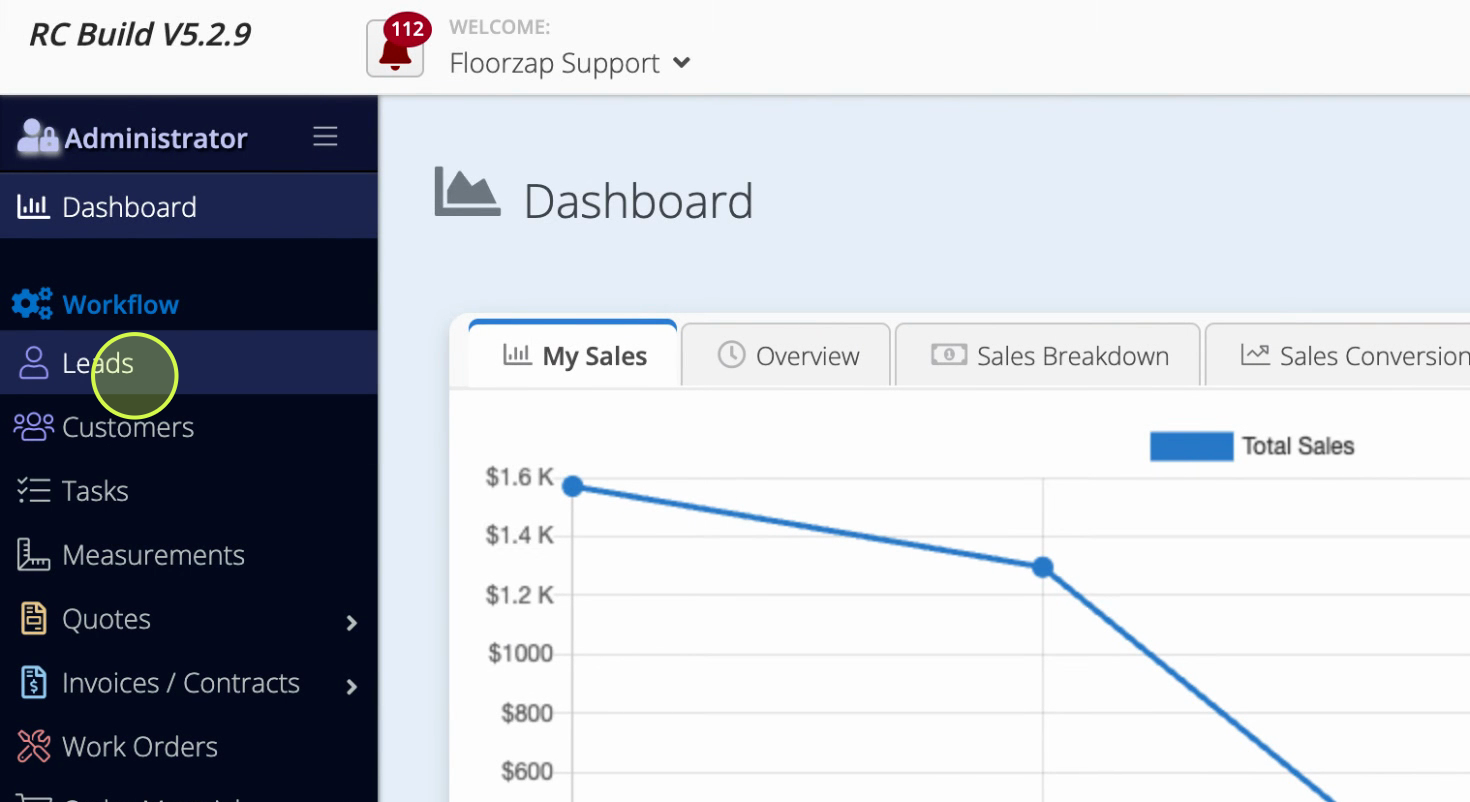
Step 2: Select the lead you want to work with.
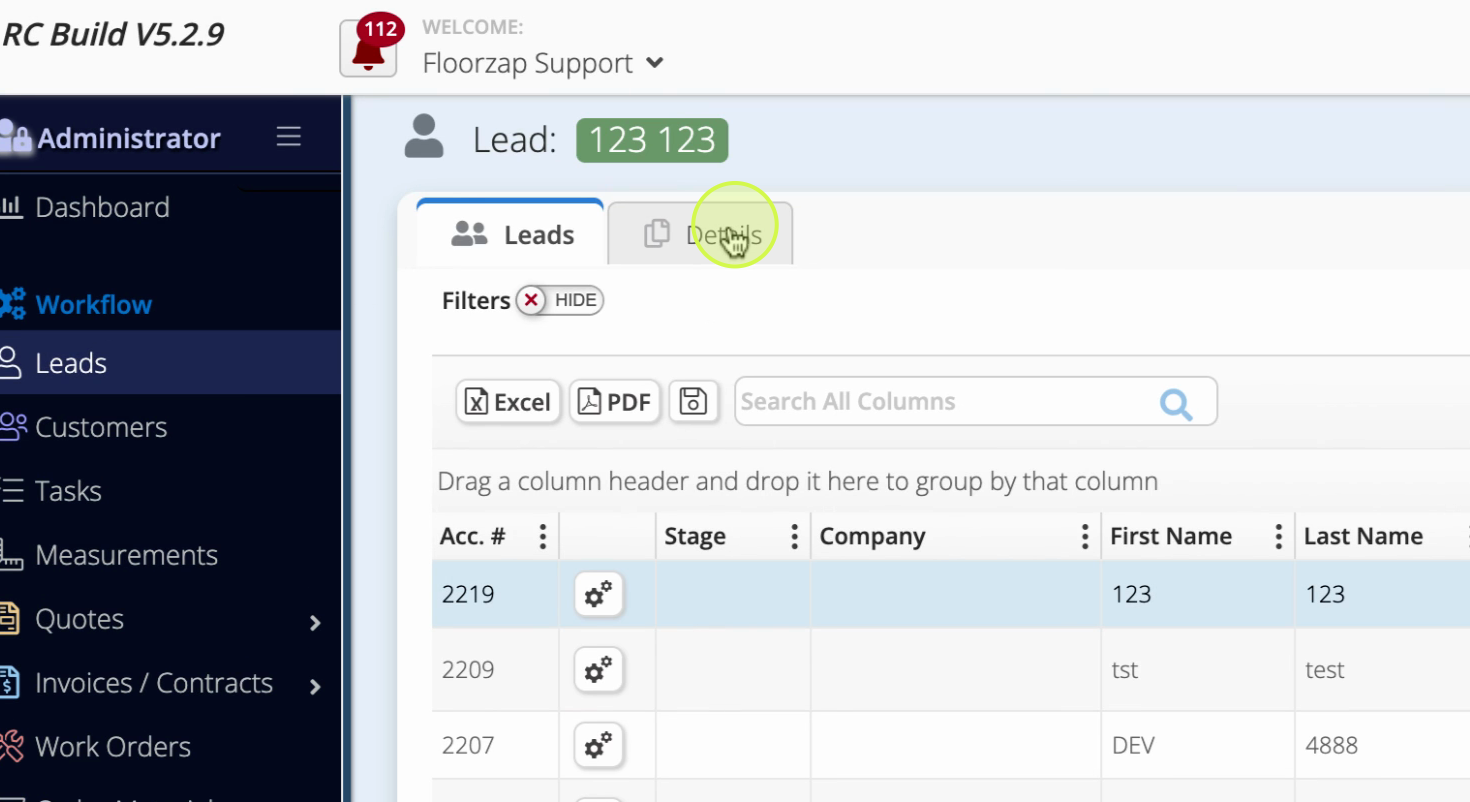
Step 3: Click the Details tab for that lead.
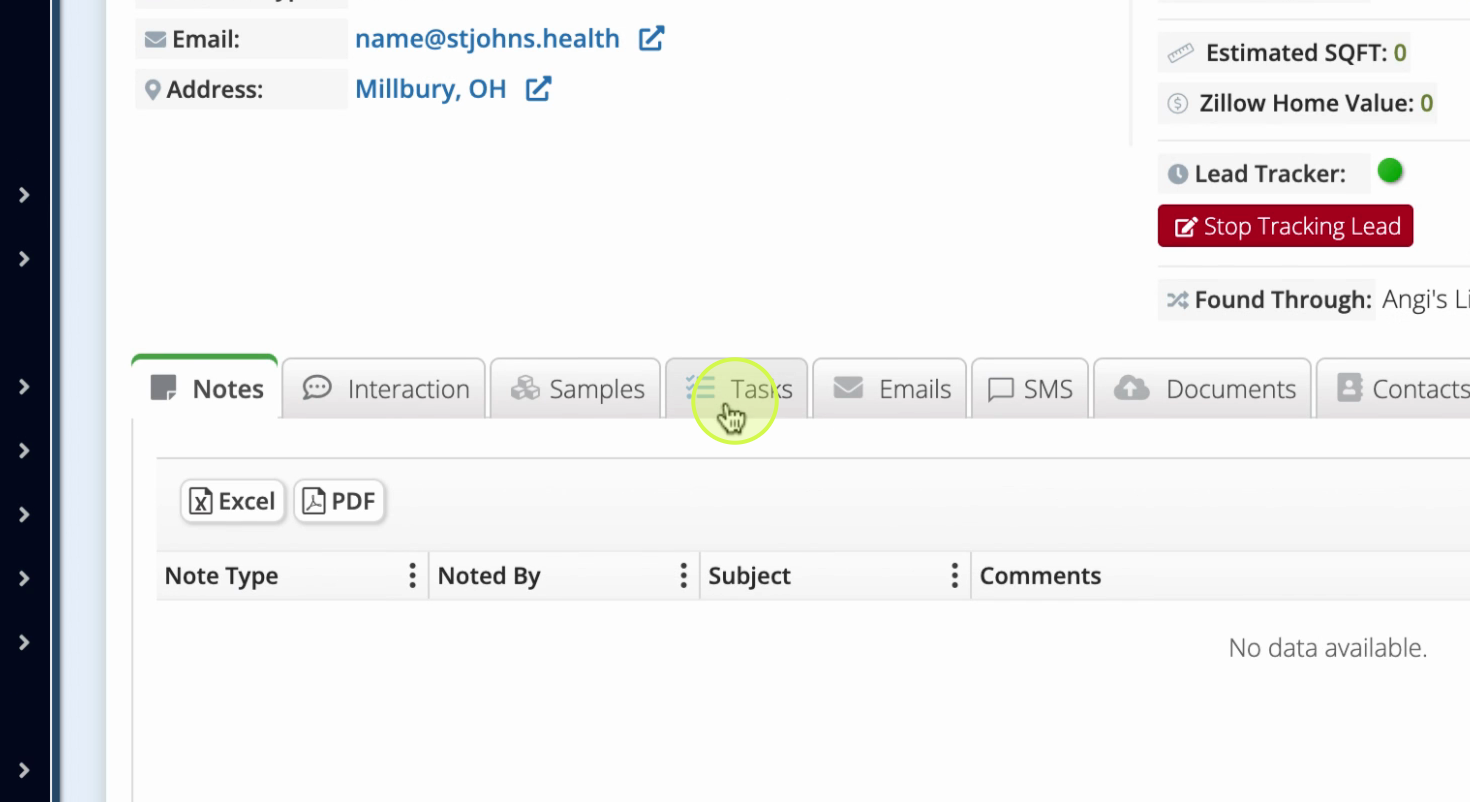
Step 4: Switch to the Tasks section.
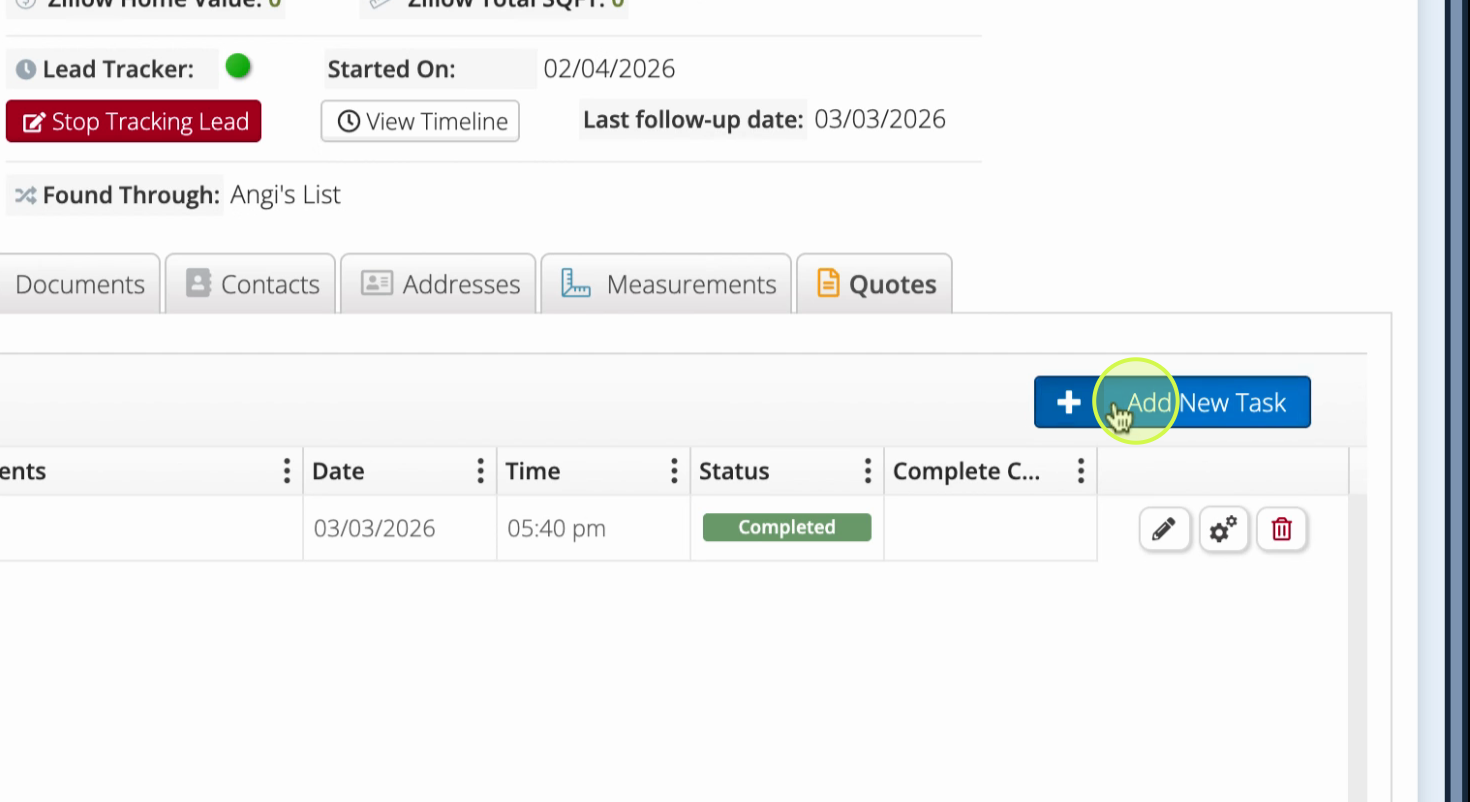
Step 5: Click to Add Task.
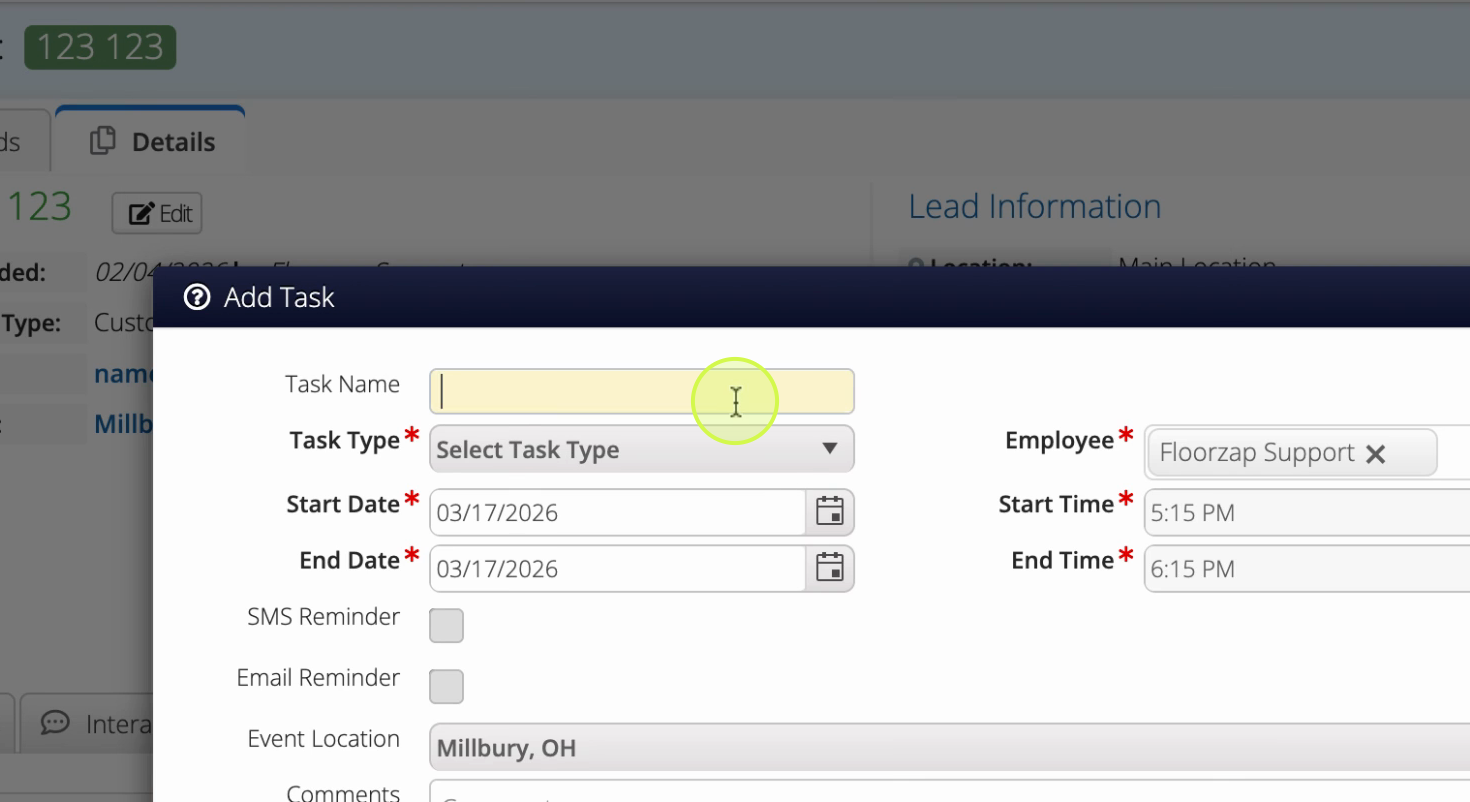
Step 6: Enter a task name.
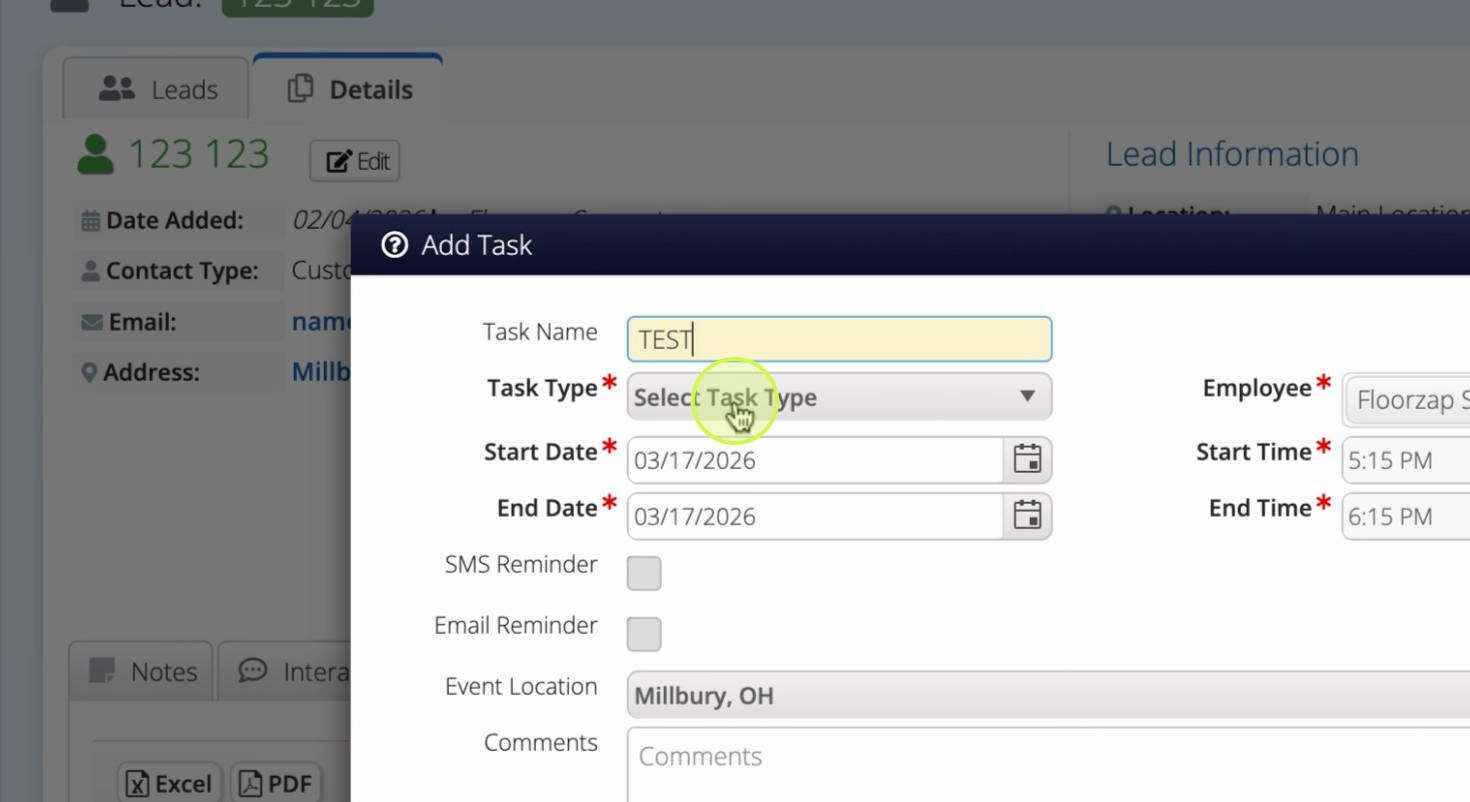
Step 7: Select a Task Type and fill in all required fields. Click Save.
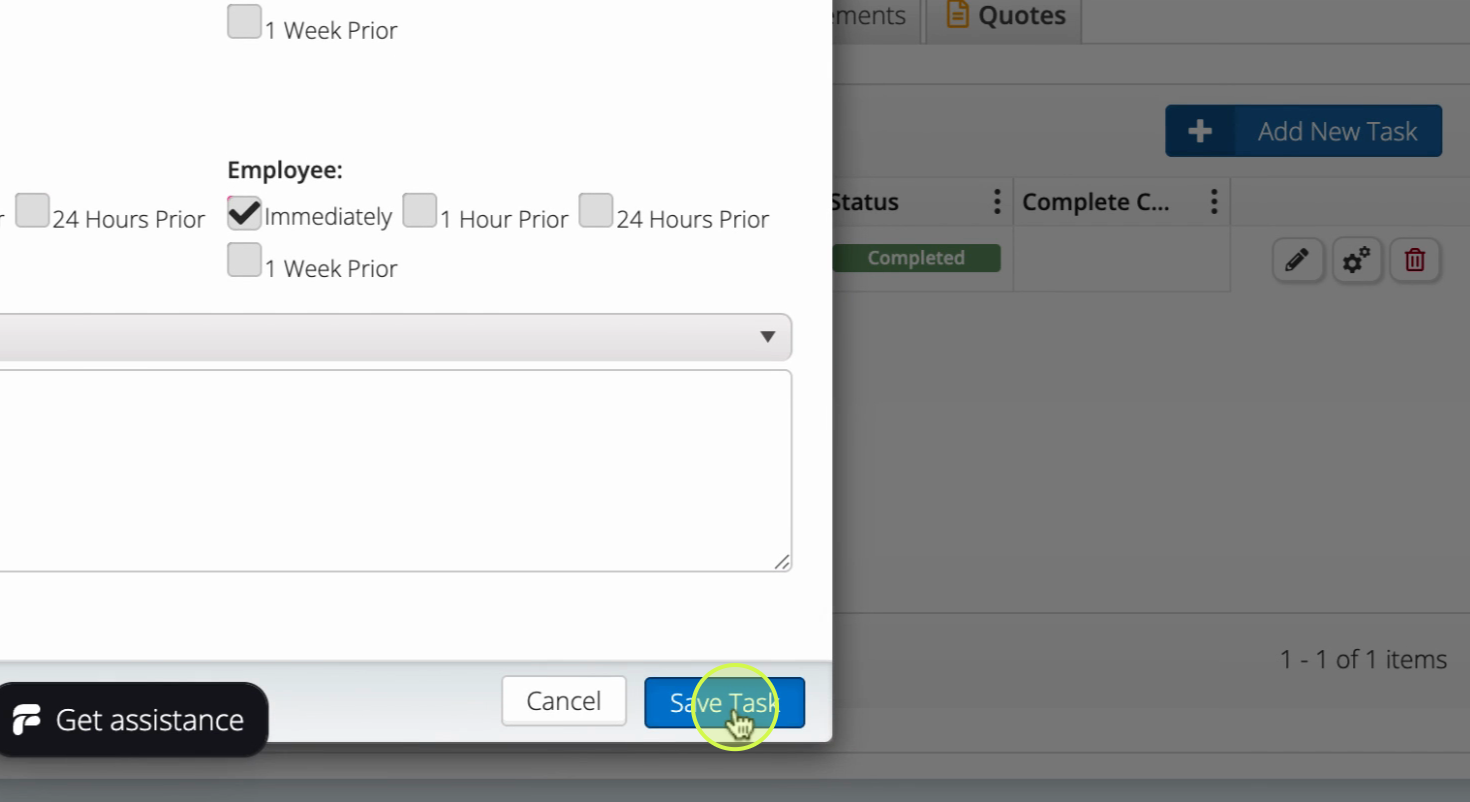
Step 8: Your new task now appears under the selected lead.
Tracking and managing tasks within leads keeps your team on the same page and helps move deals forward efficiently. Revisit the Tasks tab under each lead to update progress or add new to-dos as you work.