
Send a Customer Statement to Keep Clients Informed
Keeping your customers updated on their outstanding balances is key to maintaining clear communication. Here’s how to quickly send a statement that summarizes what they owe.
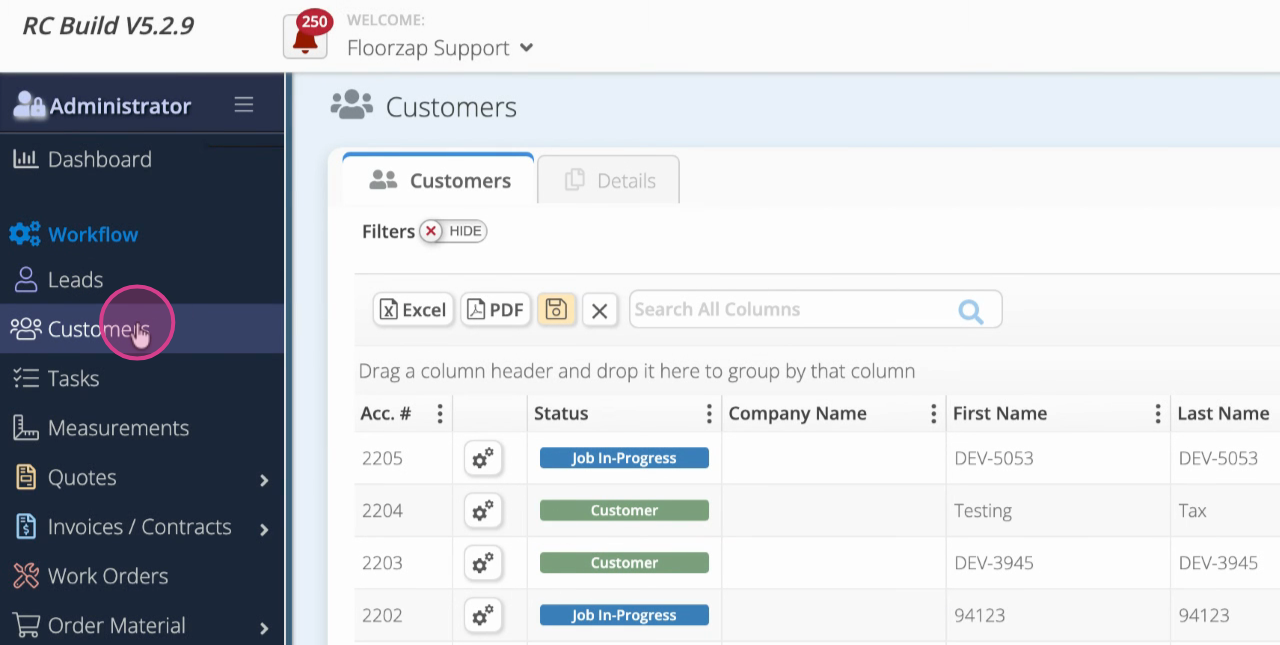
Step 1: Click the Customers tab.
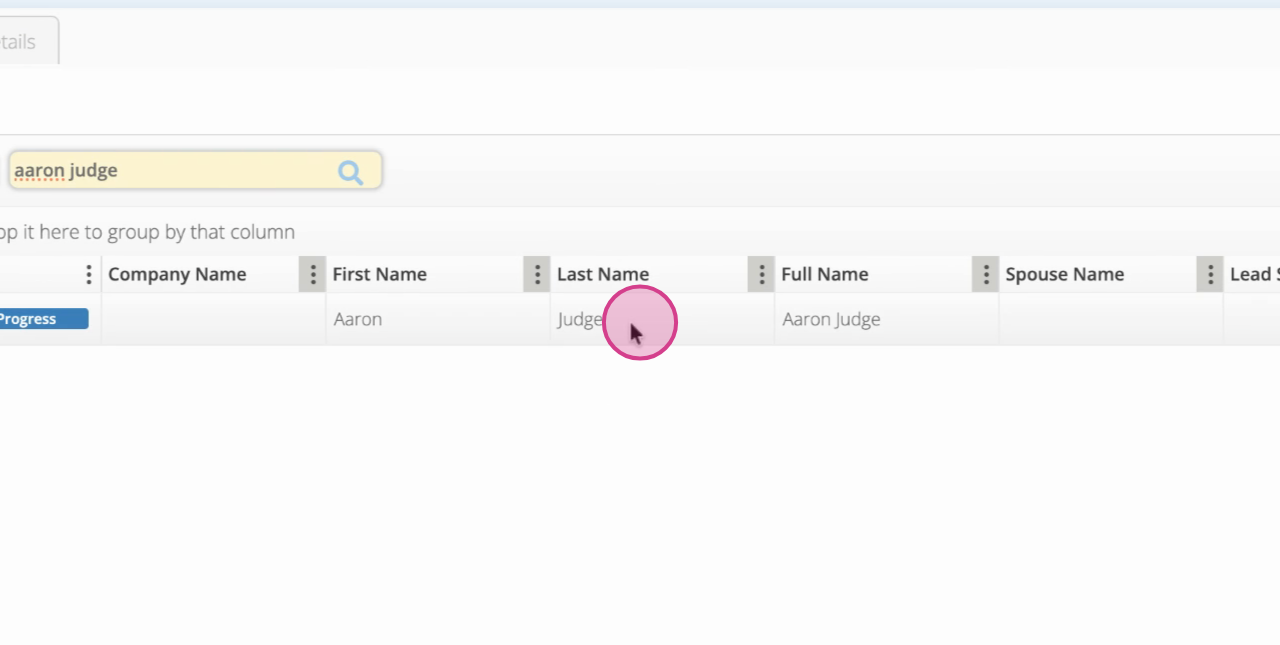
Step 2: Search for your customer by name.
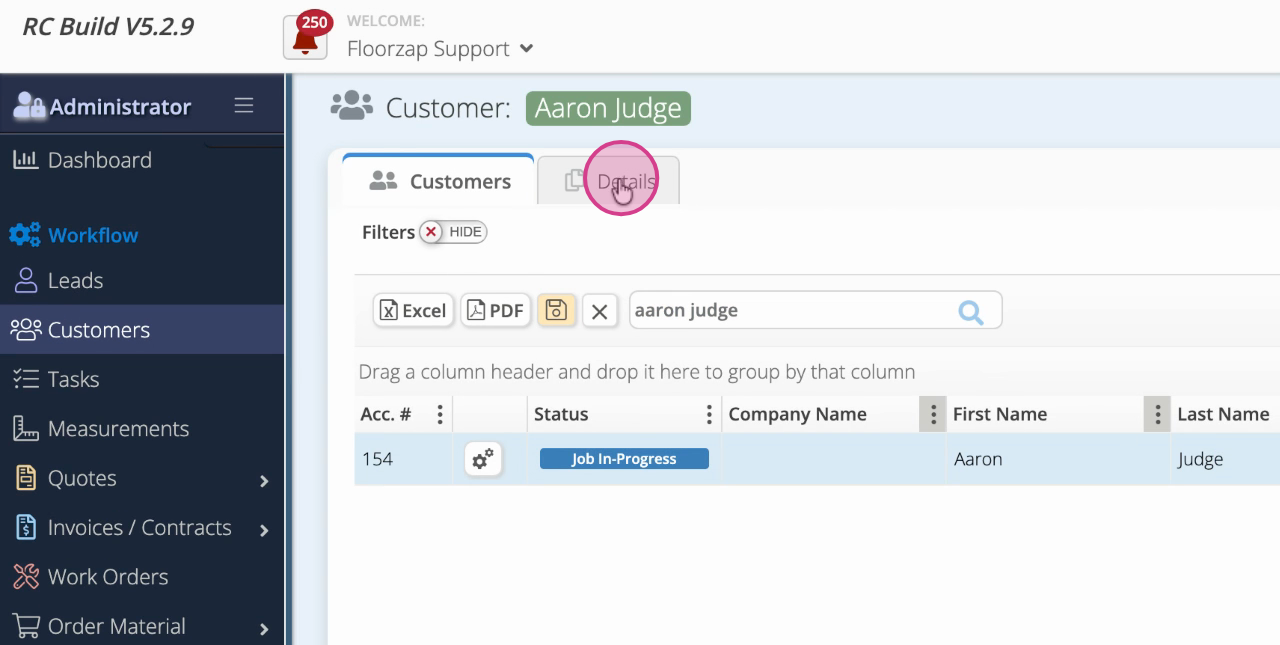
Step 3: Select the desired customer and open their details.
Step 4: On the far right, locate the total balance. This shows what the customer currently owes across all invoices.
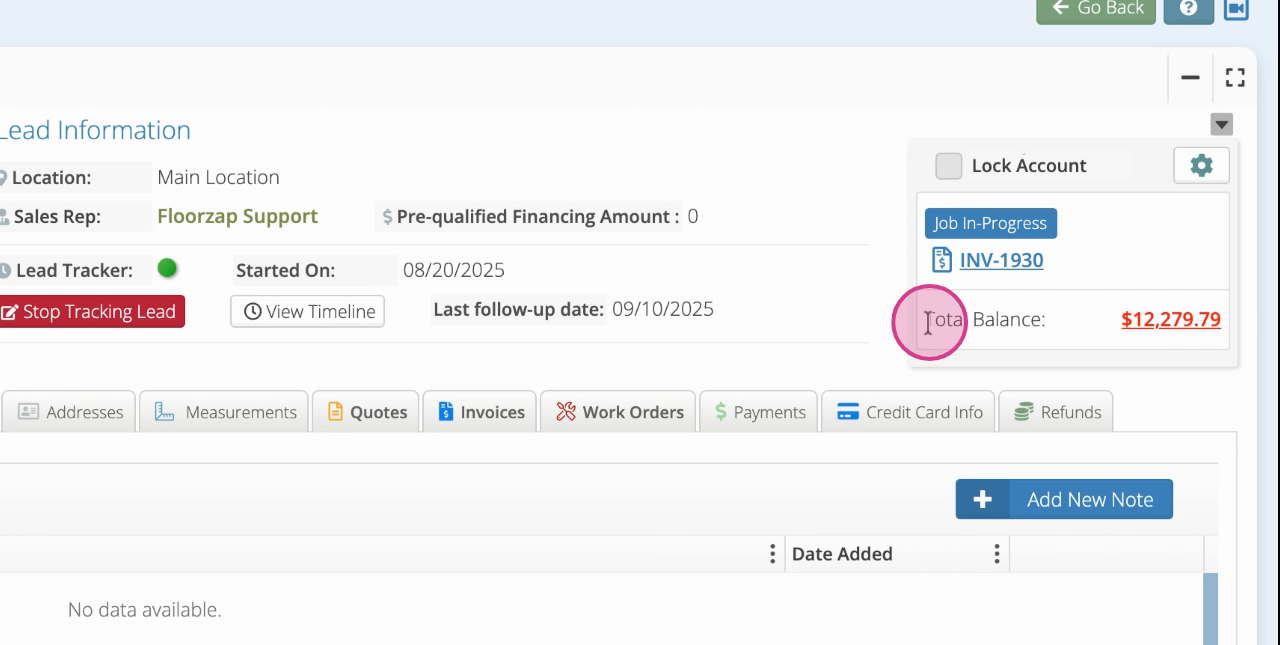
Step 5: Click the total balance figure.
Step 6: Review the statement that appears, which lists all open balances.
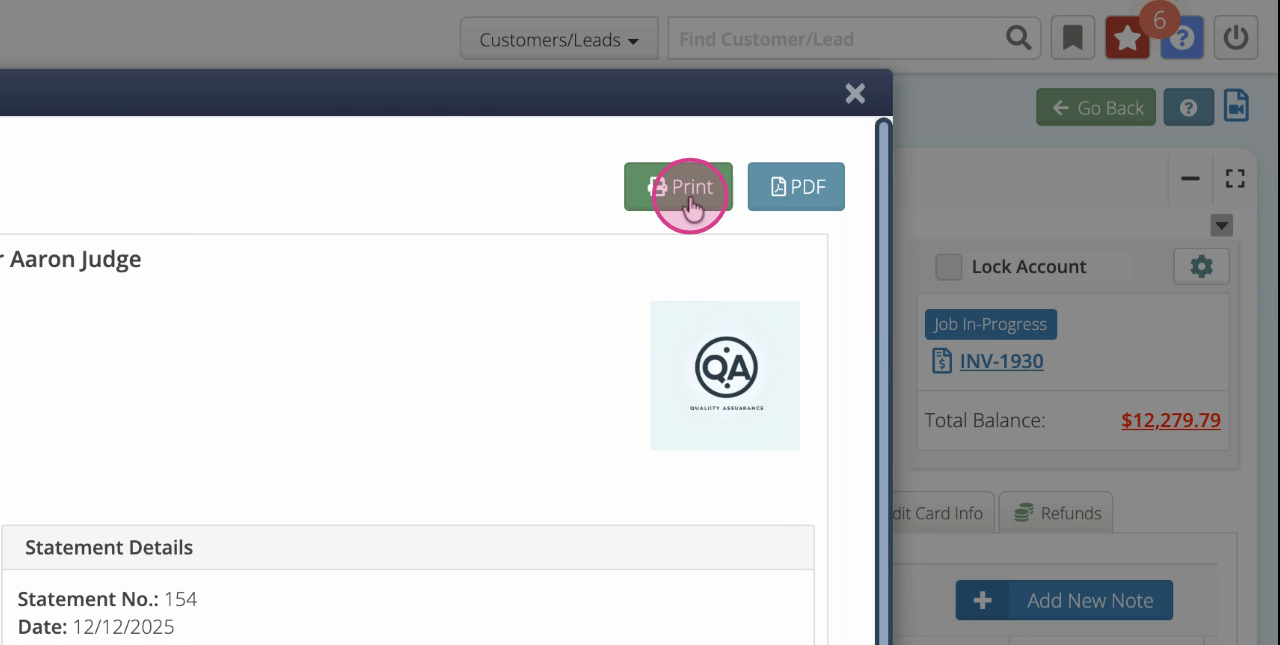
Step 7: Print or download a pdf of the statement which can then be sent via email.
Customer statements help you reduce misunderstandings and get paid faster. Make this a regular part of your invoicing routine to streamline your accounts receivable process.