
How to Create a Support Ticket in the Floors App
When you need help with the Floors app, submitting a support ticket is the fastest way to get assistance. Here’s how to do it:
Step 1: Open the Floors app and tap the menu icon.

Step 2: Select Customer support from the menu.

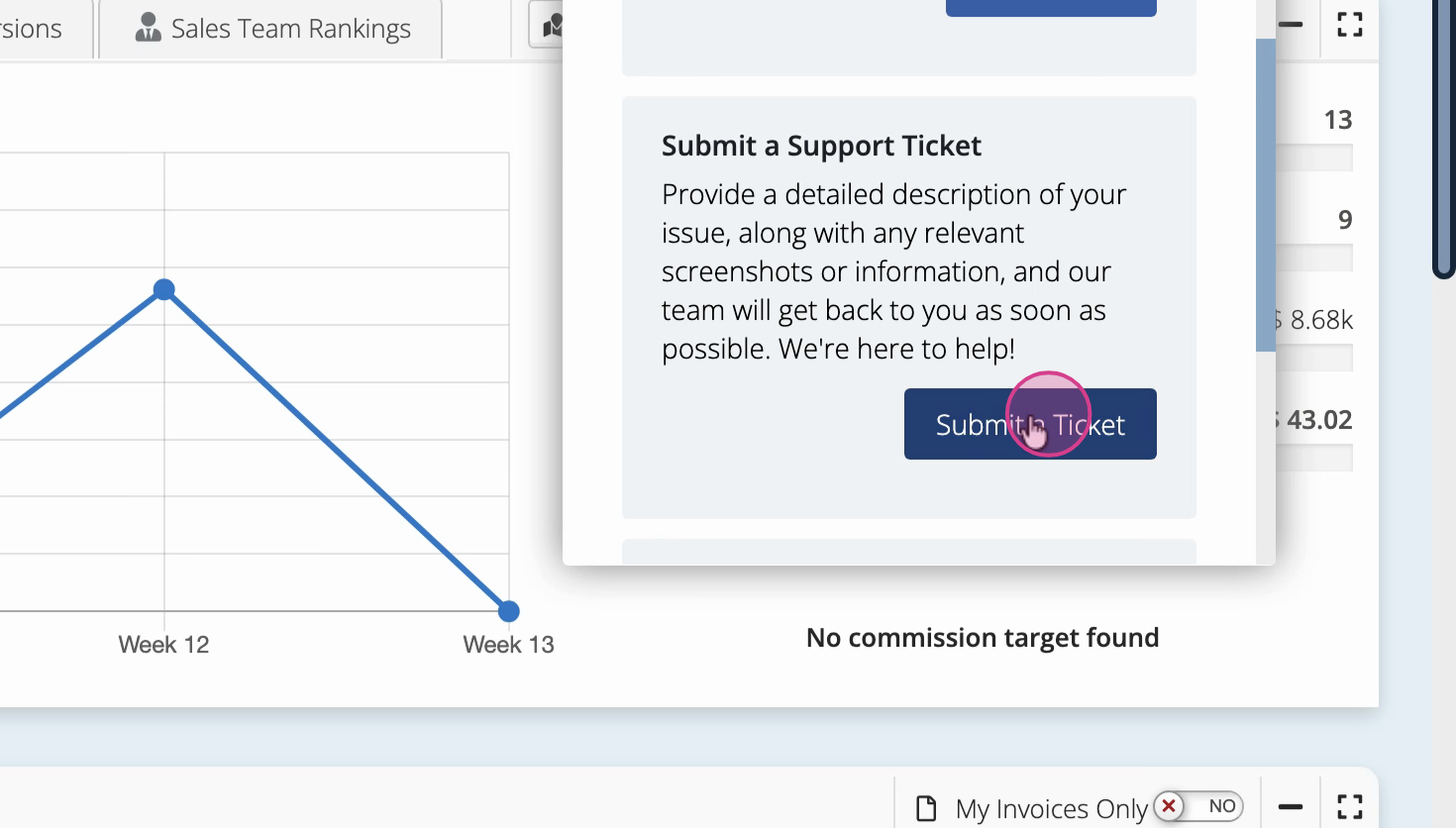
Step 3: Tap Submit a support ticket.
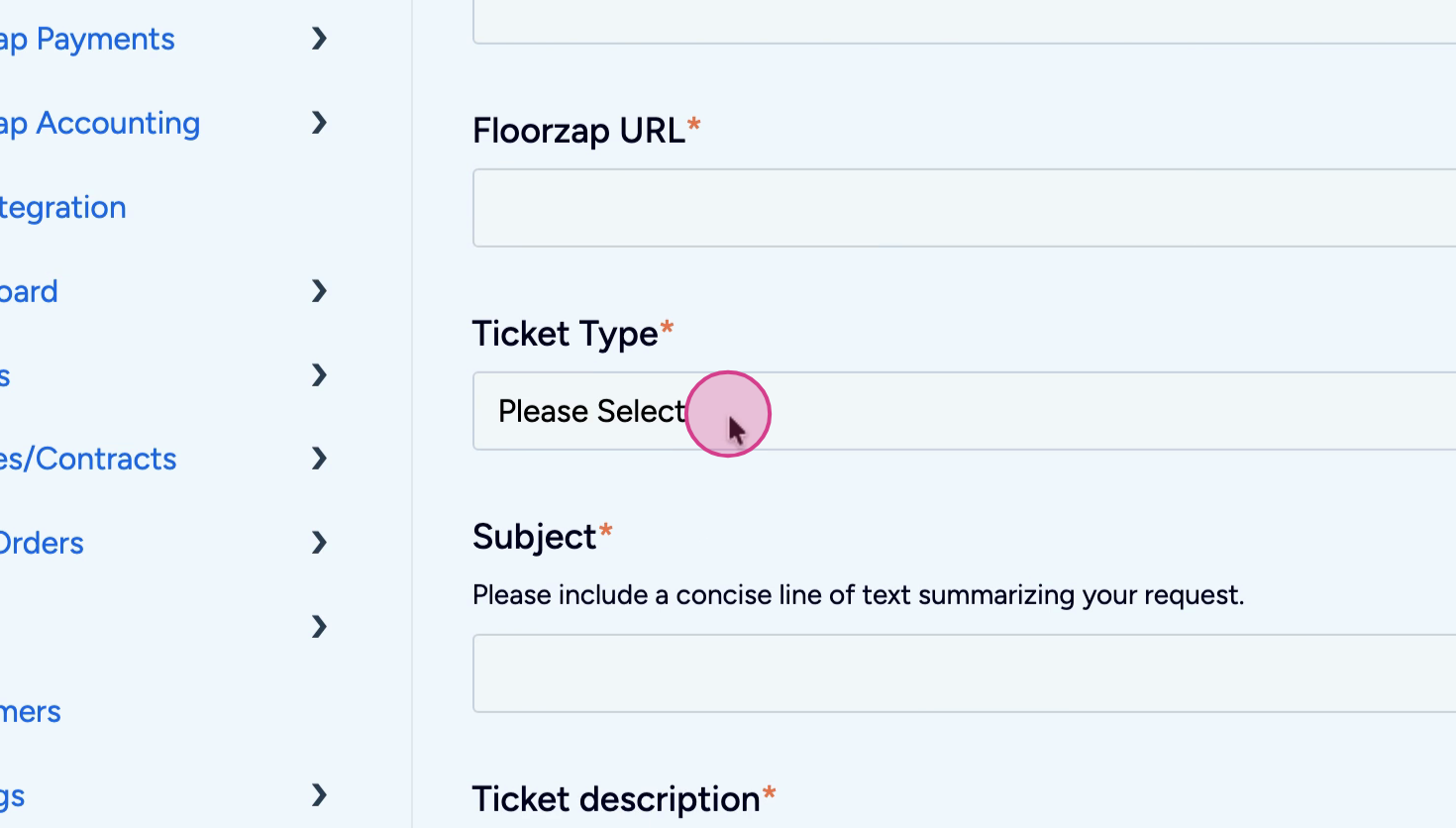
Step 4: Fill in your email address, Floors app URL, ticket type, subject, and description. Add any attachments if needed.
Step 5: Click Submit to send your request to the support team.
Once you submit, the support team receives your ticket and will get back to you to help resolve your issue.