
Easily reset a contractor’s password if they’re locked out of the mobile app or need to update their login credentials. This process sends a confirmation email to the contractor, allowing them to securely create a new password using the Contractor Access Link.
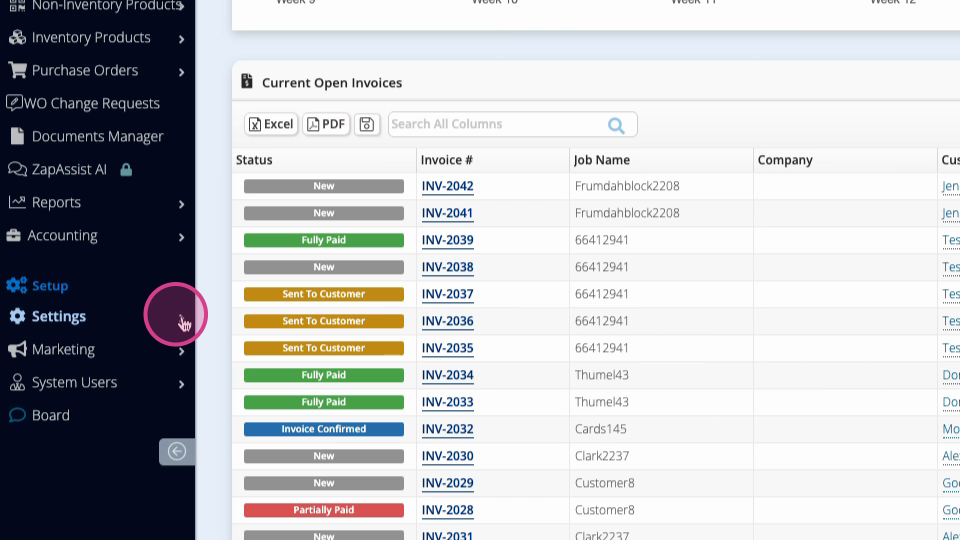
Step 1: Go to Settings in your Global Menu
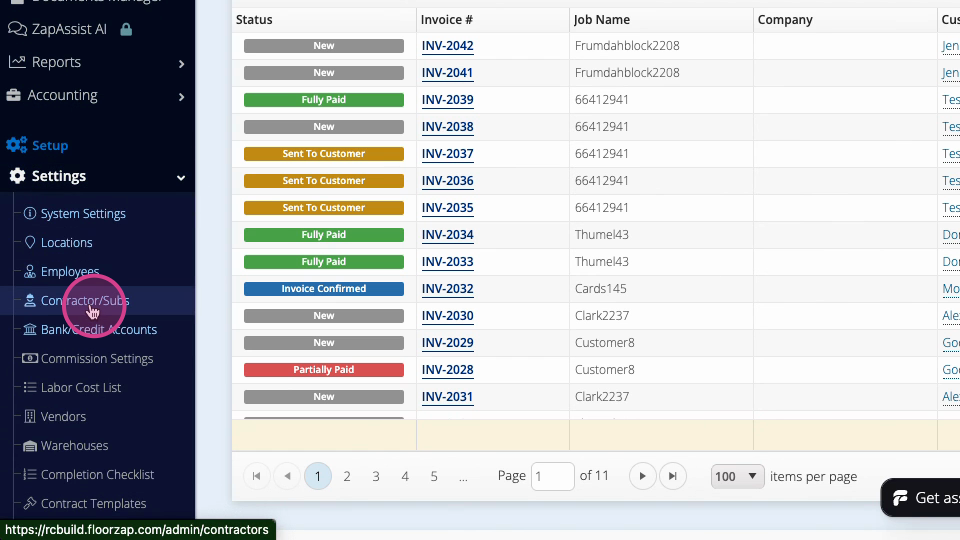
Step 2: Select Contractors and Subs to view your list of contractors.
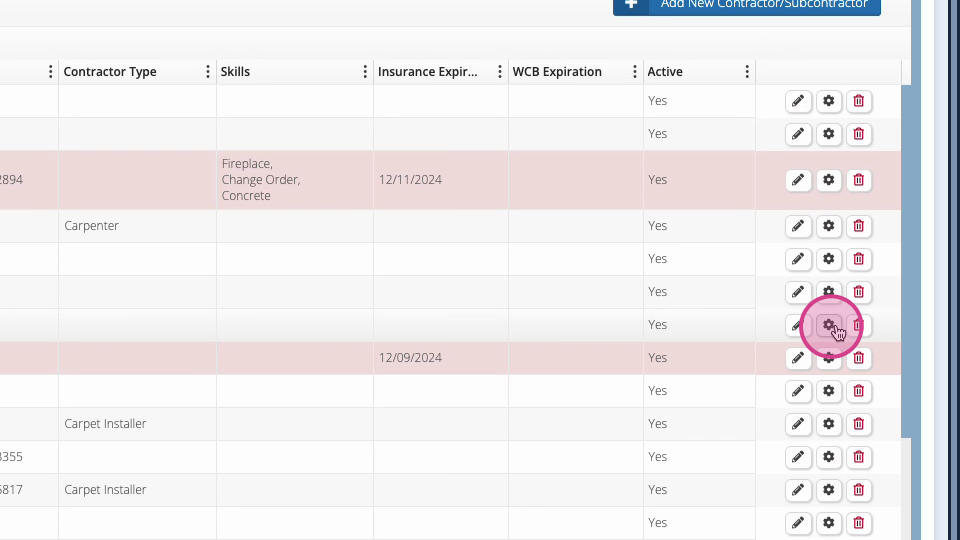
Step 3: Find the contractor who needs a password reset. Scroll to the right of their row and click the gear icon.
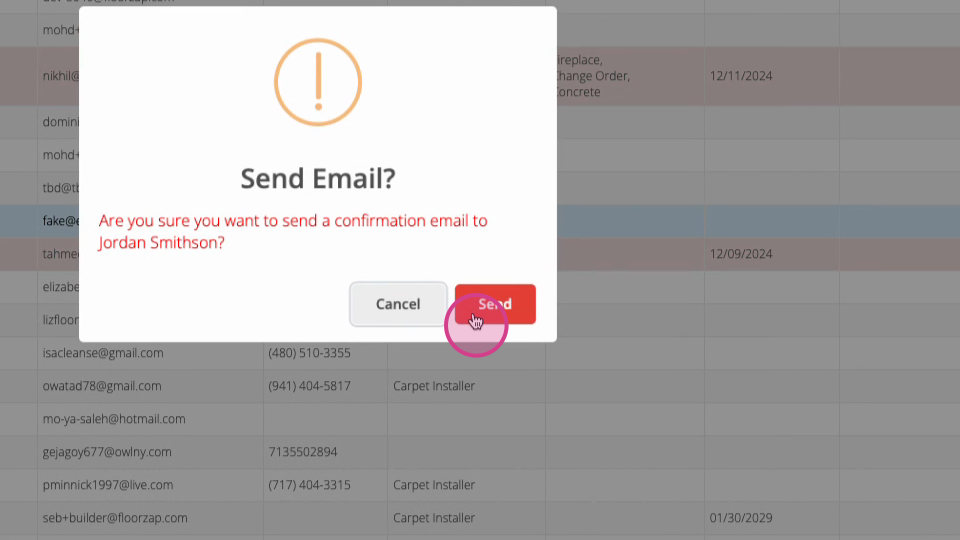
Step 4: In the menu, select Send a Confirmation Email.
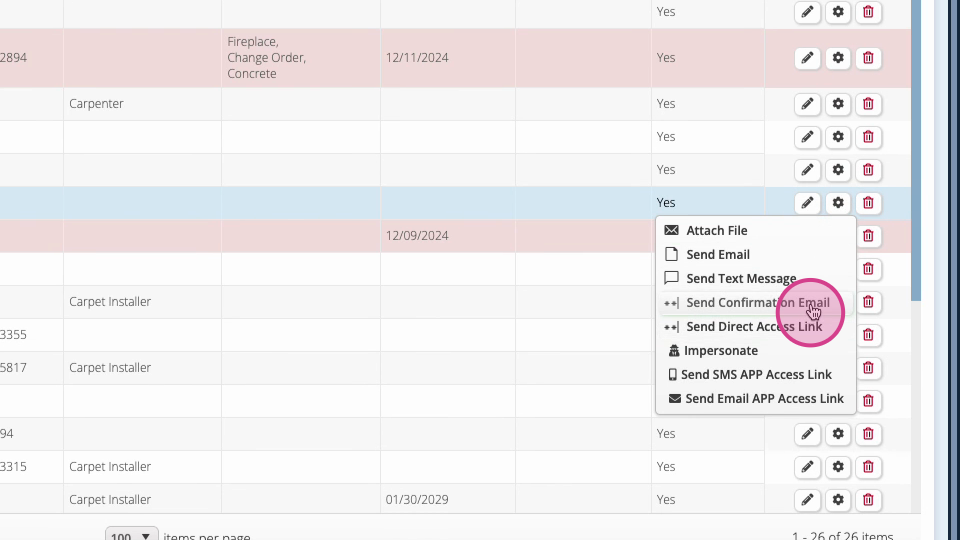
Step 5: The contractor will receive an email prompting them to create a new password for their account.
Sending a confirmation email offers a quick and secure way to reset access for your contractors. This helps keep your team moving and your platform secure.