
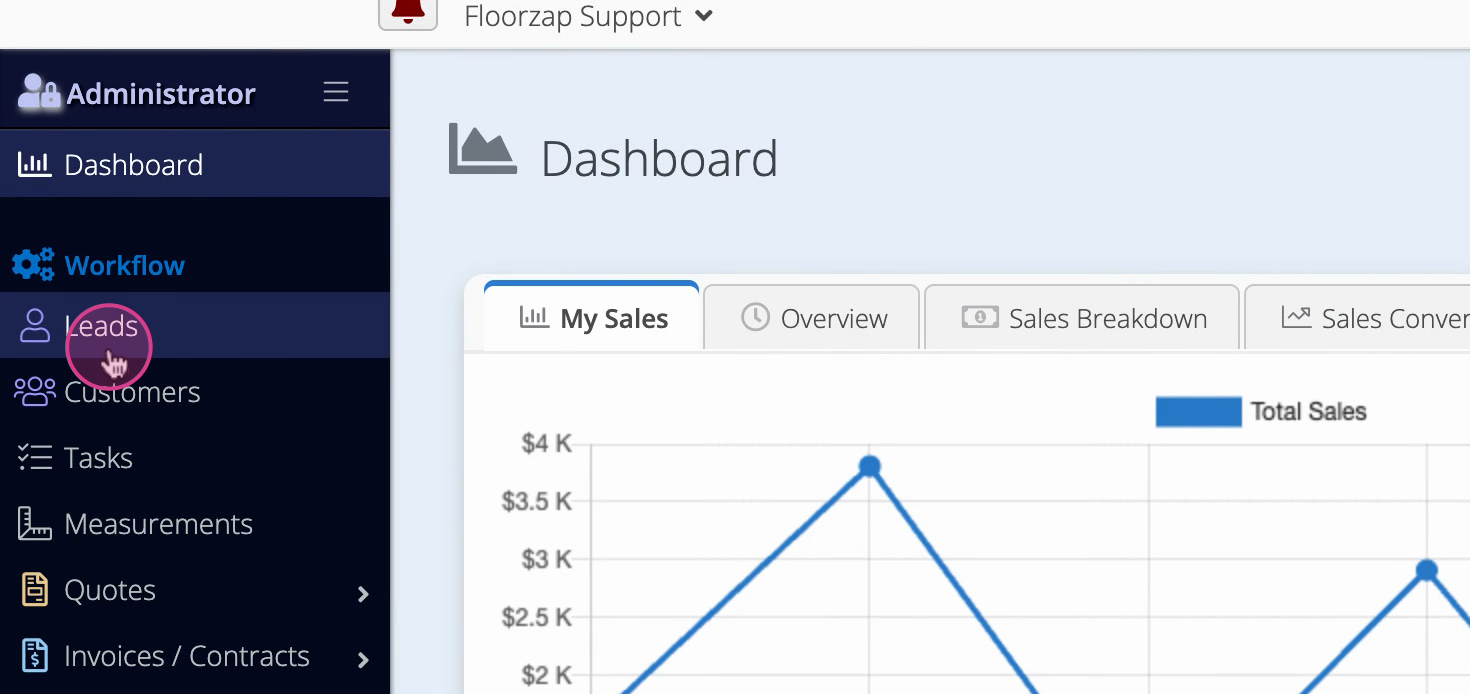
Step 1: From the dashboard, select Leads on the left-hand side.
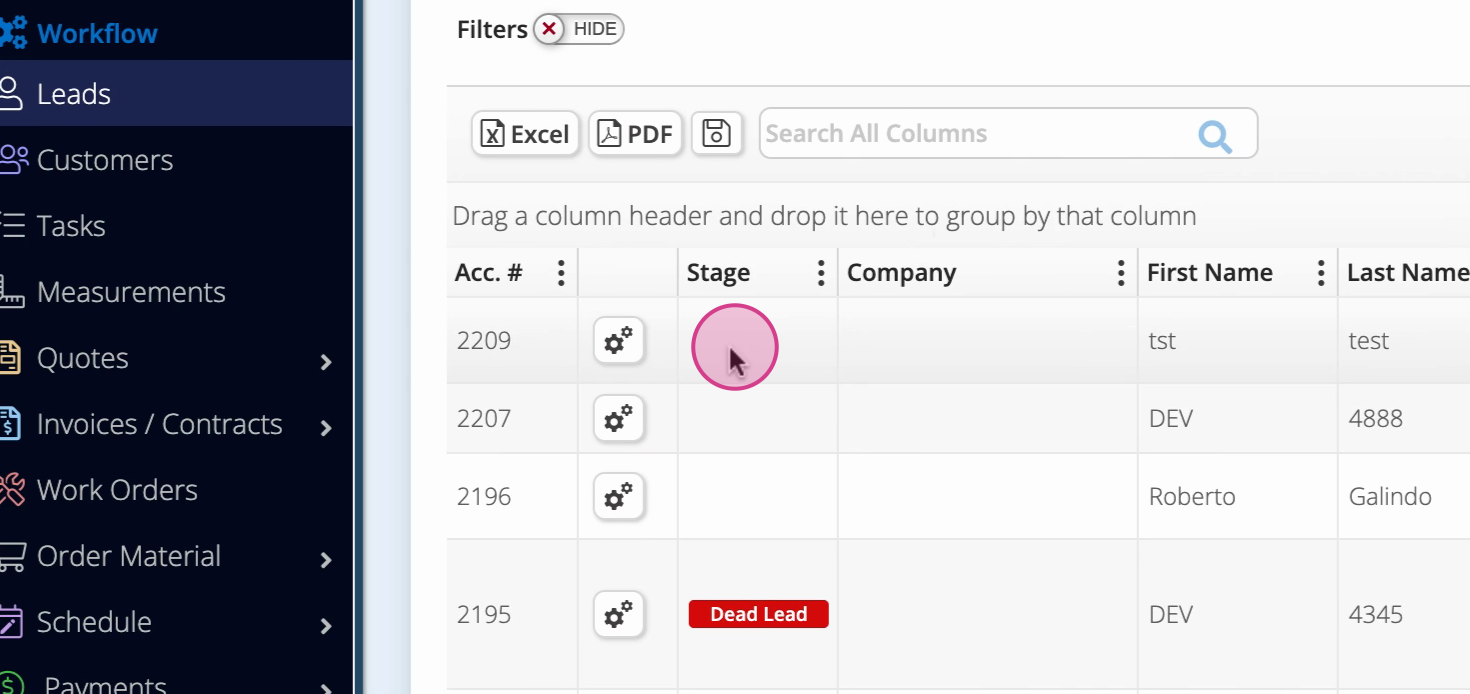
Step 2: Click on a specific lead to open its details.
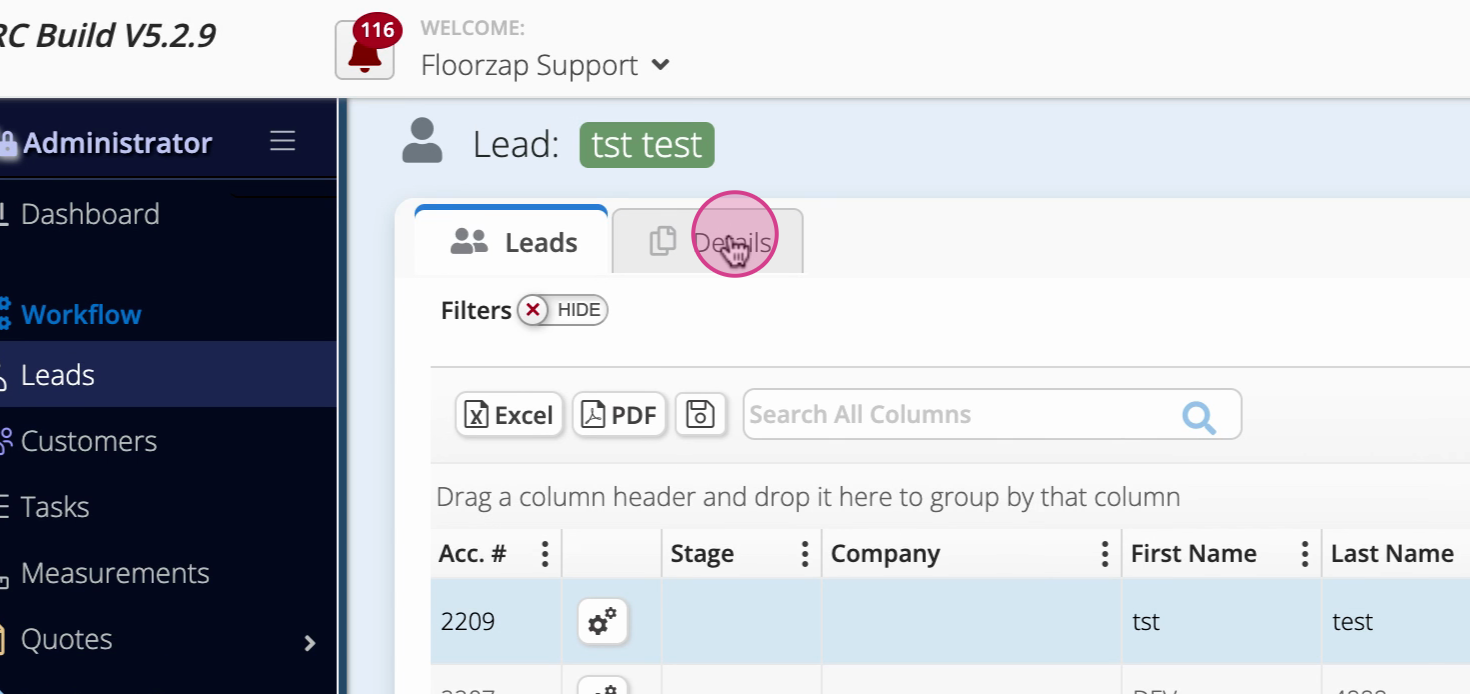
Step 3: Click the Details tab to access all available options.
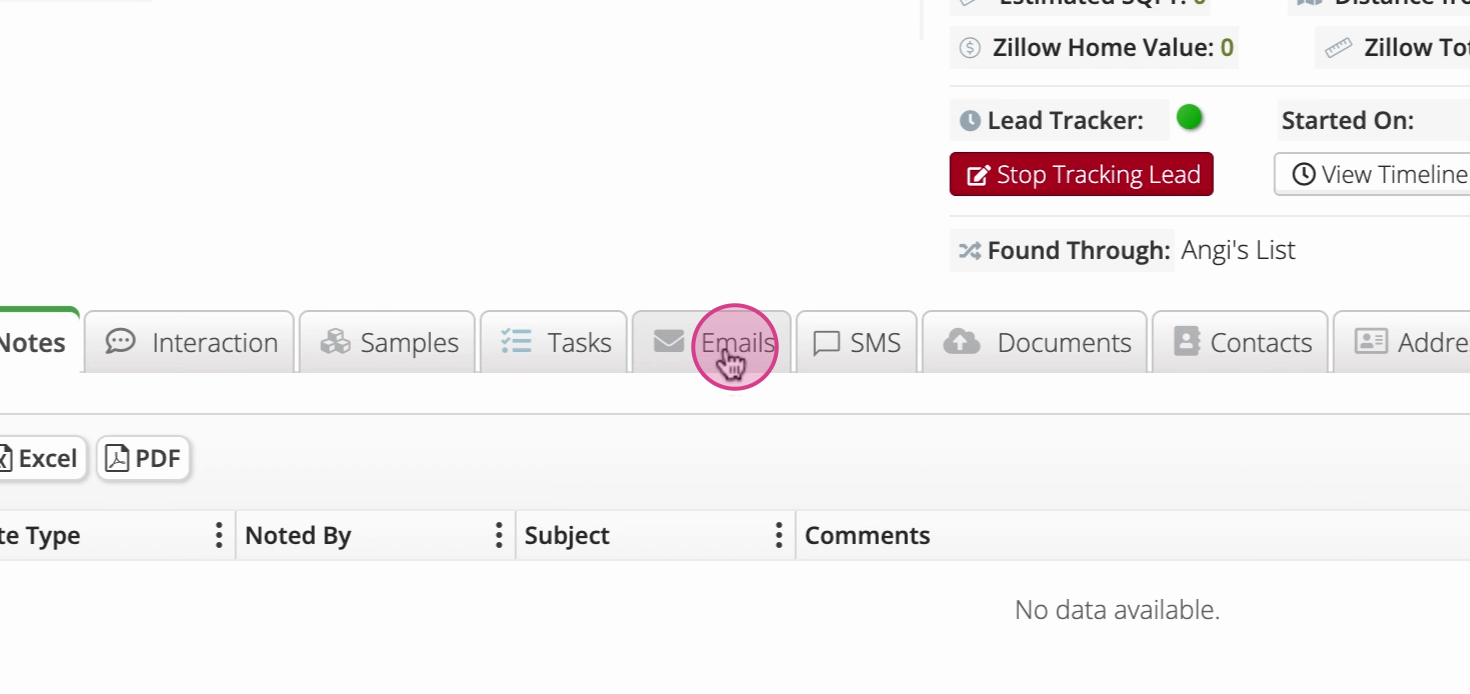
Step 4: Select the Emails tab to view your email options.
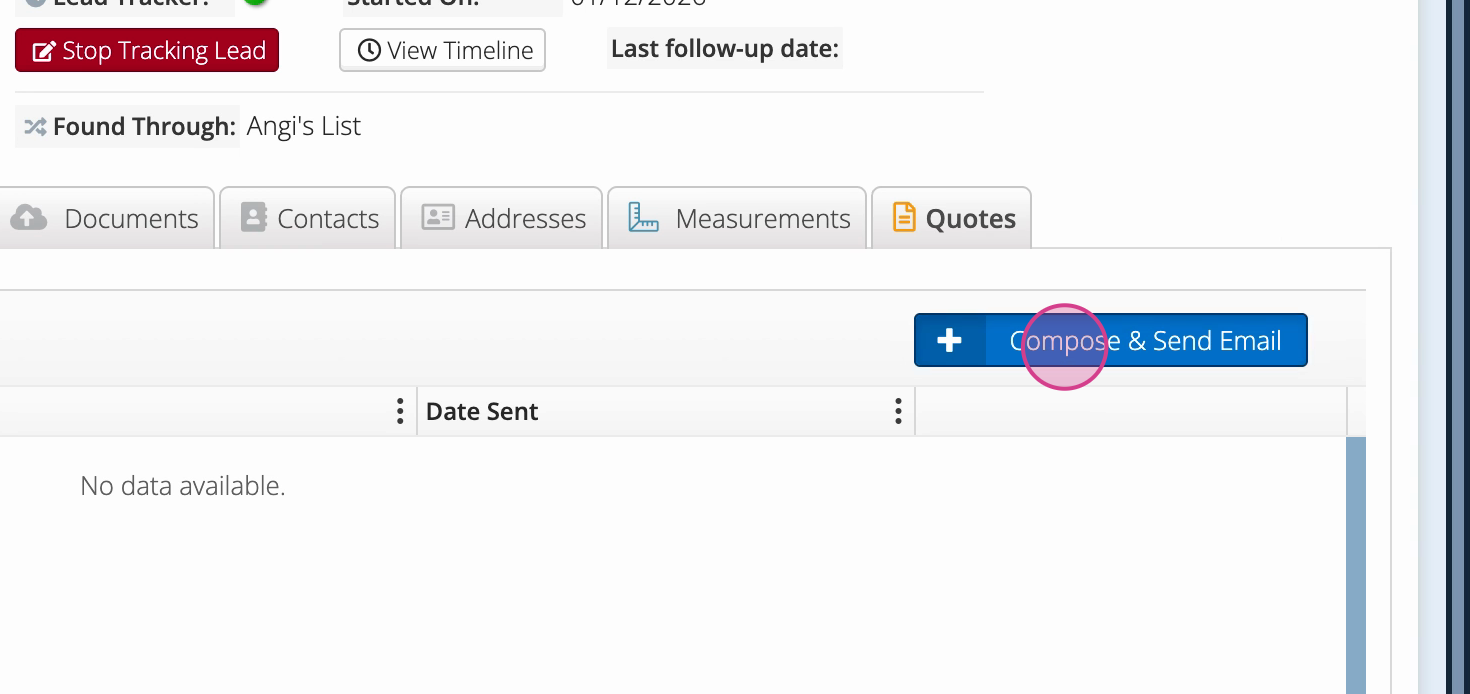
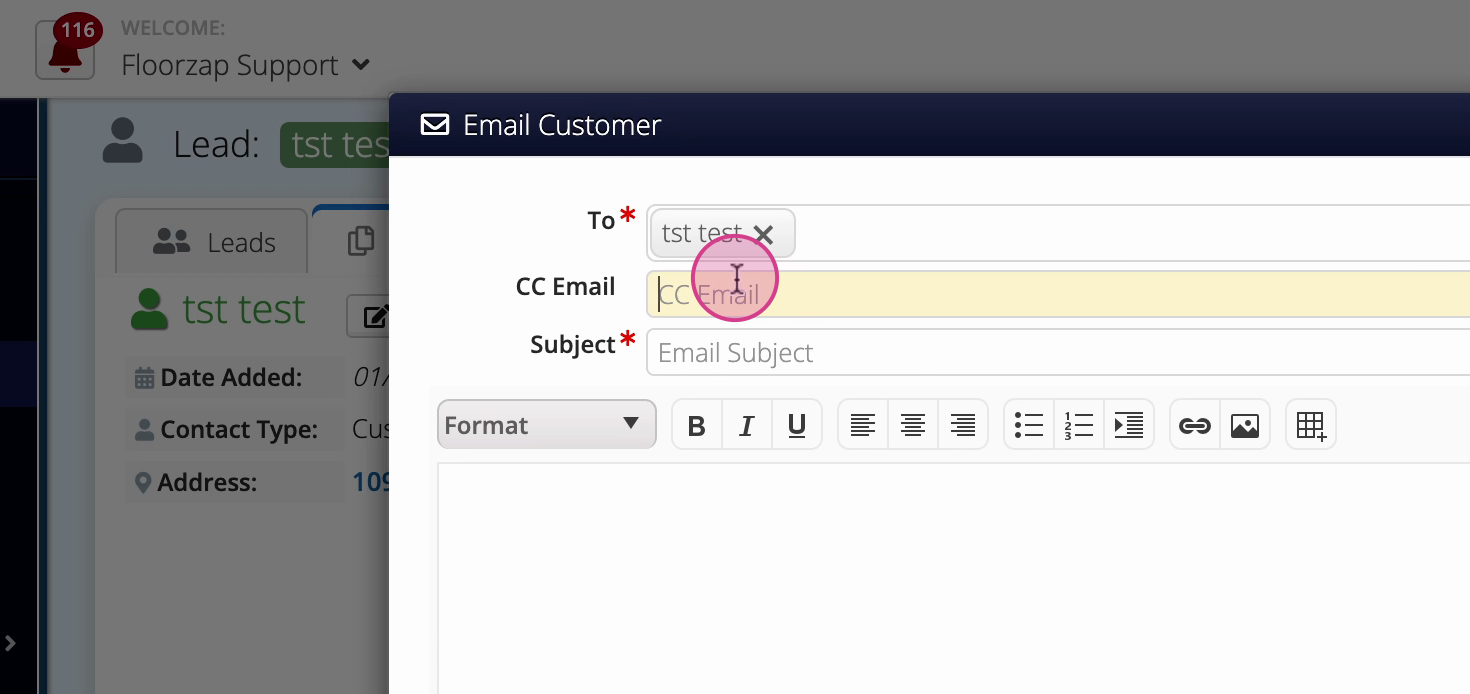
Step 5: Click Compose to write a new email. Add the lead’s email, CC other recipients if needed, and type your message.
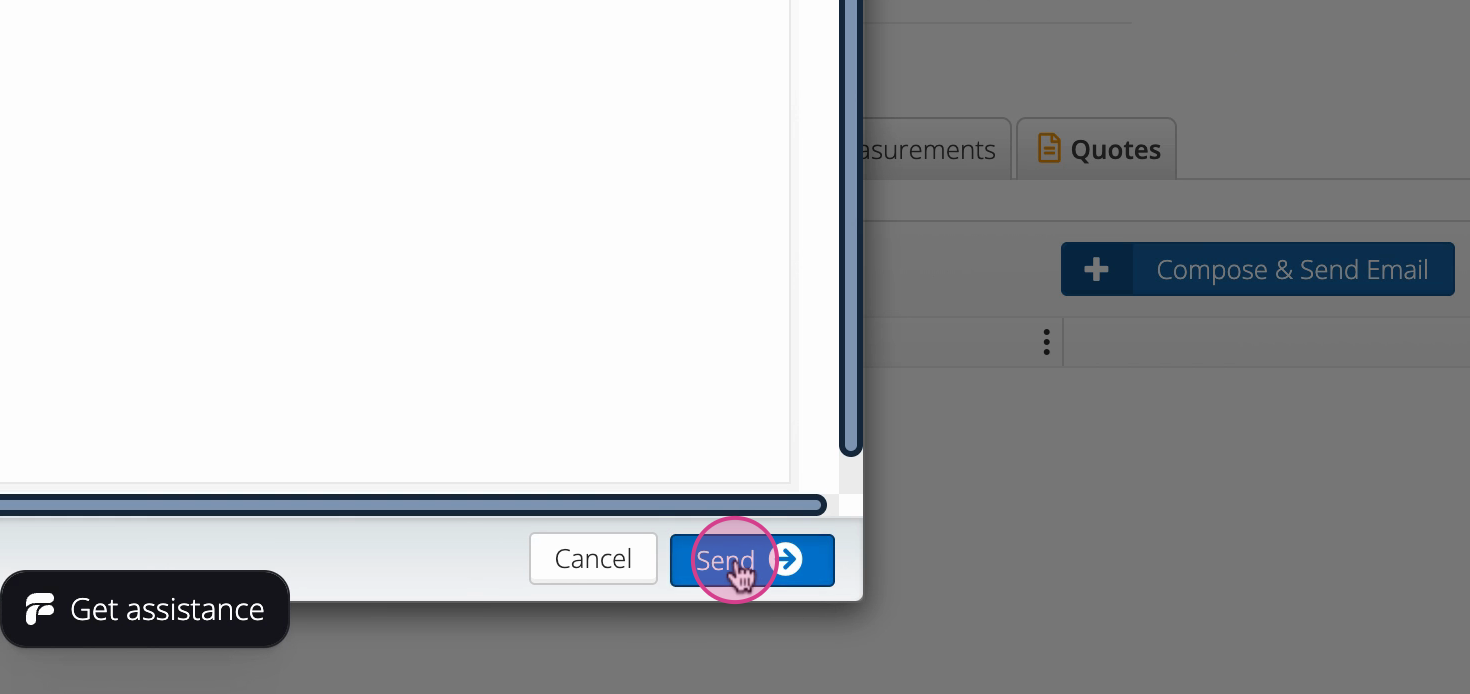
Step 6: Click Send to deliver your email.
Centralizing email communication within each lead ensures you never lose track of conversations. Use this workflow to keep all your correspondence organized and easily accessible.