
Understanding Admin vs. Sales Rep Views for Commission Tracking
Get a clear picture of how admin and sales rep roles experience commission tracking in your account. Viewing permissions differ, so it’s important to know what information each role can access and manage.
The Commission Summary box in FloorZap is designed to protect commission privacy — salespeople can only see their own commission details, while admins and managers have full visibility across all jobs. This behavior is intentional and controlled by both the user's role and the Settings > User Permissions toggle.
Outline: Who sees the Commission Summary and when → How the Settings > User Permissions master switch works → Difference between Salesperson, Manager, and Admin view → How to give a salesperson broader visibility (role change).
Step 1: Log in with an admin role to view commission details for all jobs.
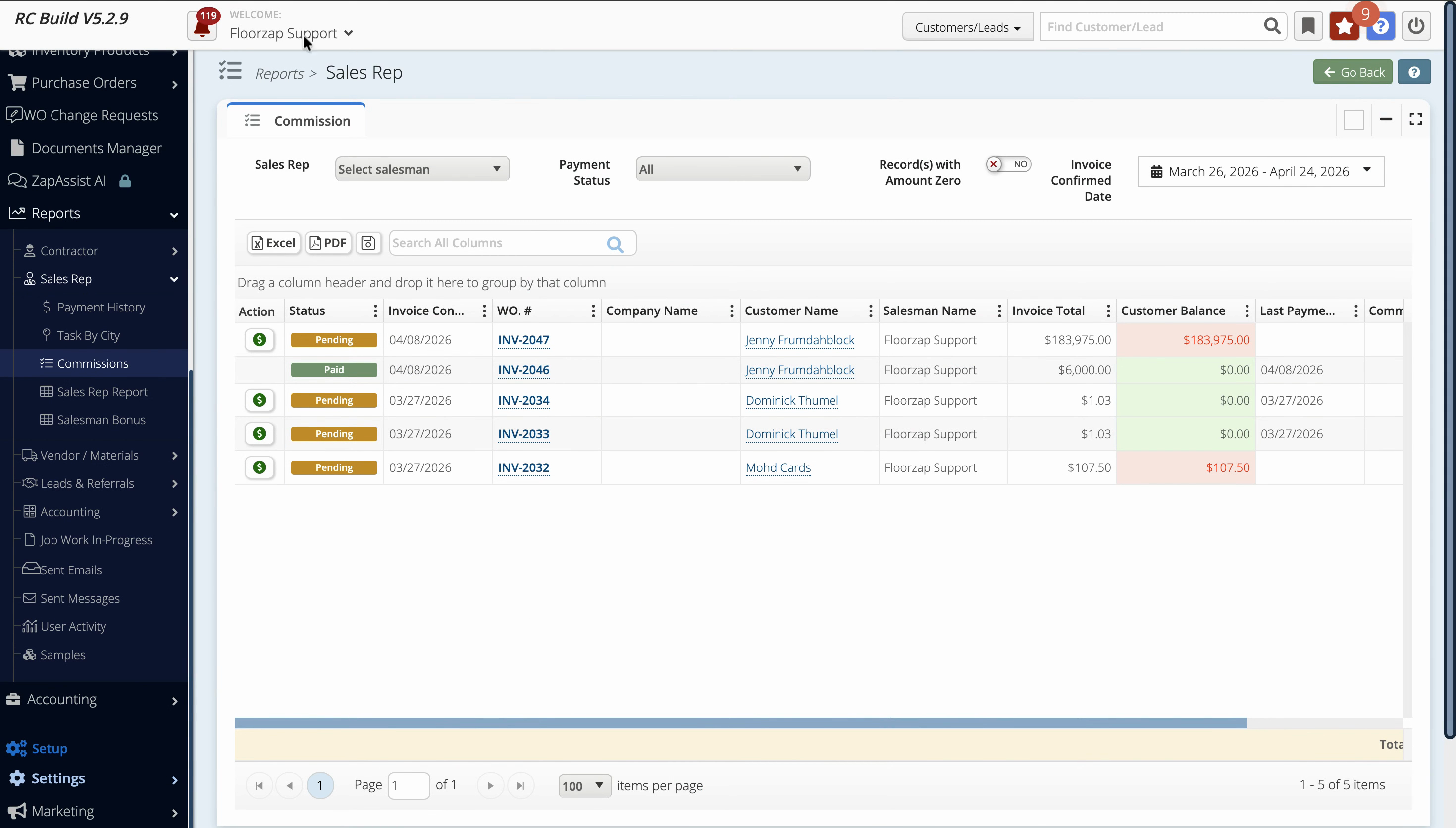
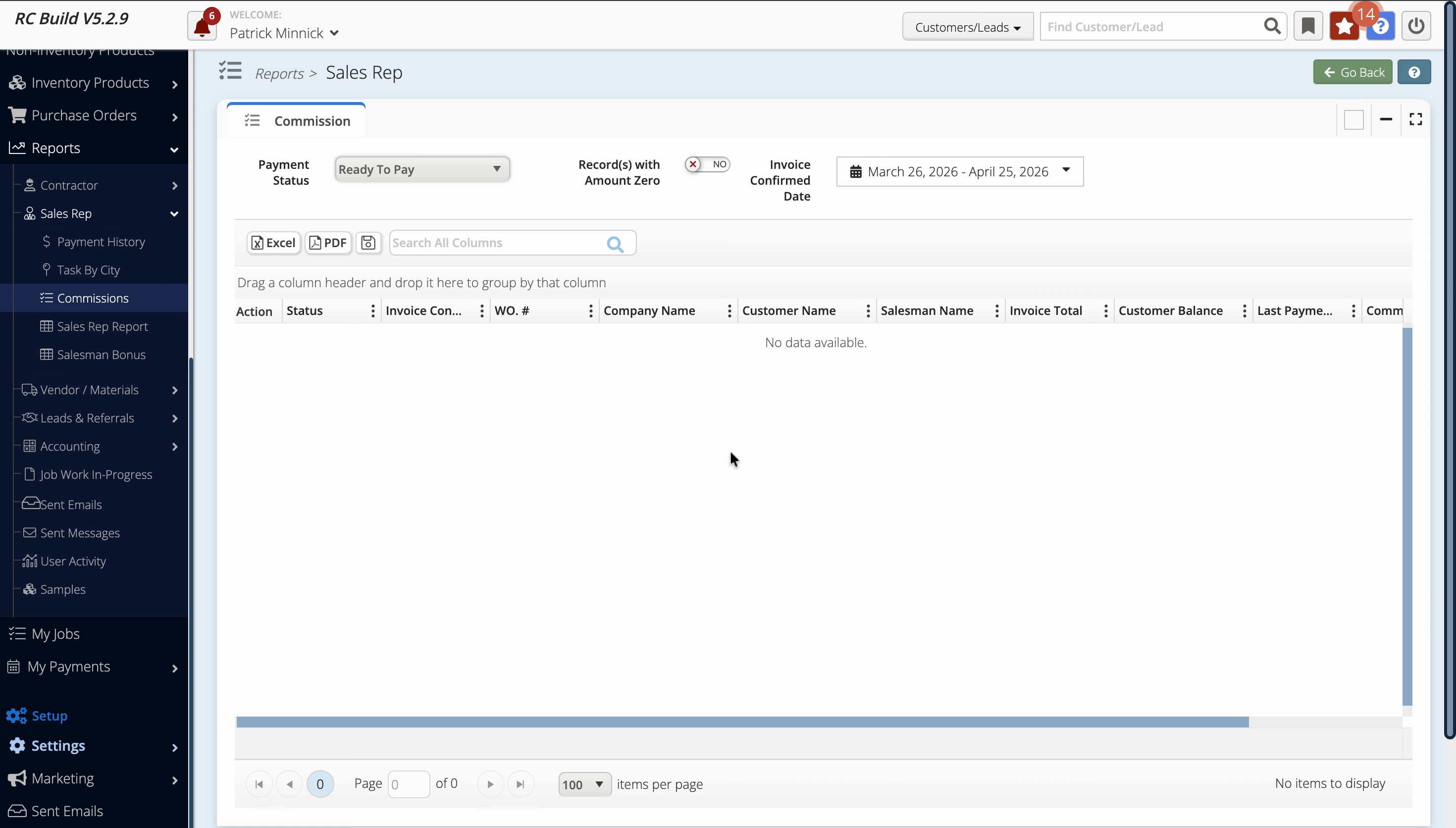
Step 2: On the commissions page, review the breakdown showing invoice totals, customer balances, and commission balances for each job.
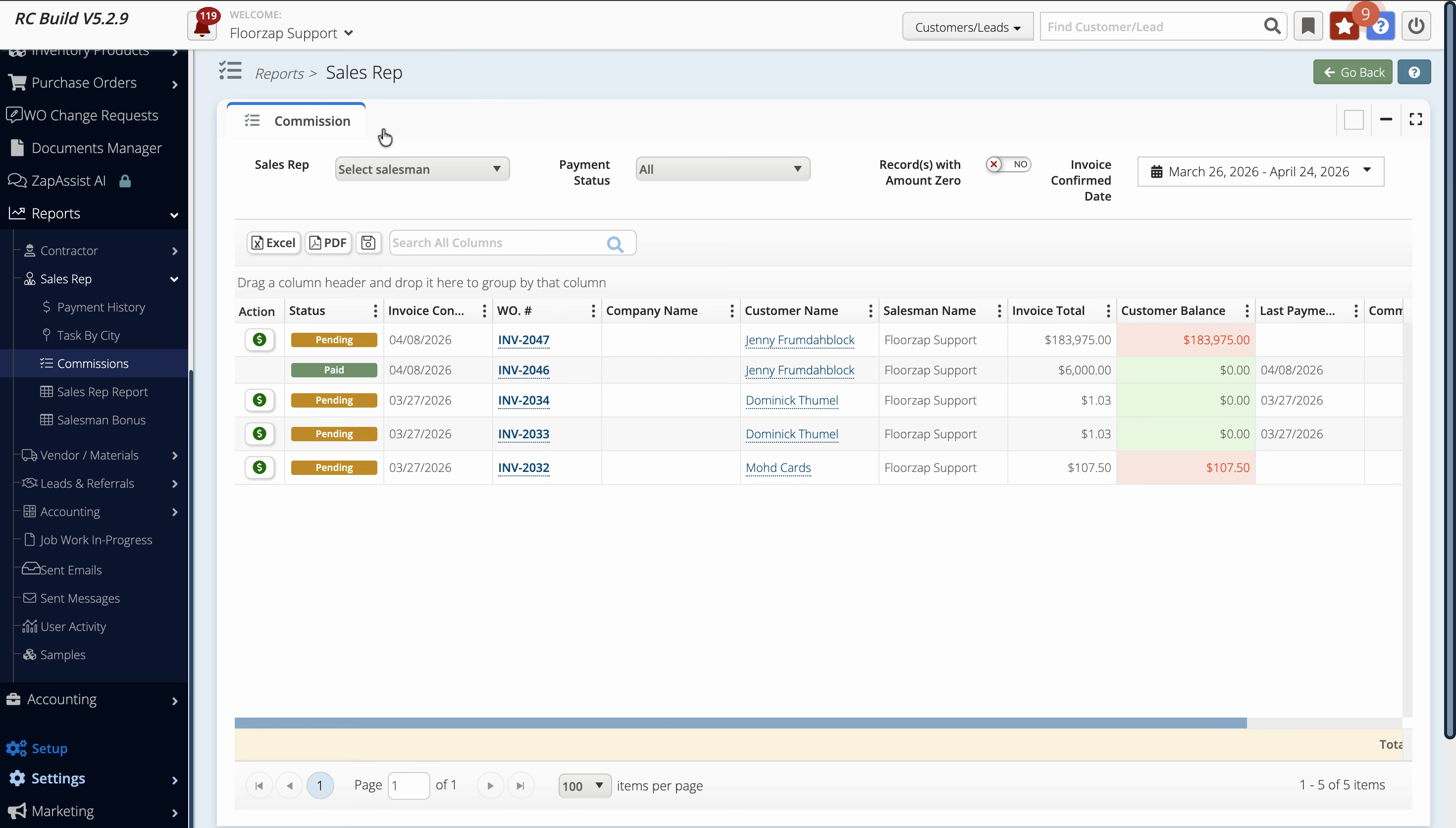
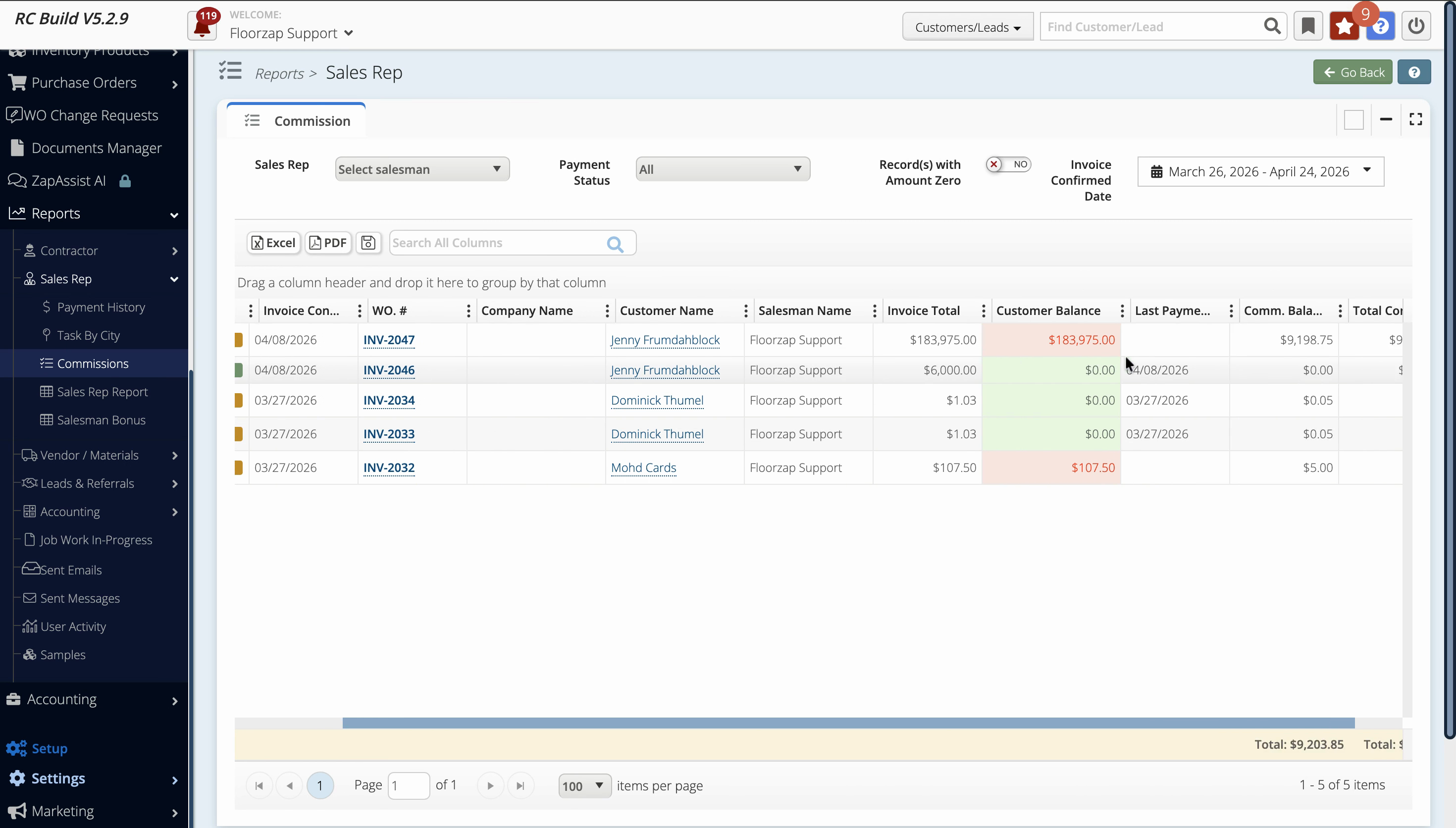
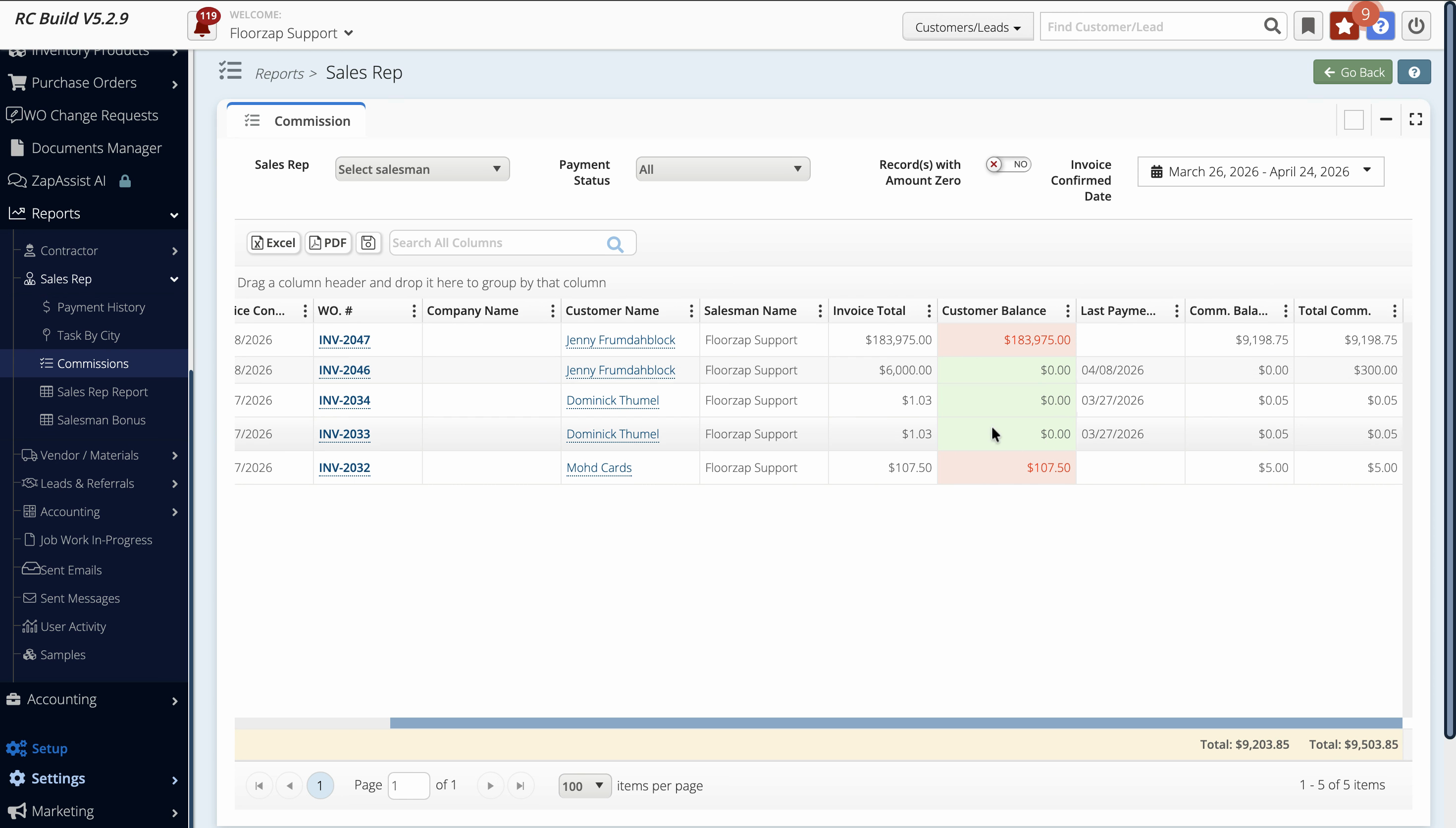
Step 3: Check the Action column to confirm payment status, such as Paid.
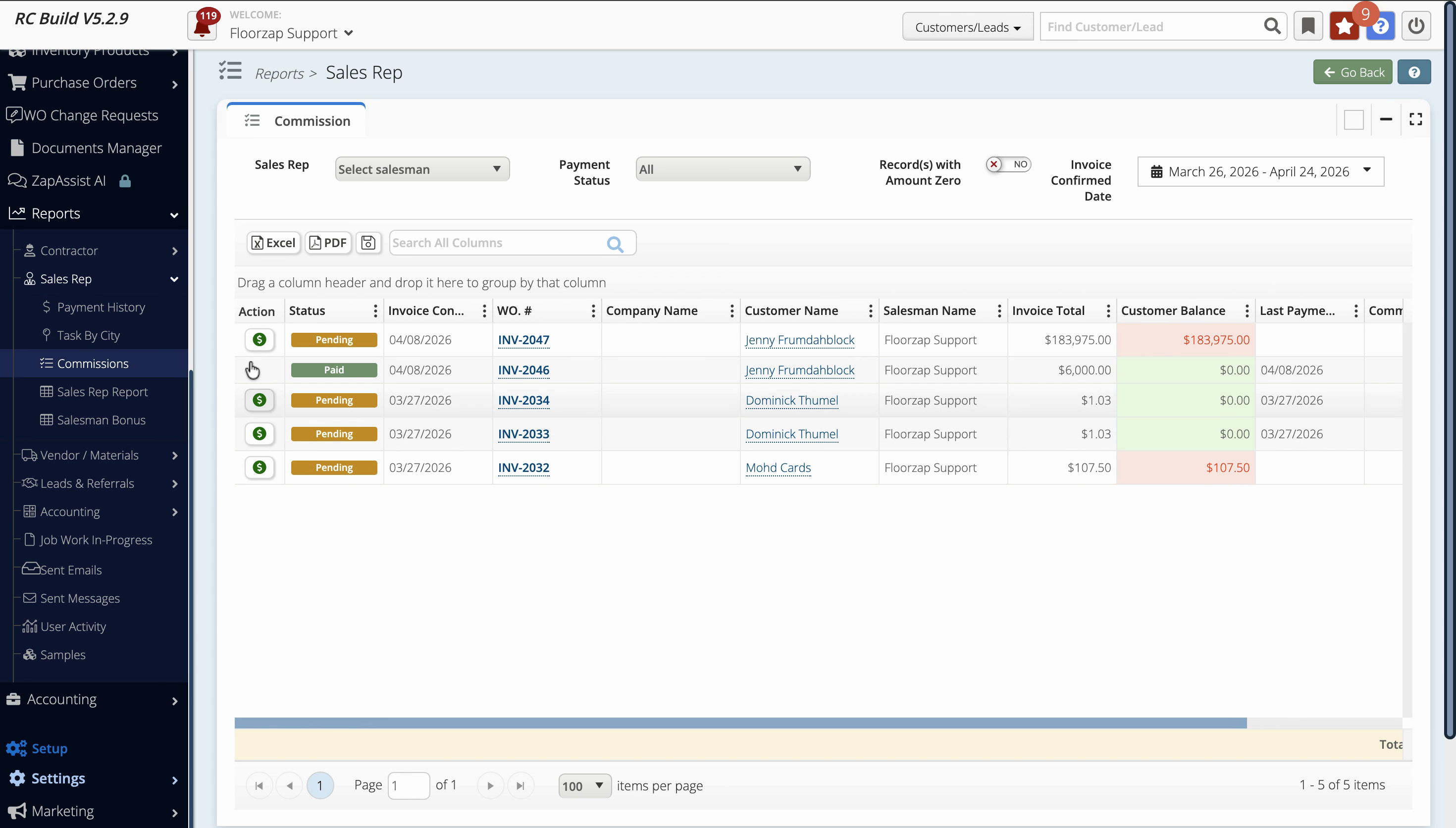
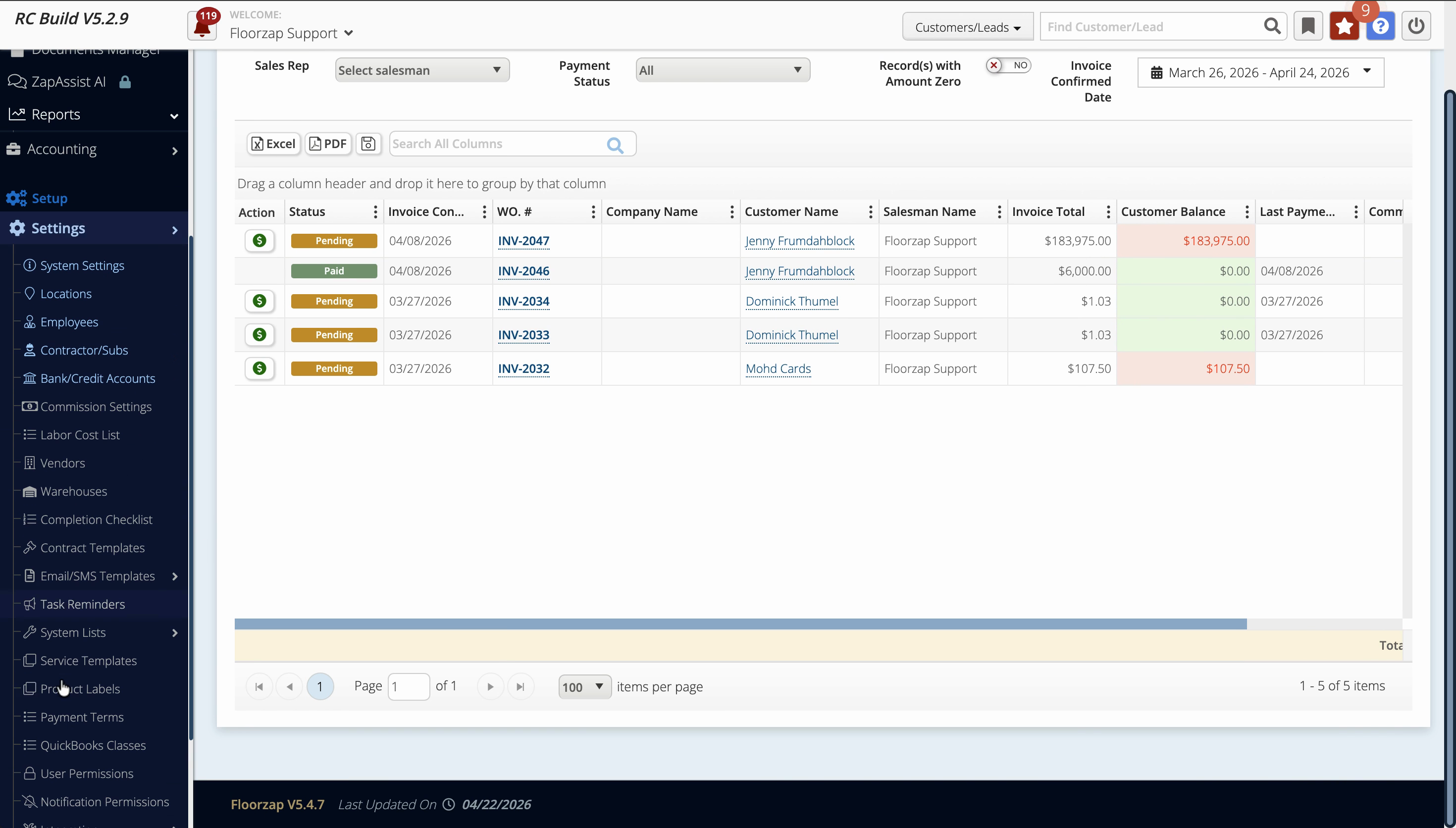
Step 4: To see how a sales rep’s view differs, go to Settings.
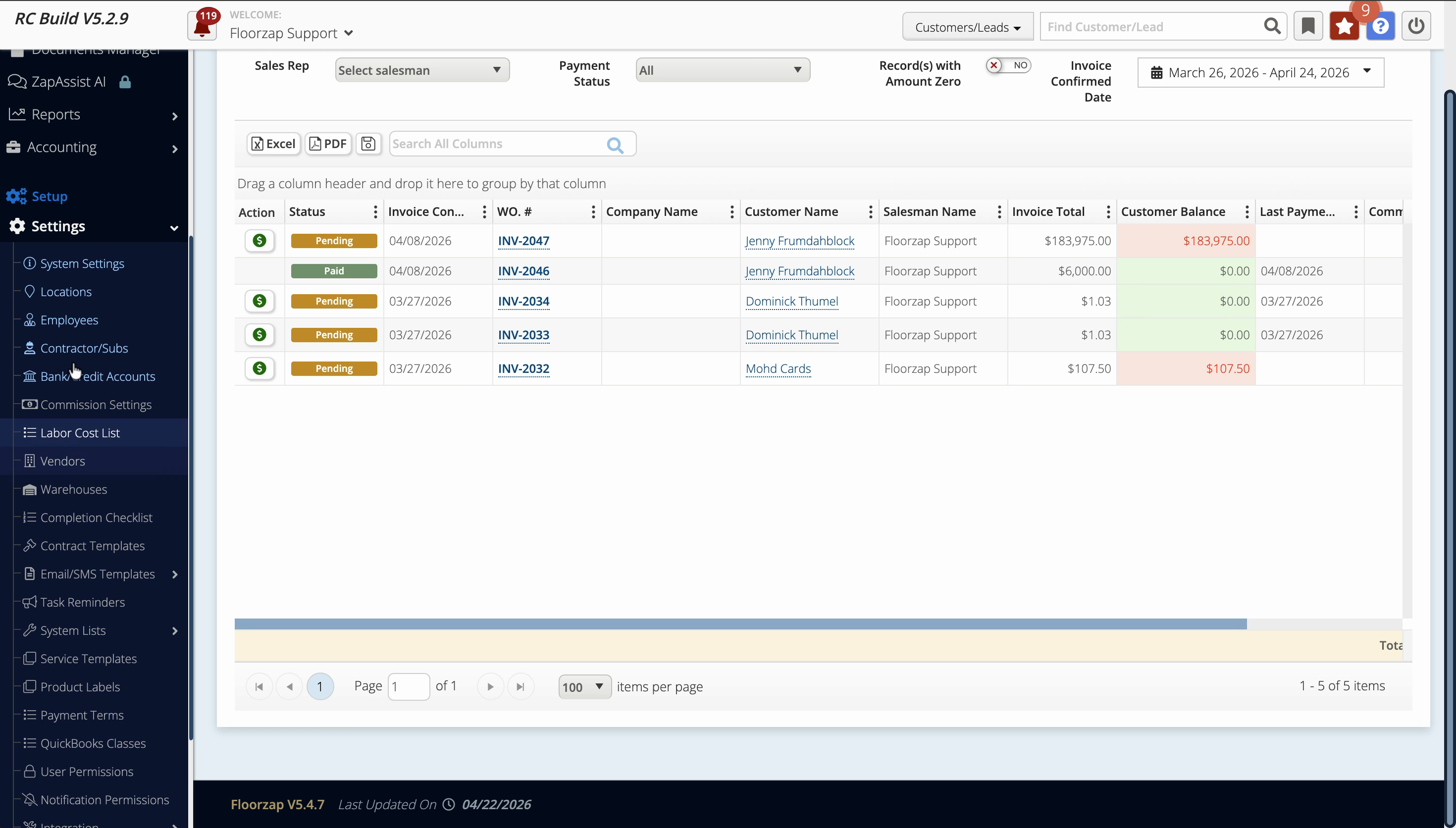
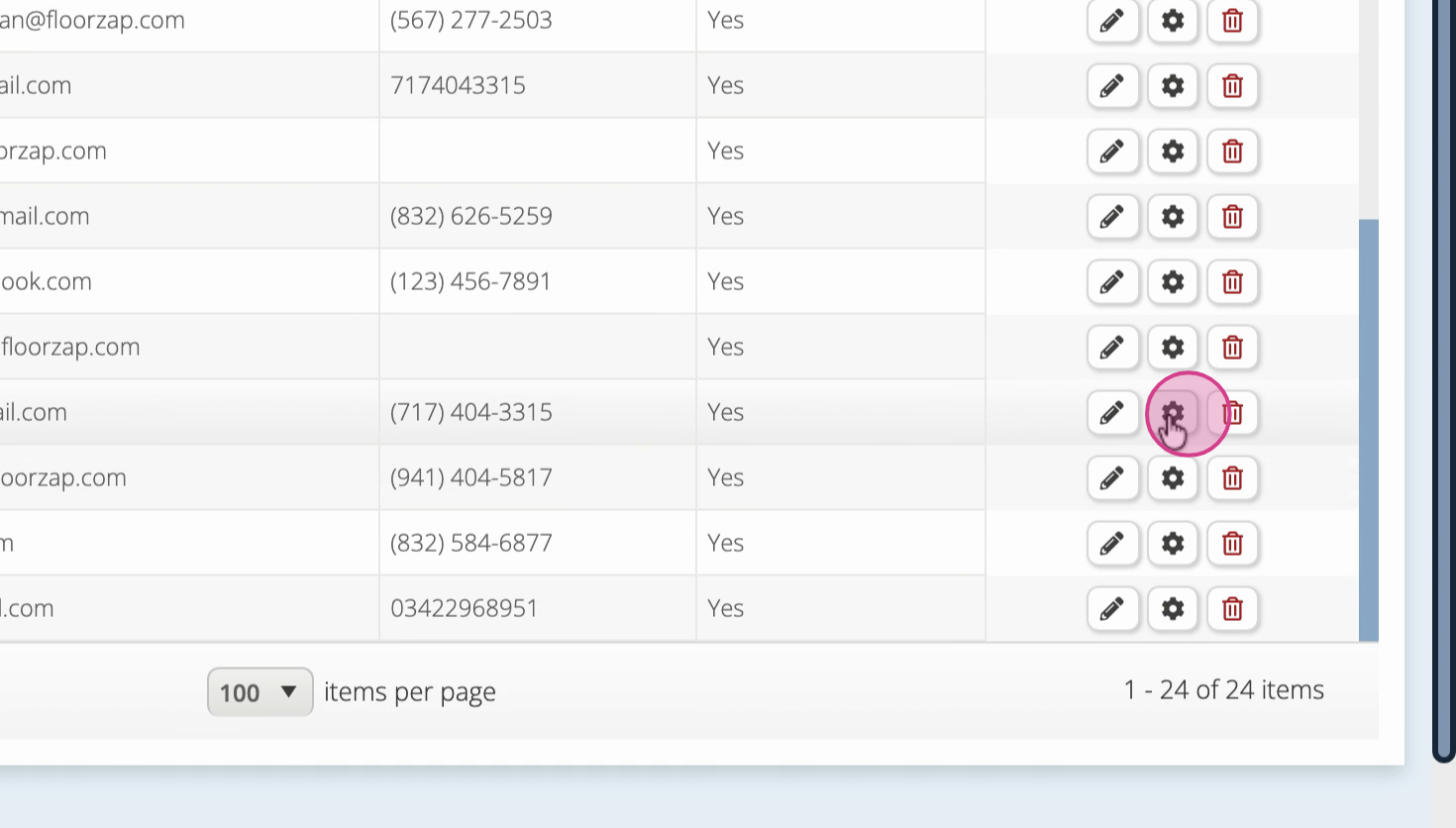
Step 5: Select Employees and choose a sales rep to impersonate.
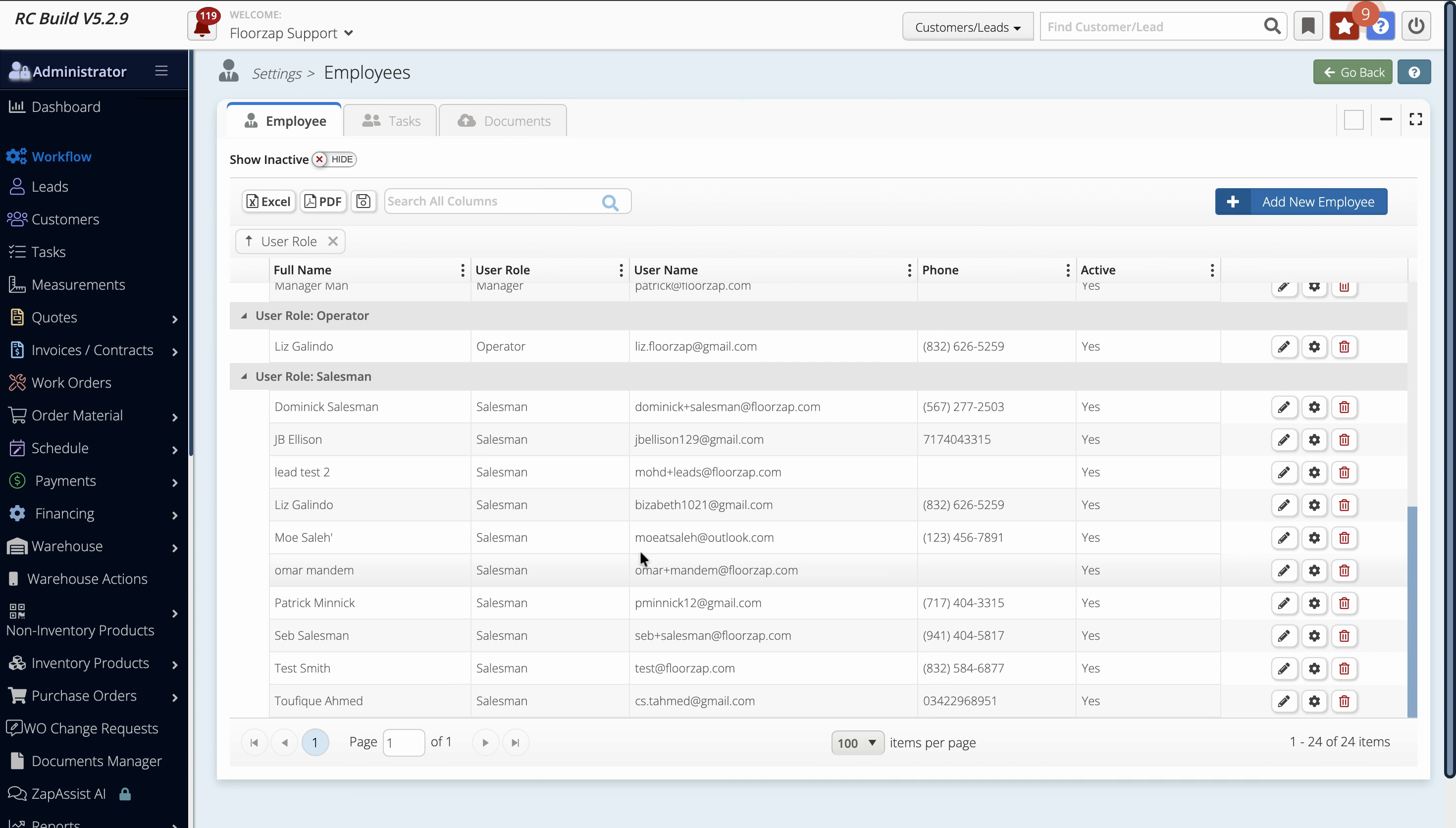
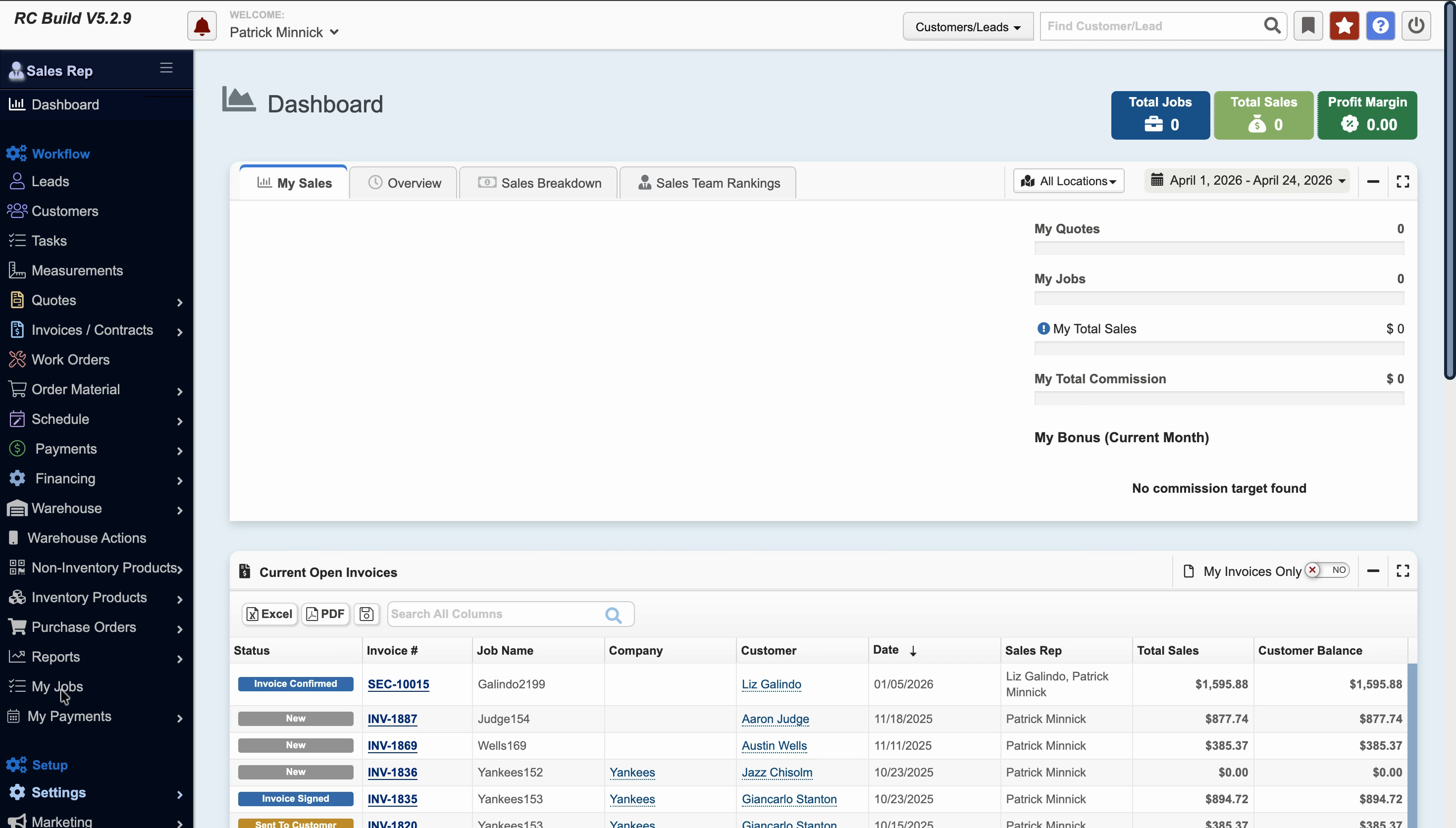
Step 6: Once impersonating, navigate to the My Jobs page. The commissions page displays only what’s relevant to that sales rep.
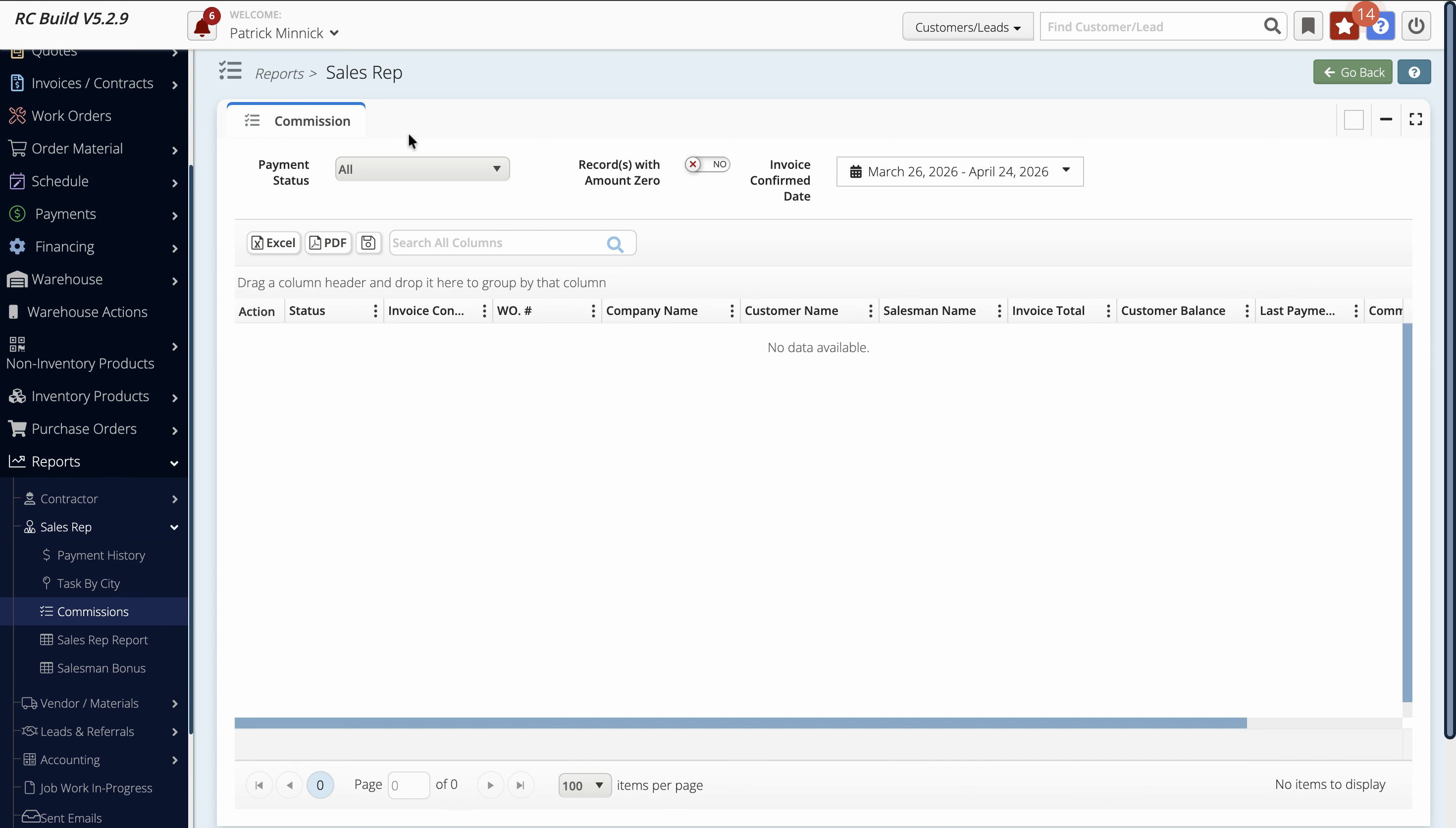
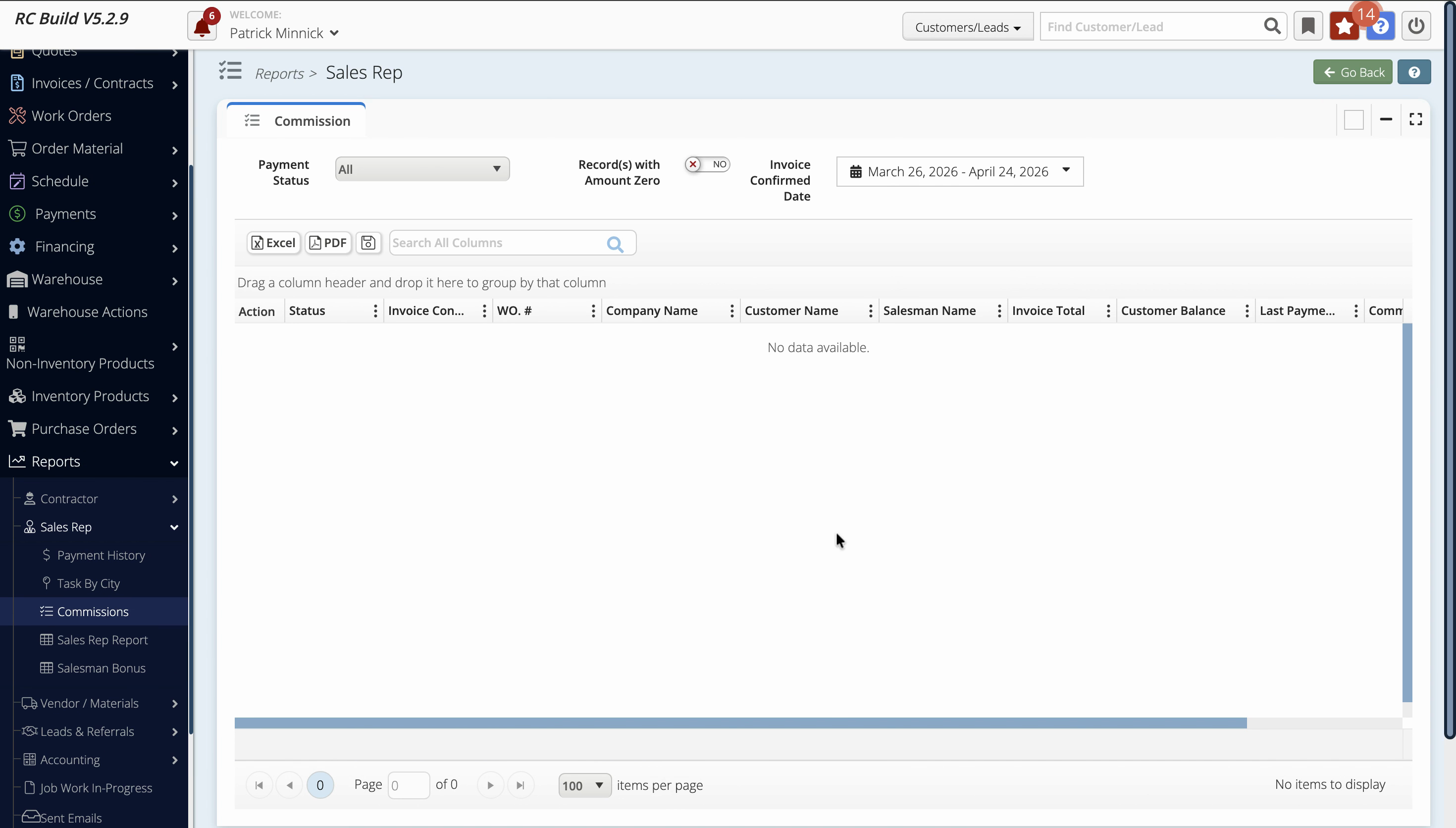
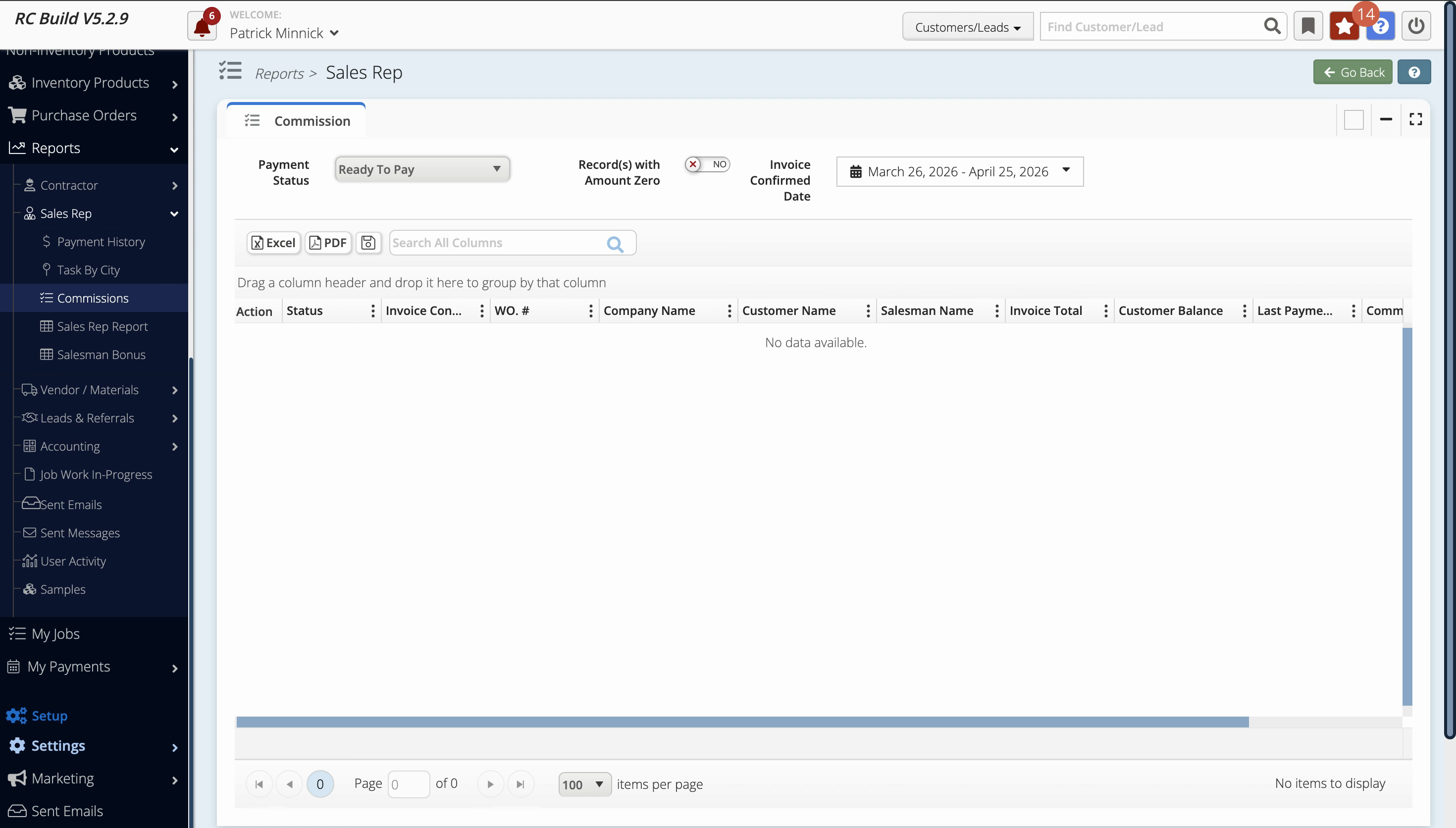
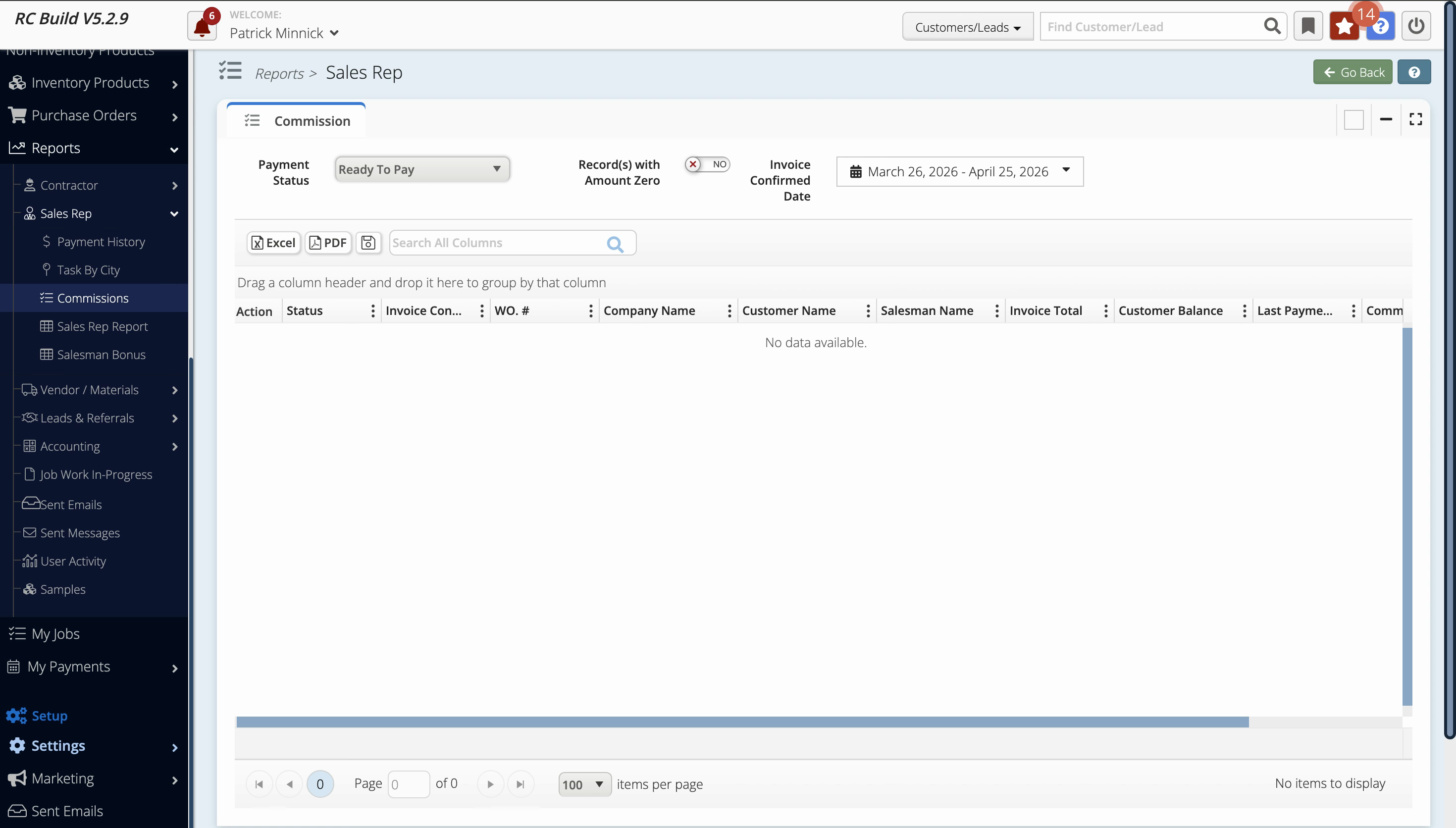
Step 7: Notice that if the sales rep isn’t assigned to any jobs, no commissions will be displayed. The payment status may show values like Paid, Ready to Pay, or Pending Adjustments.
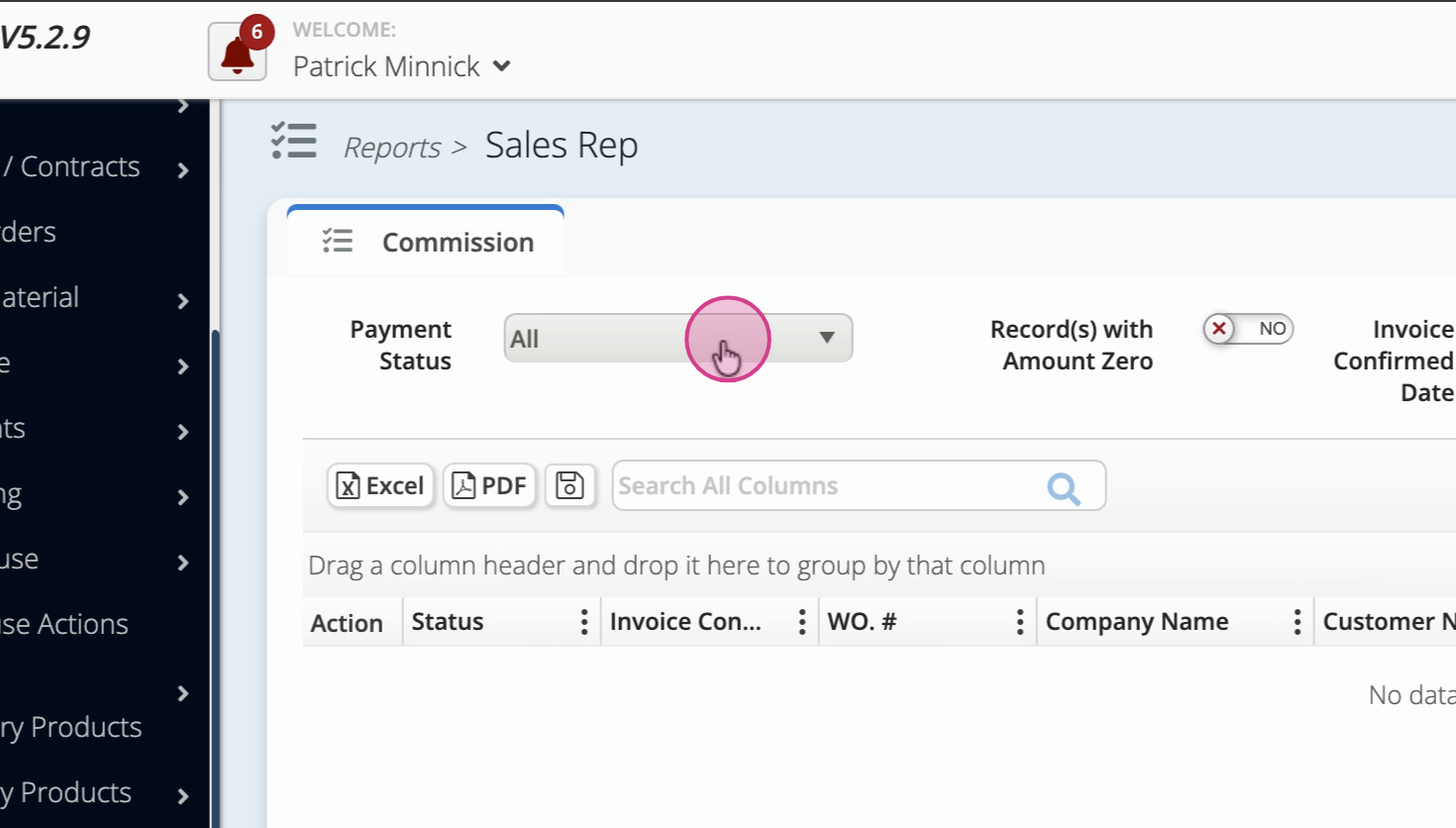
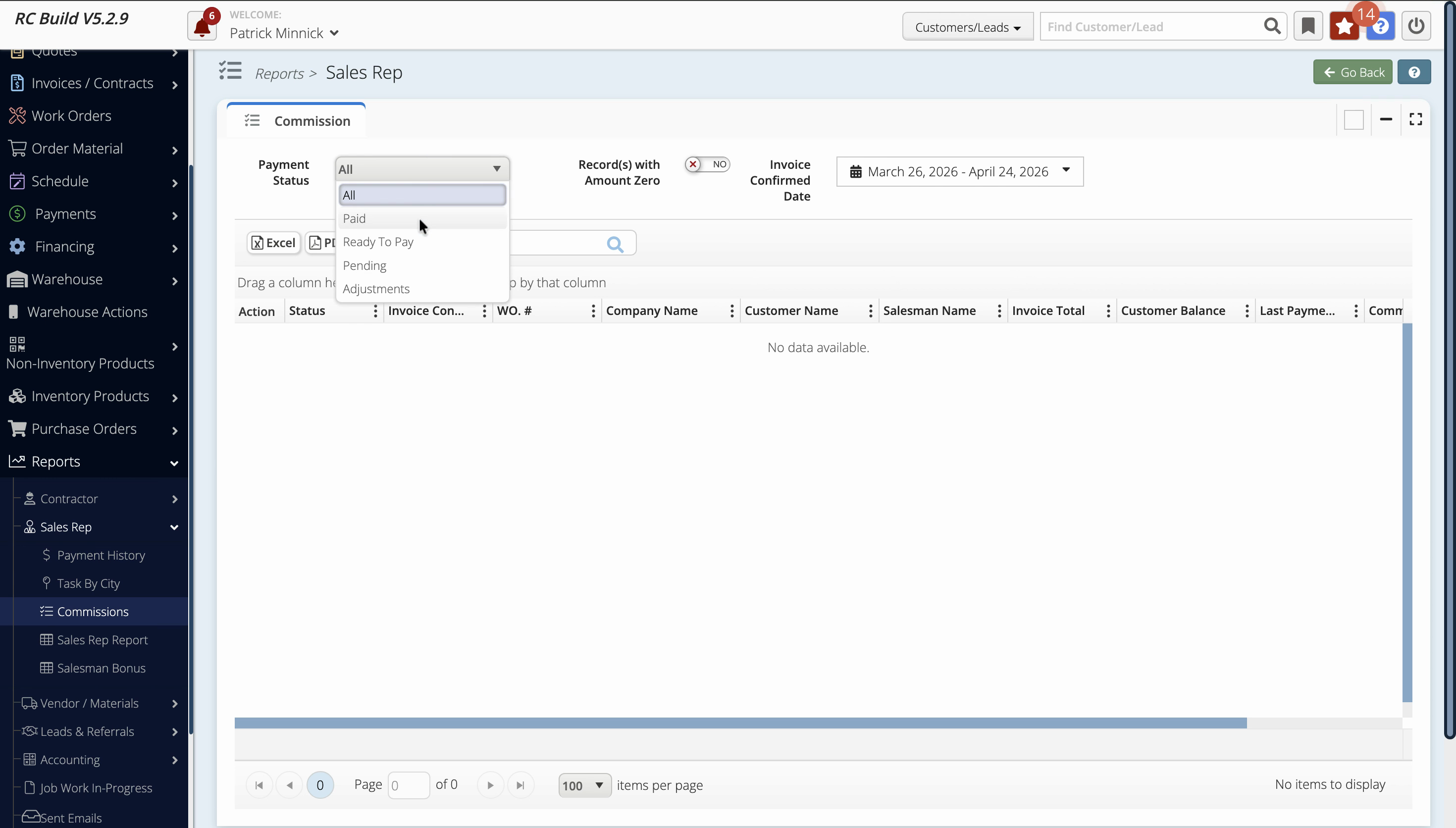
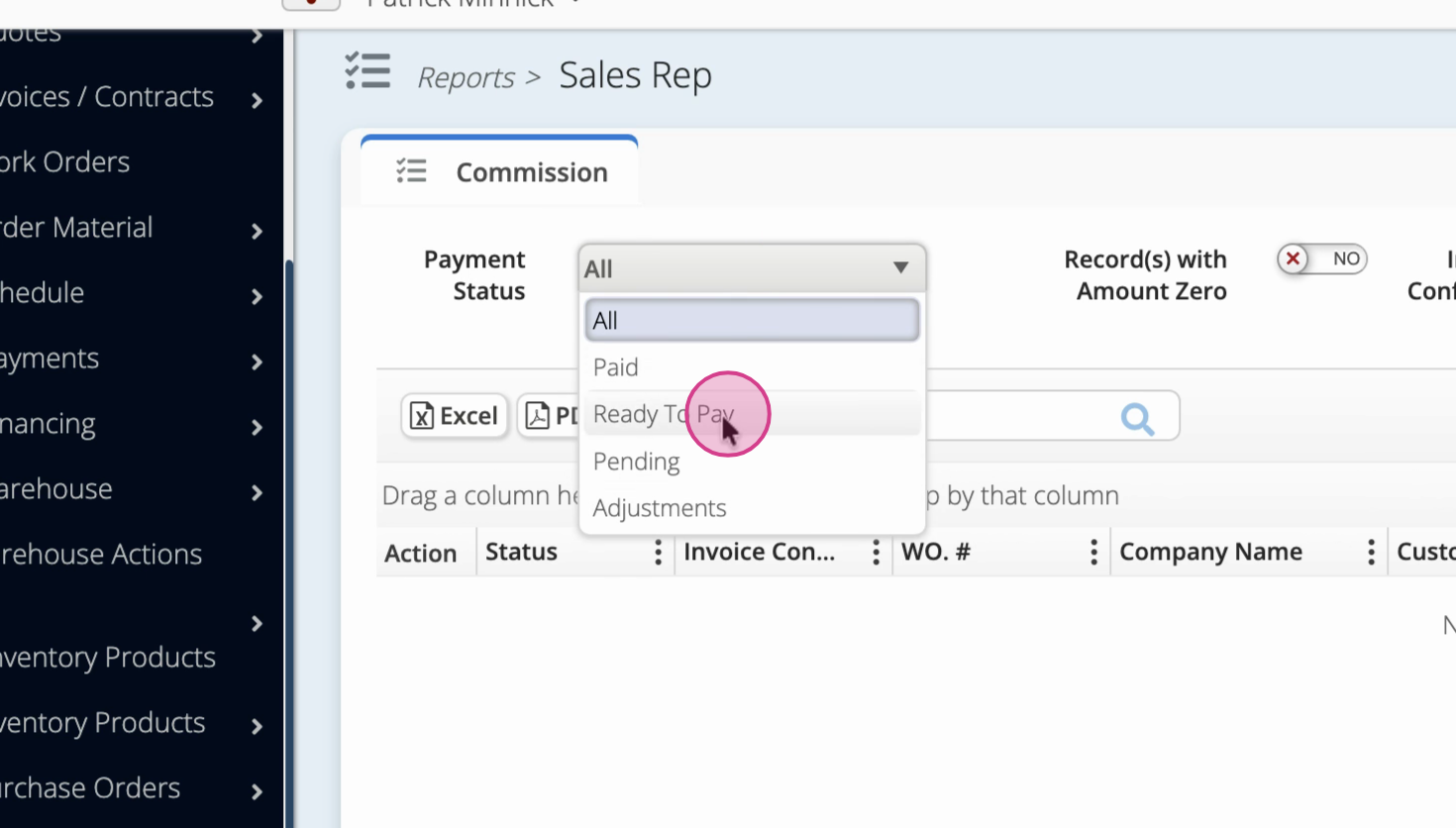
Step 8: As an admin, you can always see all line items and payment information. Sales reps, however, see only their own assigned jobs and earnable commissions.
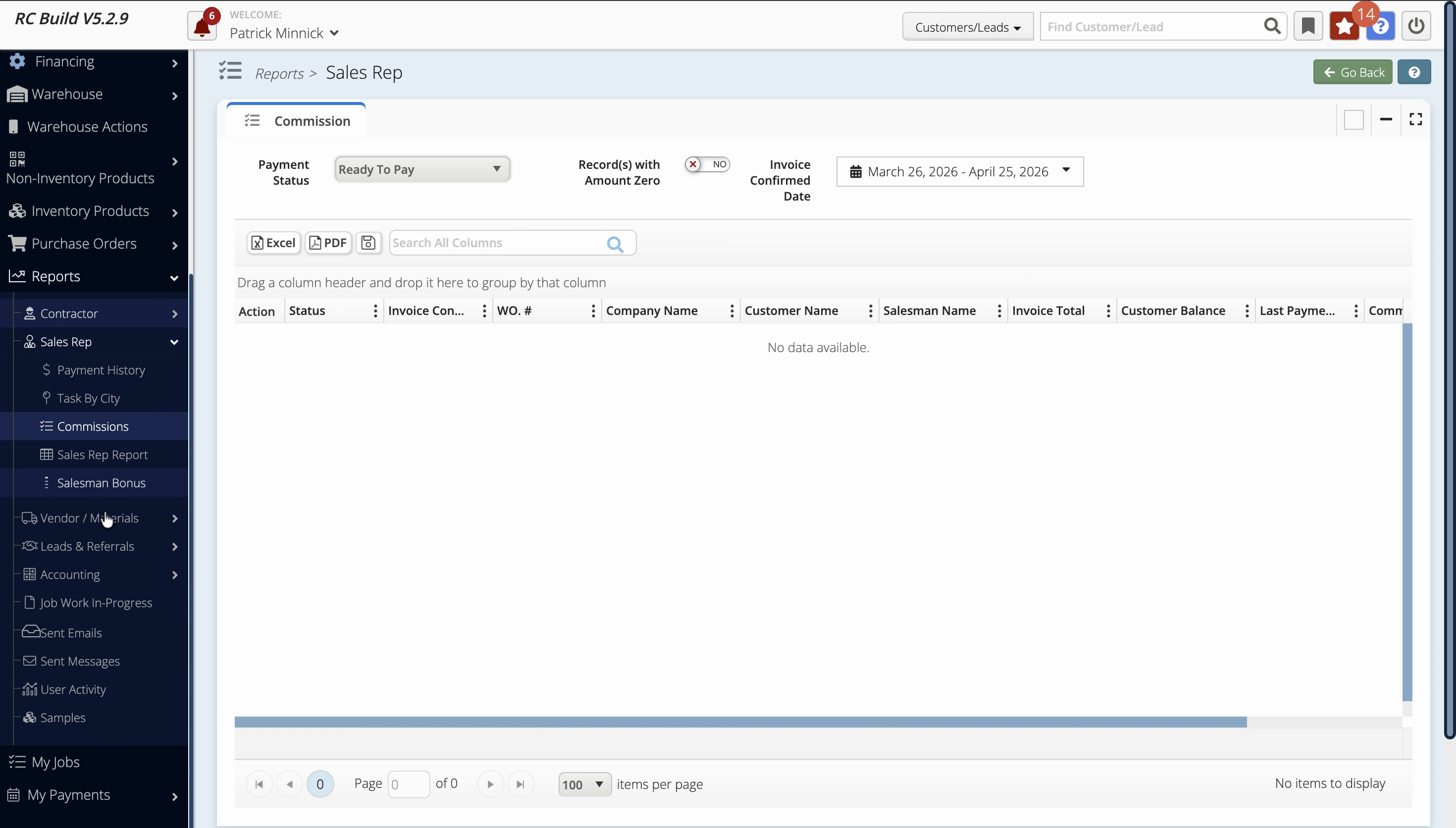
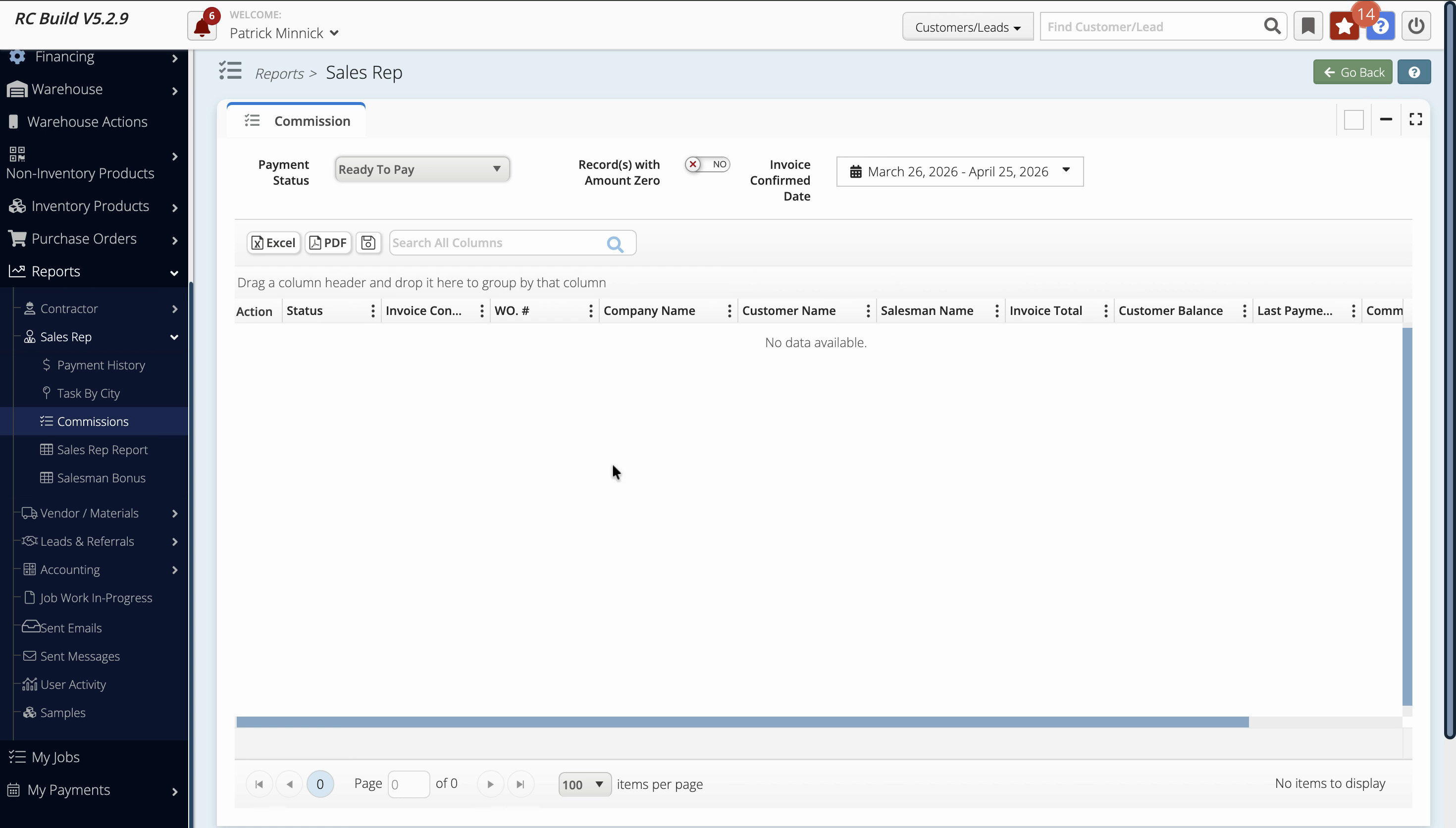
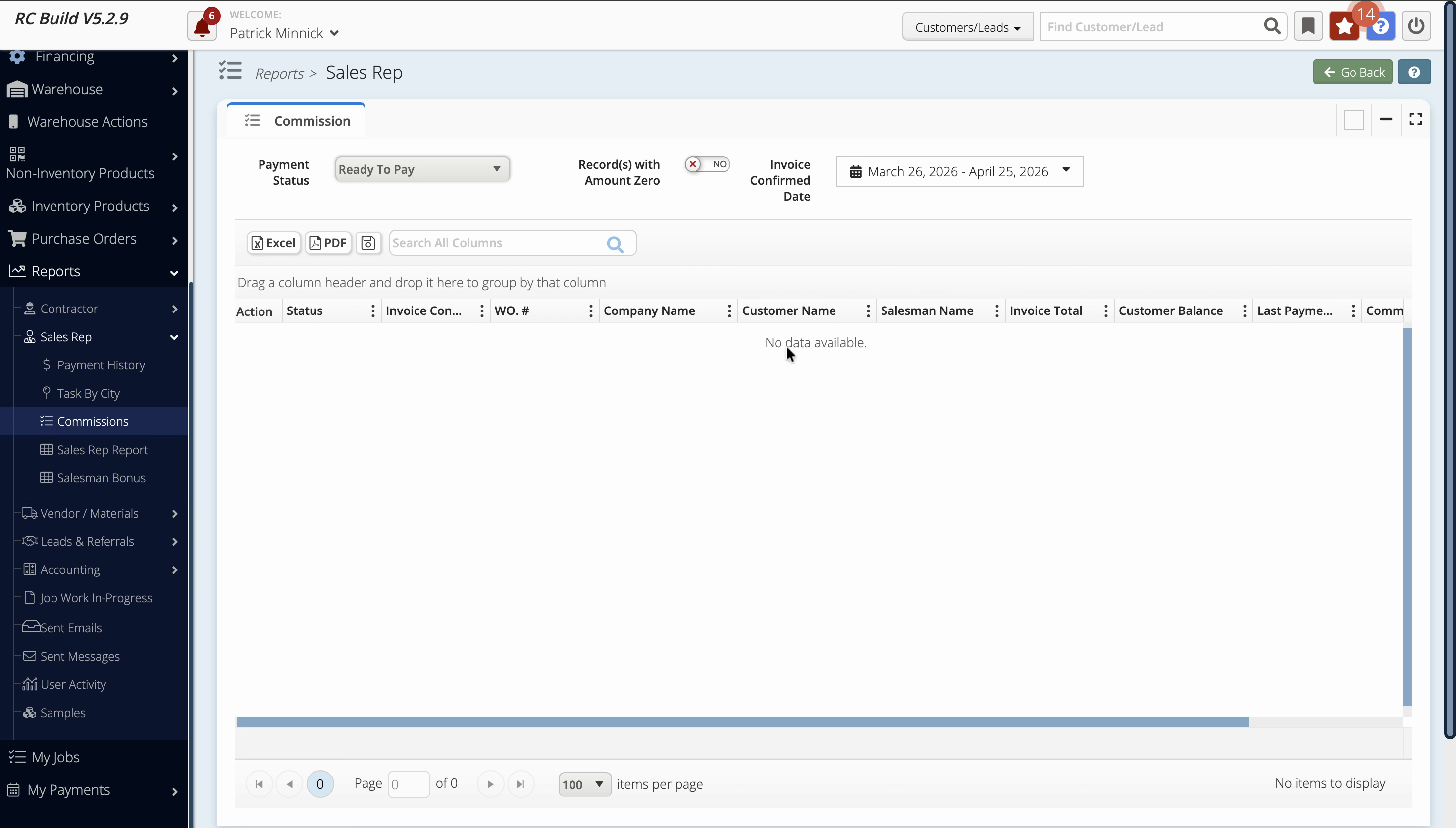
Step 9: Use the My Jobs page as a sales rep to track only your jobs and corresponding commissions. The absence of assigned jobs means no data will show.
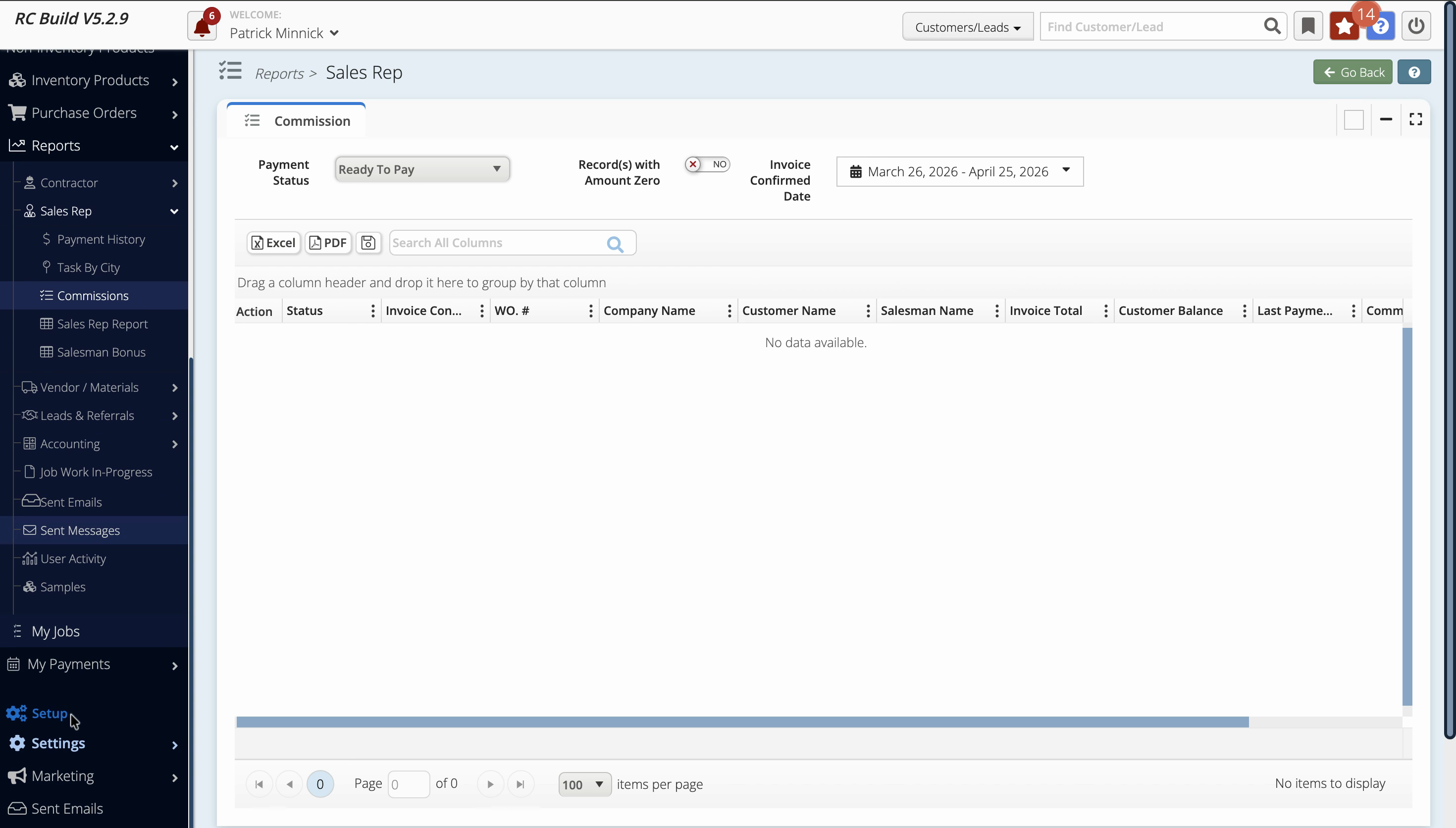
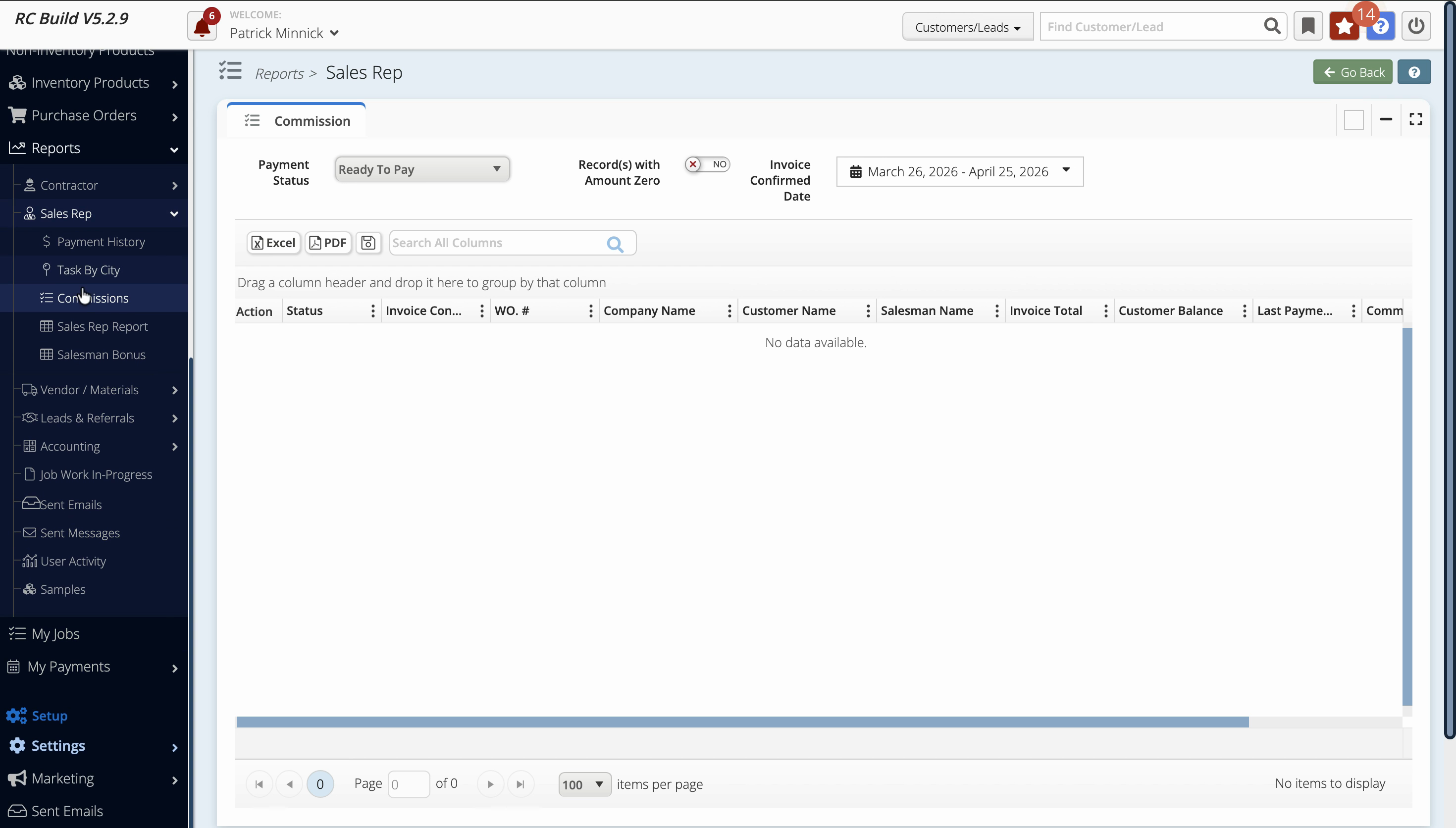
Admins have full visibility into all commissions and job payments, supporting financial oversight. Sales reps focus on their assigned jobs and personal earnings, keeping things simple and secure. This permissions difference ensures each user has access only to what’s relevant for their role.