Wisetack Integrated Consumer Financing lets you offer consumer financing at checkout, giving customers flexible payment options while closing more sales and increasing average ticket size.
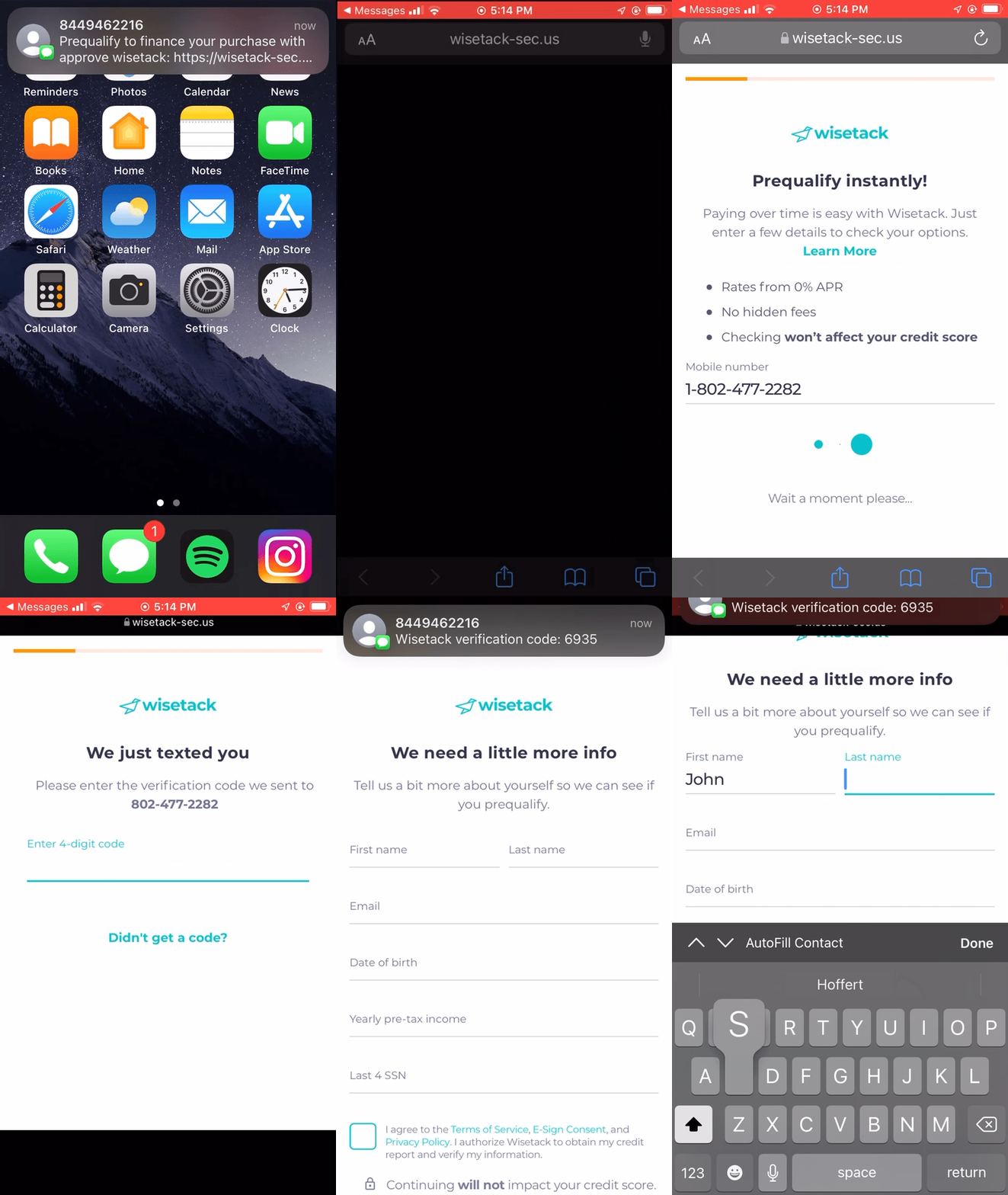
Pre-Qualification Process in 2 Easy Steps:
-
Step 1: Send the pre-qualification to the customer directly from the Quote or Invoice page.
-
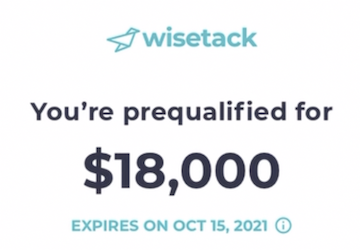
Step 2: Our customer's customer completes the application and is shown how much they are pre-qualified to finance.
For illustrative purposes only
After Sending the Pre-Qualification
Sending a financing application to your customer:
After your customer prequalifies, you will need to send them a financing application (either via text or emailed on an invoice) where they can proceed to lock in their offer and release payment once the job is complete, or in two separate payments if progress payments are enabled.