To make a change, click on the transaction or journal entry, and it will open so edits can be made. If it’s associated with a bank transaction tracked in the Transaction Dashboard, it will show all of the transaction details. If it’s a manual journal entry, it will show all of the details that were entered.
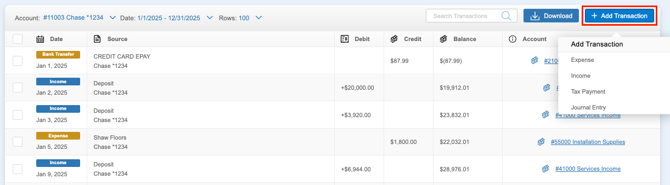
If you need to manually enter transactions or add manual journal entries, you can do so by clicking the ‘+Add Transaction’ button and selecting which type of transaction you need to add.
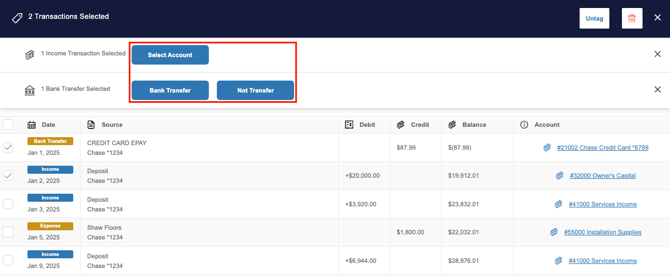
You can also bulk edit transactions in the GL. Simply check the box next to each transaction you want to group, or use the box at the top to select all. Once selected, you’ll be able to perform a limited set of bulk actions, such as changing the account or category, untagging, or deleting.