- Navigate to the section Accounting > Financial Statements > Accounting Reports
- Locate the Balance Sheet
- Click the 'View' button
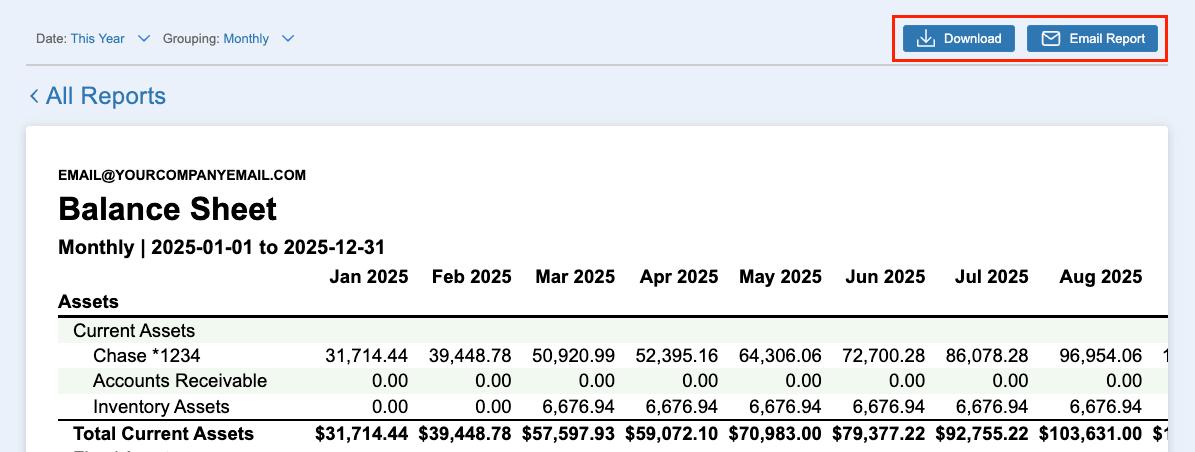
- Use the filters to customize the report
- Click the ‘Date’ field to select a default date range or custom date range
- Select the 'Grouping' field to create a comparative report (e.g. monthly, quarterly, yearly)
- Click ‘Download’ or ‘Email Report’
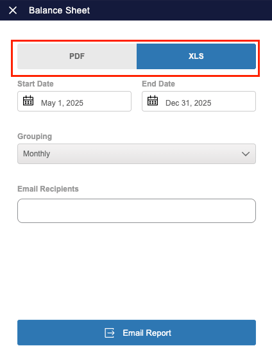
- Select the report format (i.e. PDF or XLS)