
Managing Leads in the Floors App: From Zapier Integration to Follow-Up
Tracking new leads is key to growing your flooring business. Floors app makes it easy to capture, follow up, and convert those leads—especially when integrated with Zapier. Here’s how leads flow into the app and how to manage them effectively.
Step 1: Open the Floors app and go to Settings.
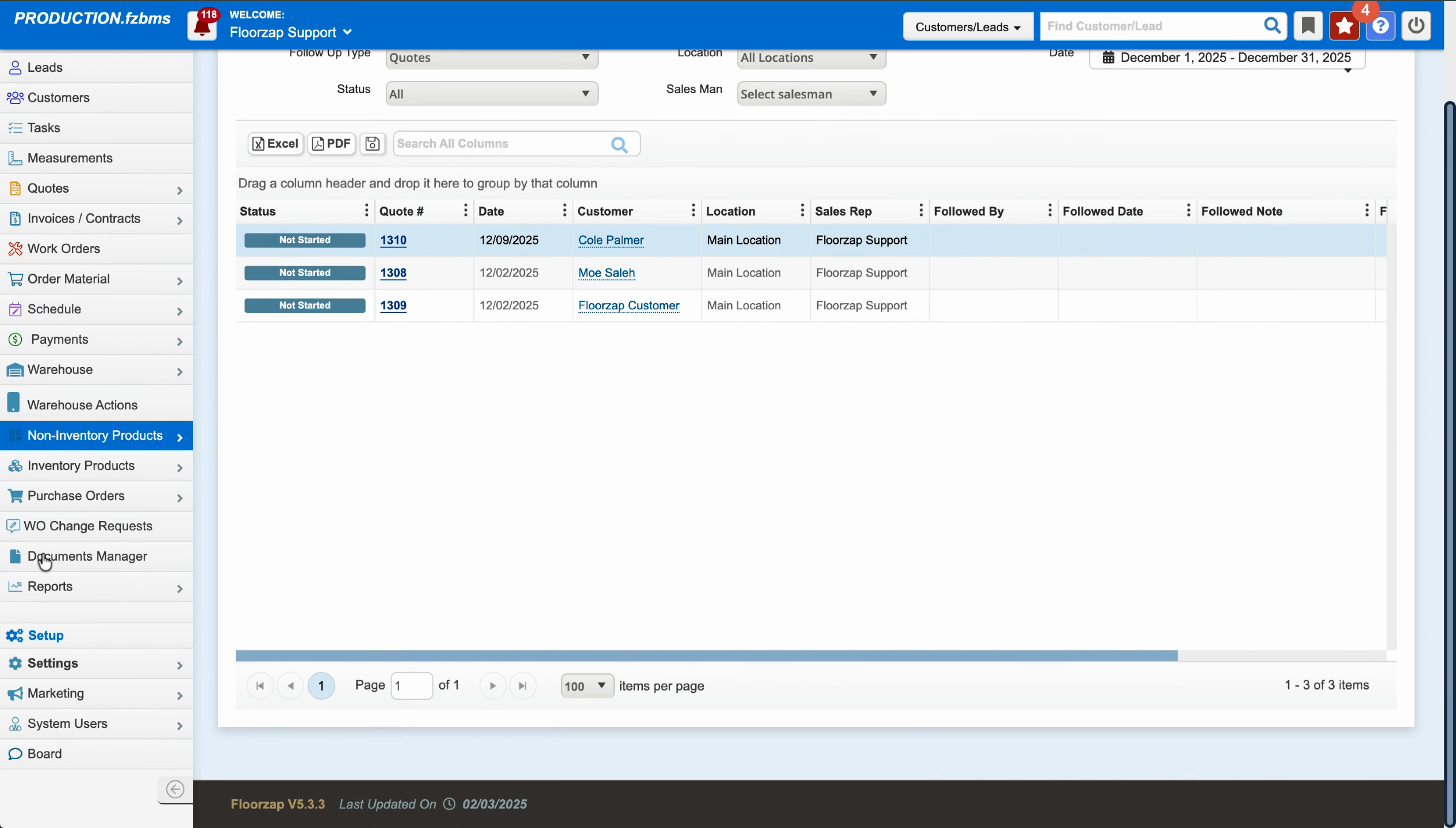
Step 2: Click on Settings in the menu.
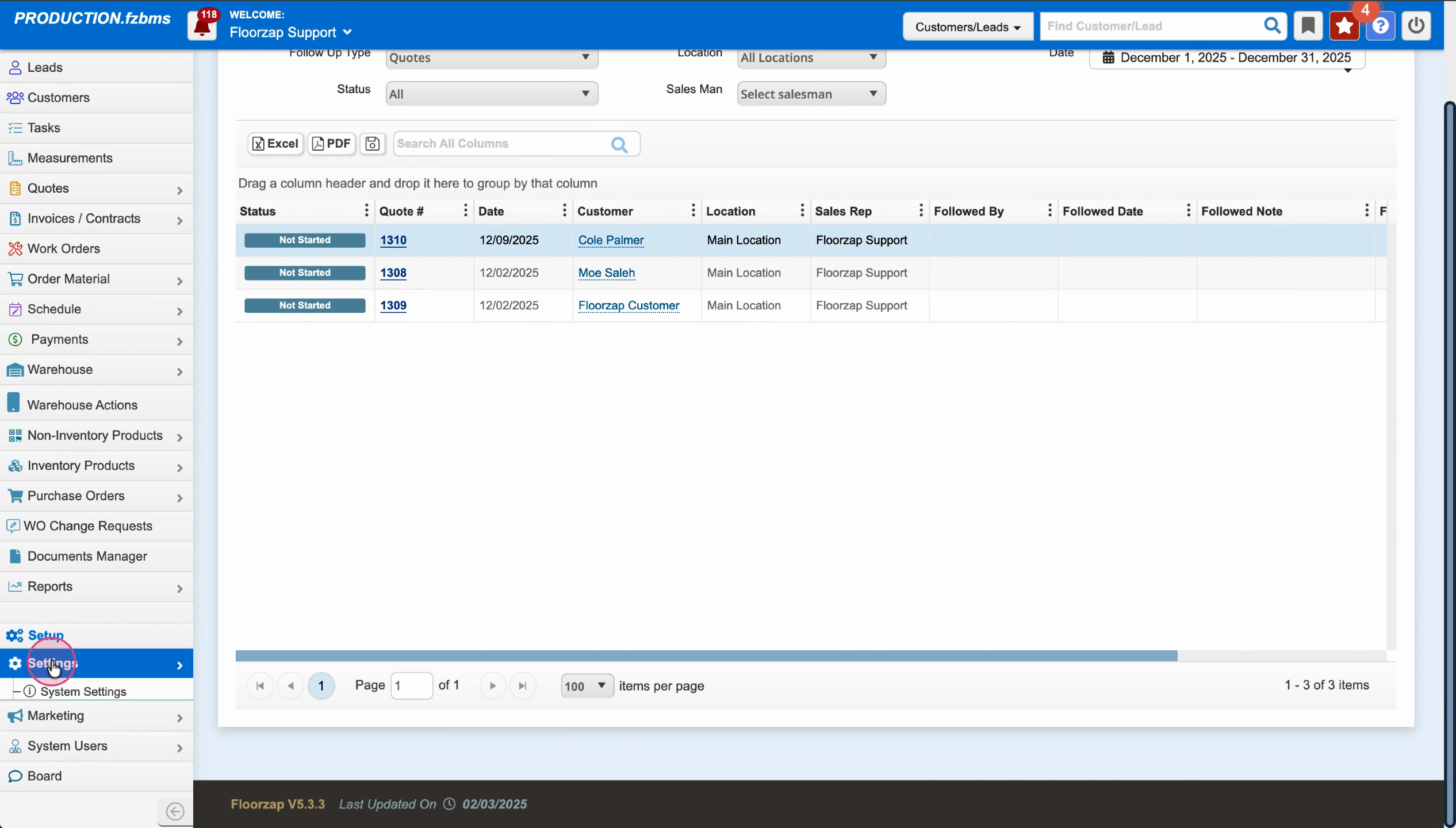
Step 3: Scroll down and select Integration.
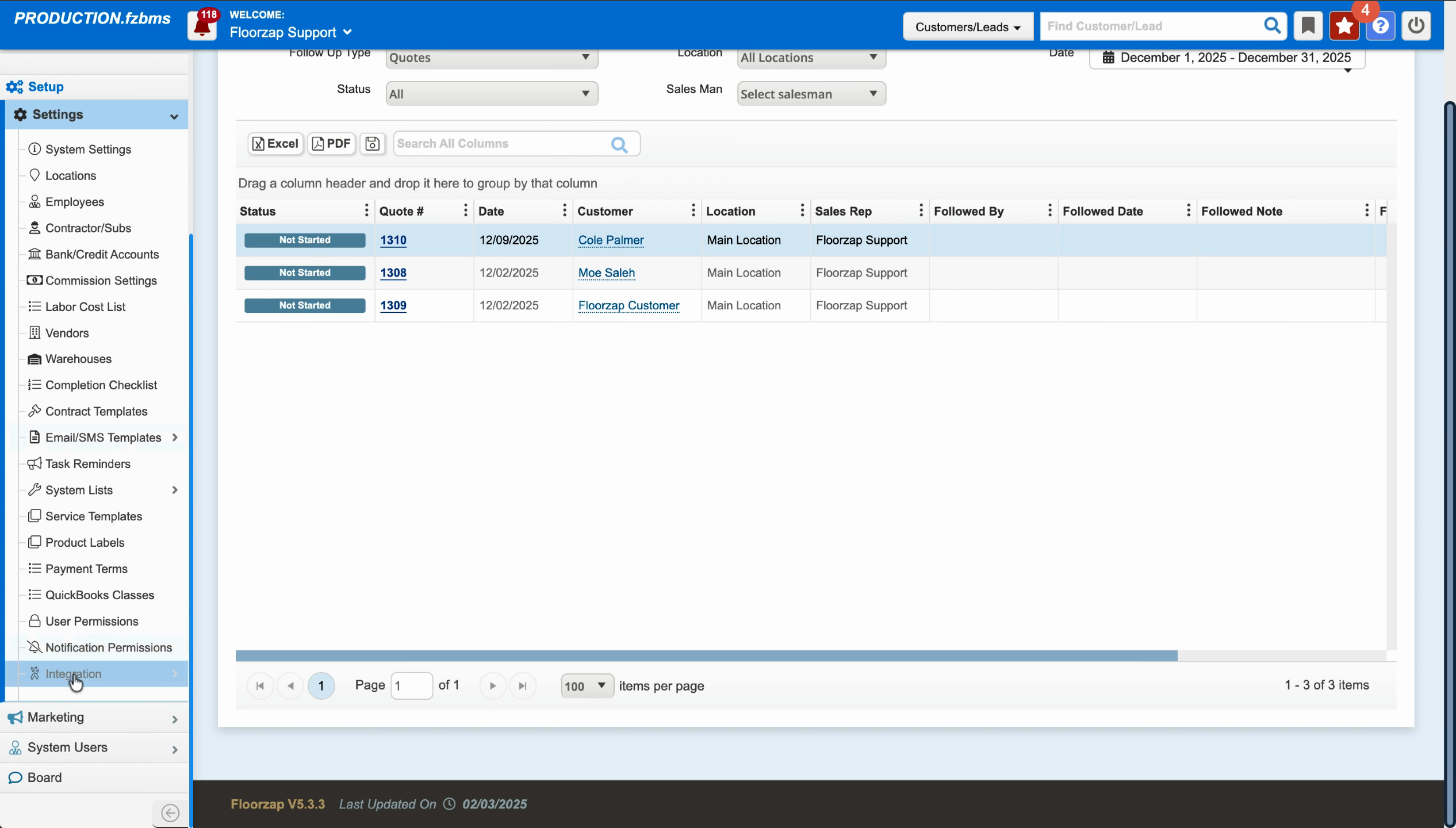
Step 4: Choose Zapier from the integration options.
Zapier acts as a bridge, automatically sending leads collected from your website or other sources straight into the Floors app.
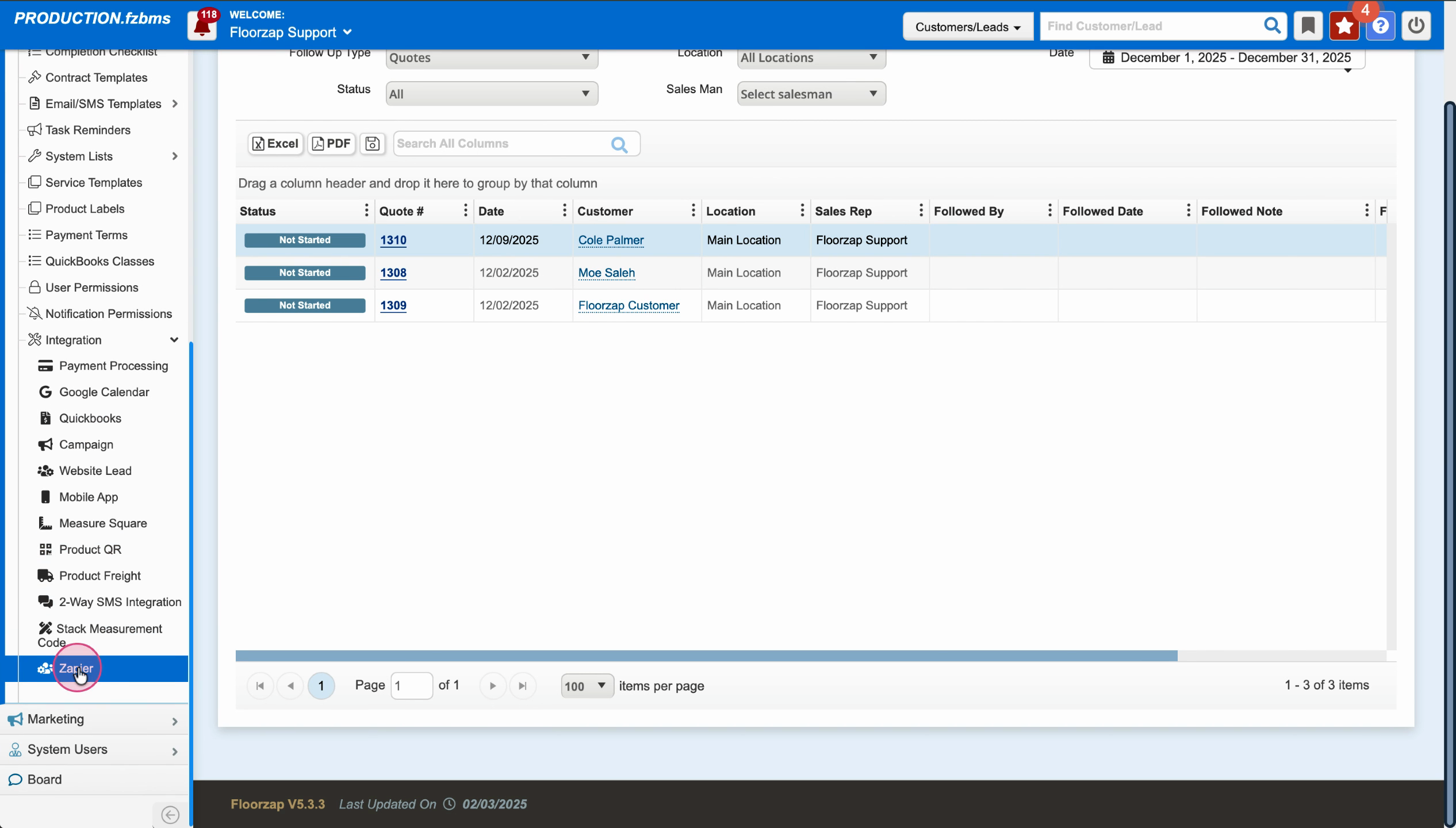
Once integration with Zapier is set up, you’ll manage your incoming leads outside the Integration menu.
Step 5: Go to the Marketing section in Settings.
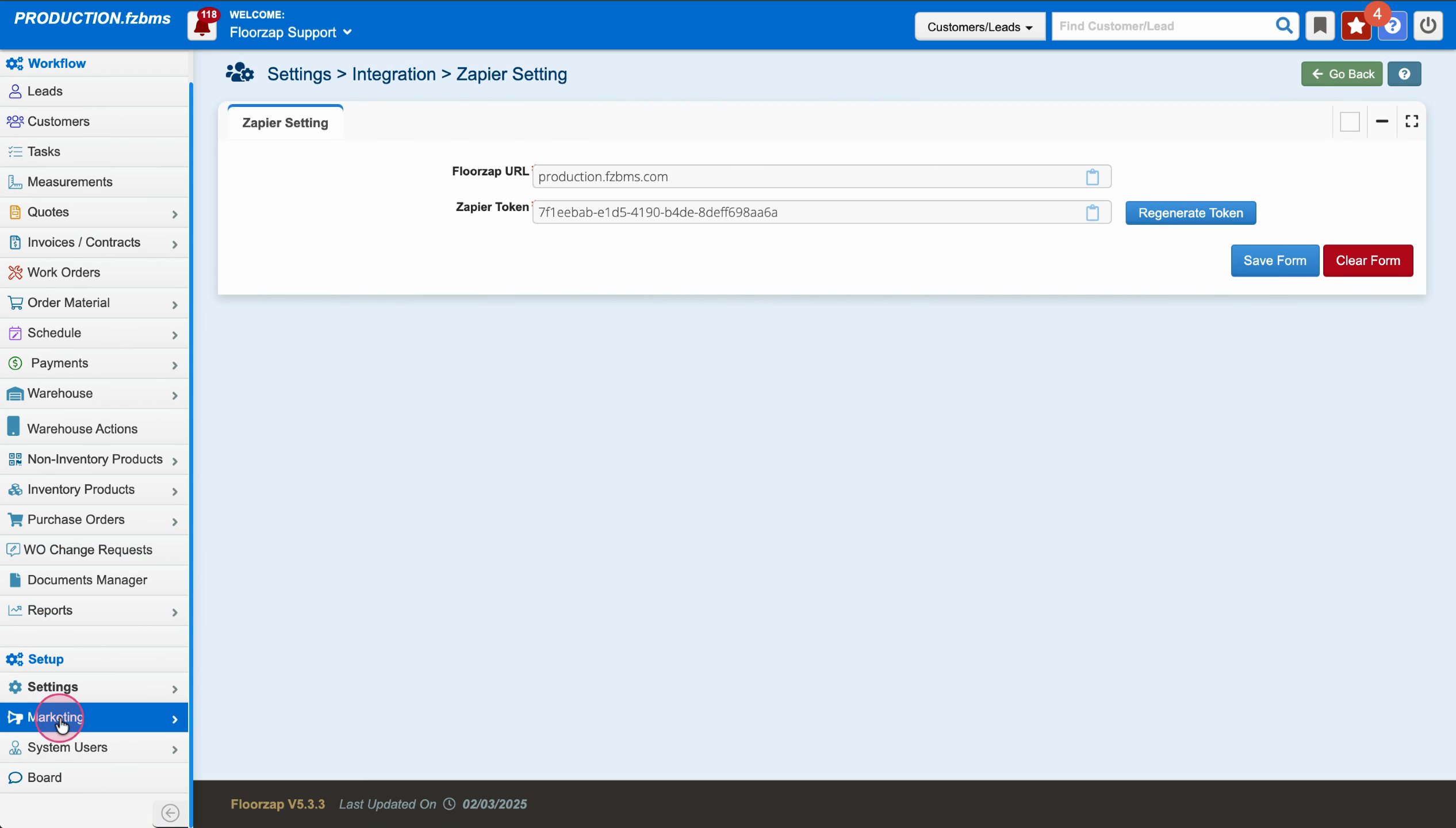
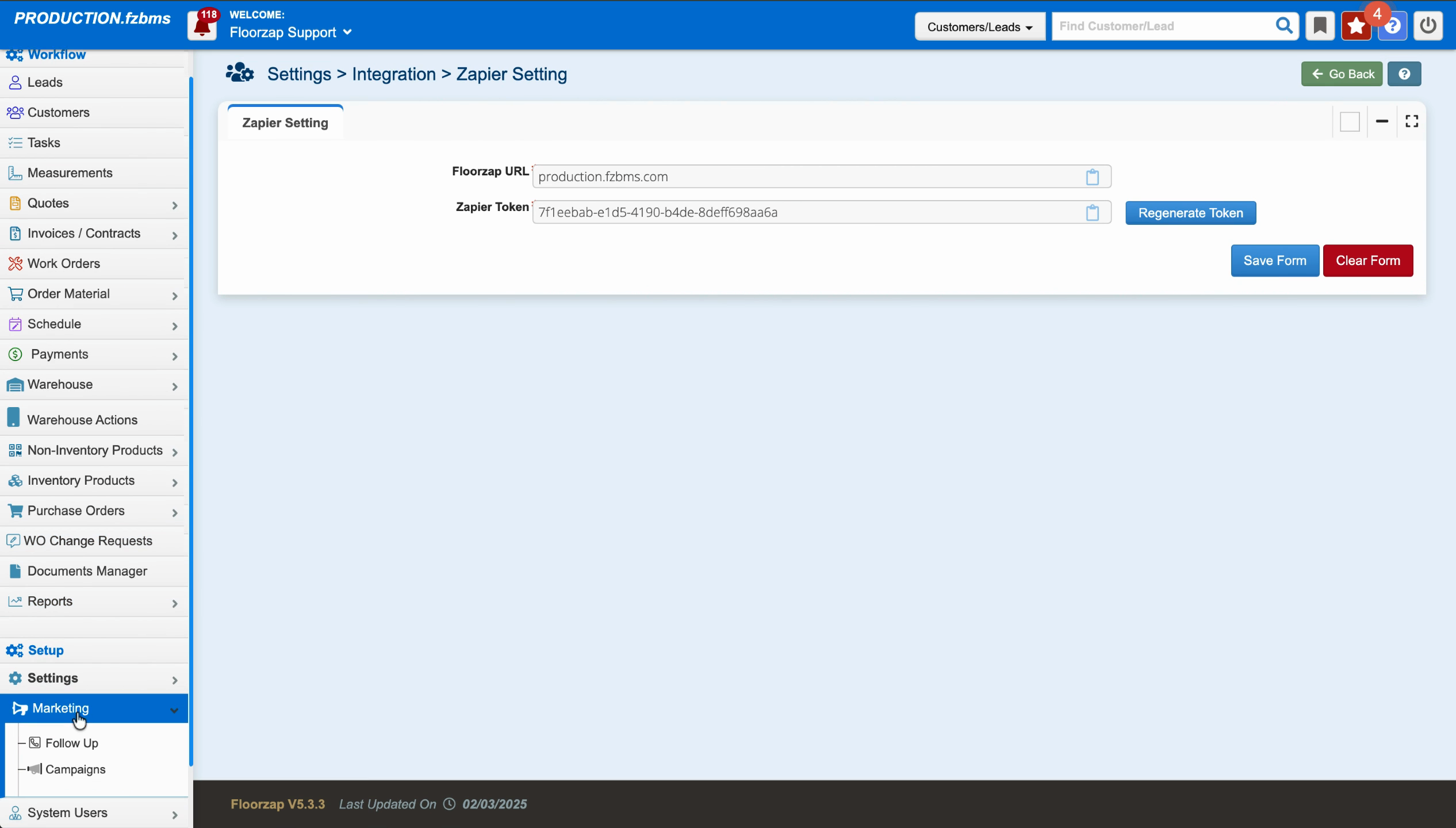
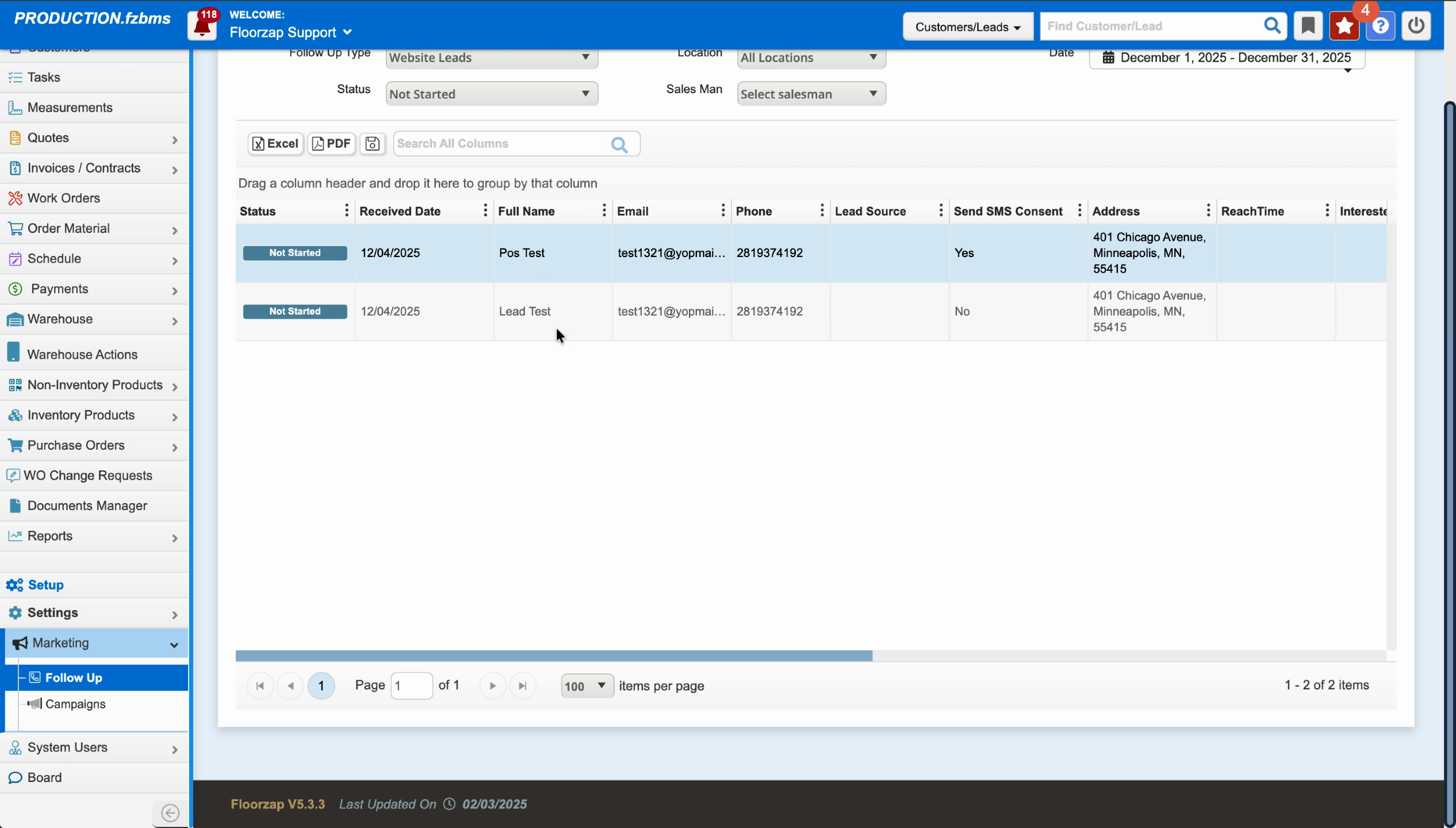
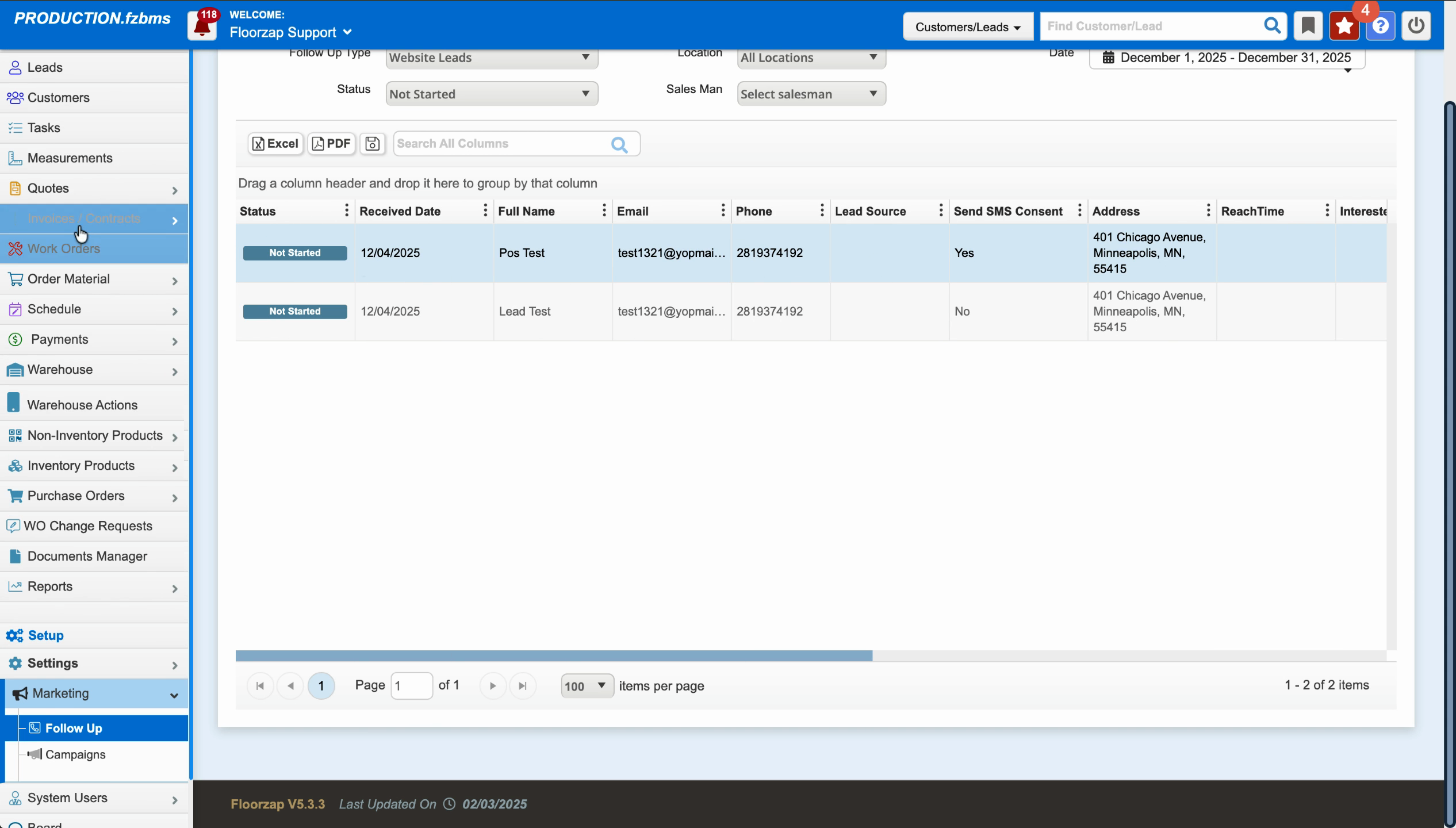
Step 6: Click on Marketing and Follow Up.
This is where all leads brought in by Zapier land.
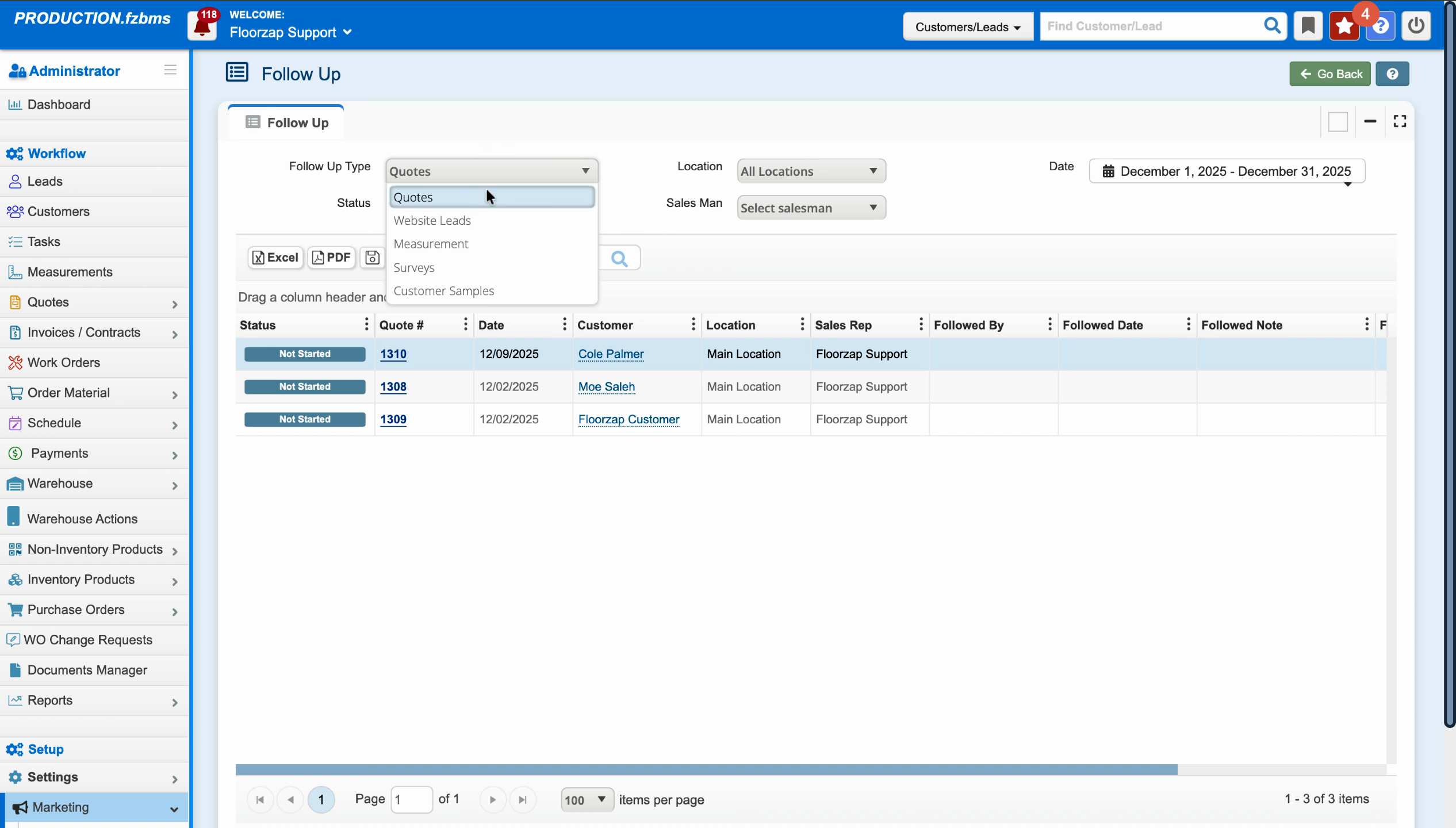
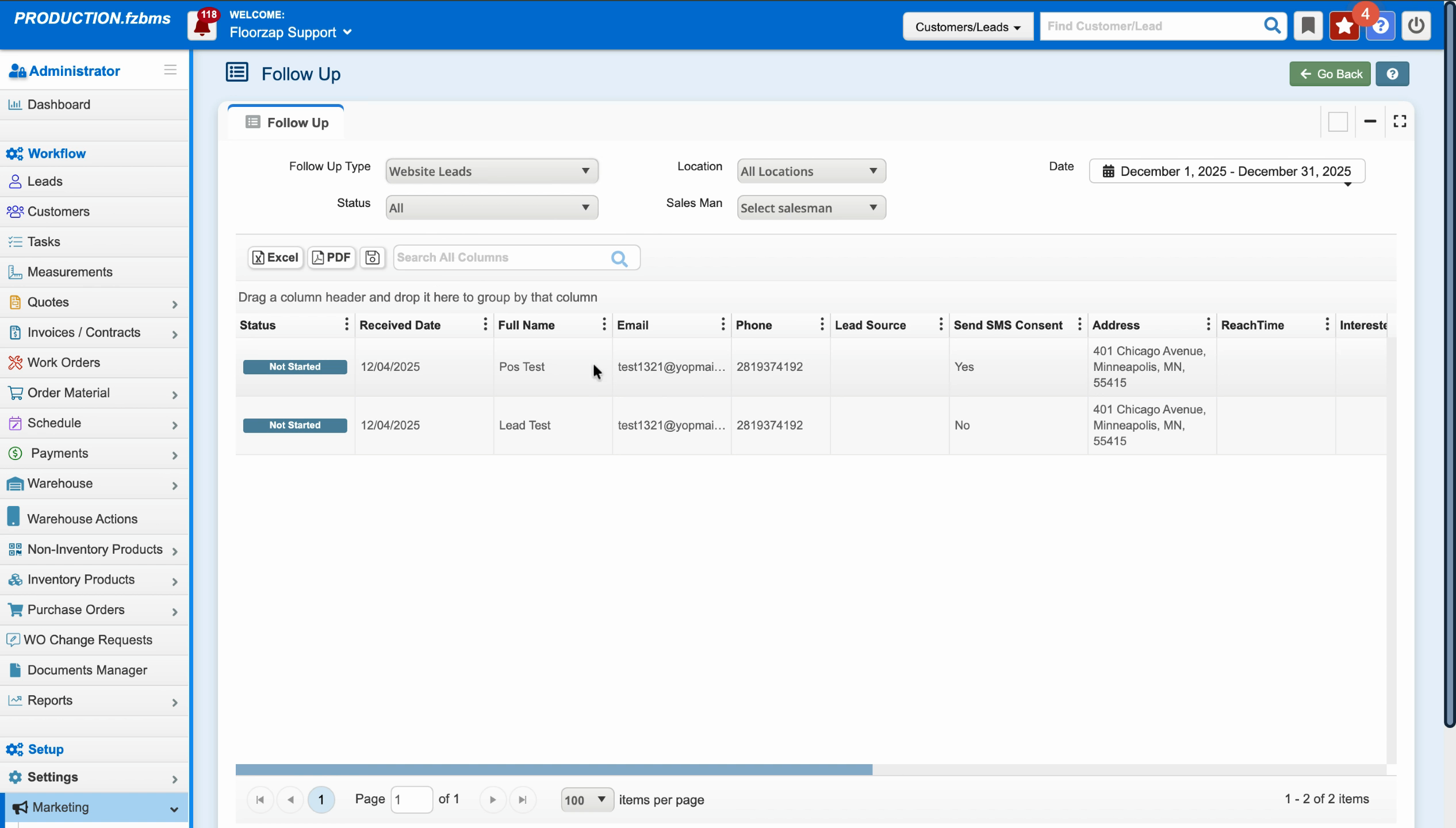
Step 7: Click on Quotes or Website Leads to review incoming leads.
You’ll see a list of all website leads, including tests and actual submissions.
Step 8: Select a lead from the list to view more details.
Here, you can see the status (Not Started, Completed, Dismissed) and filter leads by follow-up progress.
Step 9: Initiate follow-up by clicking the action button.
Choose a date, update the status (Completed, In Progress, Waiting), and add any relevant notes about your communication.
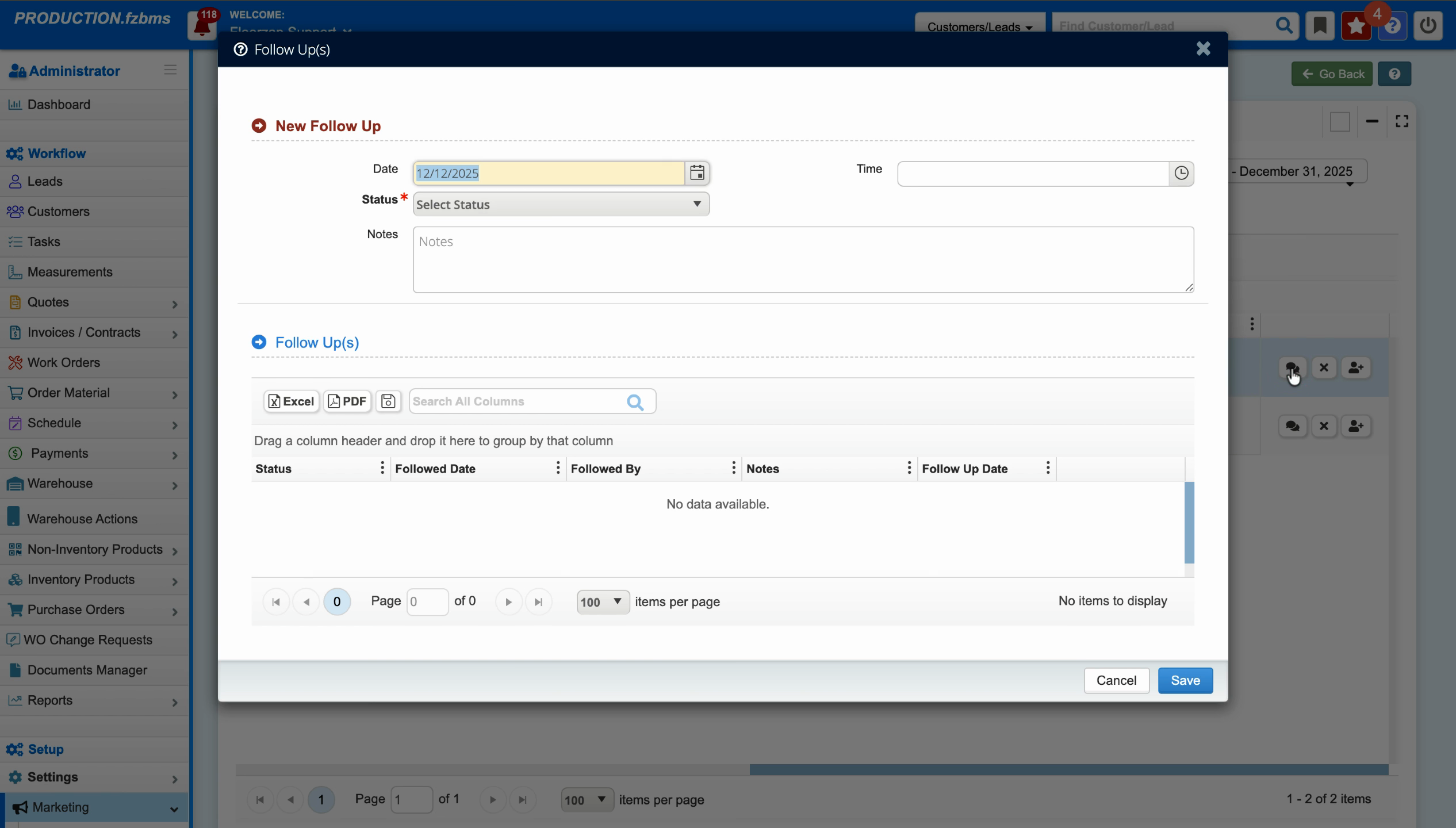
Step 10: Click Save to update lead status and follow-up info.
Changing the status helps you track progress and keep lead management organized.
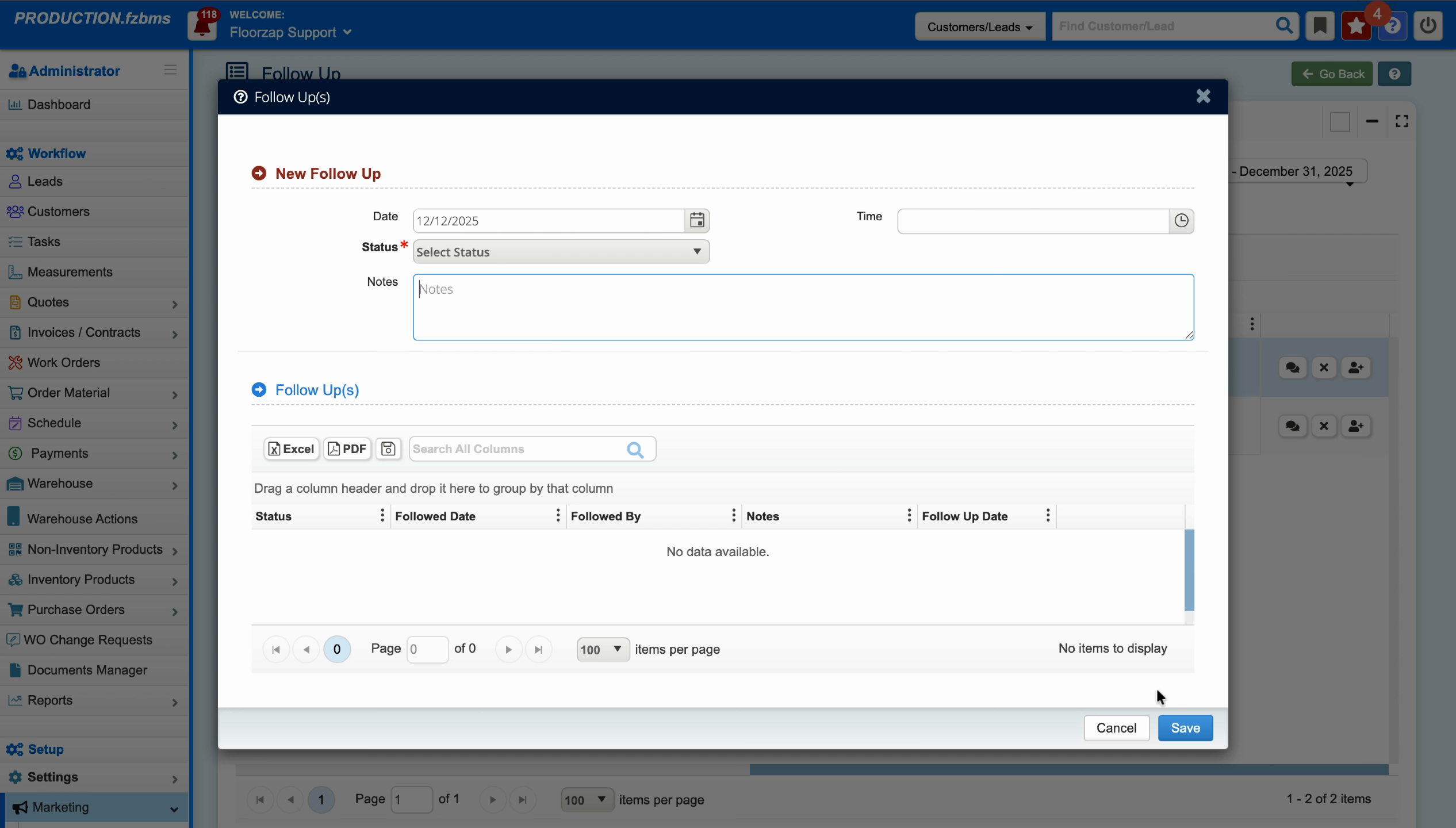
As soon as a form is submitted on your website, leads flow in via Zapier and appear in the Marketing and Follow Up section. From here, you’re able to contact them, record your interactions, and convert them into customers.
Step 11: If a lead is ready, use Convert to Lead to move them into the main Lead section.
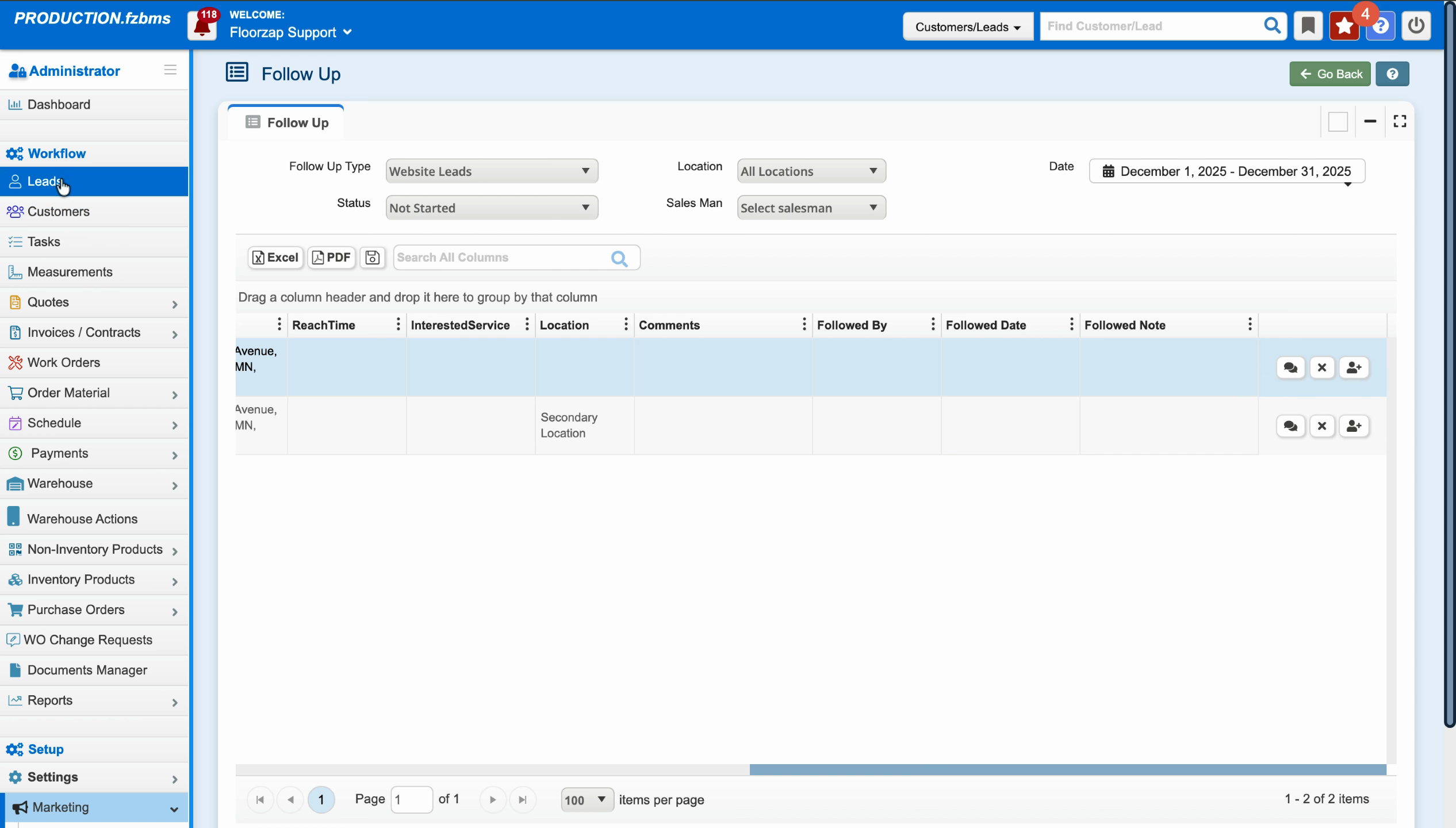
Step 12: Follow up and progress the lead through your sales process.
Update statuses, add notes, and dismiss leads when necessary.
Step 13: Once converted, continue your regular workflow—create quotes, schedule meetings, add tasks, and guide them from lead to customer.
Bring your website leads directly into Floors app with Zapier, keep follow-ups streamlined, and convert more prospects into satisfied customers. This process helps you stay organized and never miss an opportunity.