
Yes. If there is a bank account or credit card you no longer want to track (e.g., you’ve closed the account or no longer use it for business), you can unsync it:
- Navigate to the section Accounting > Transactions > Money In or Money Out
- Click the gear icon
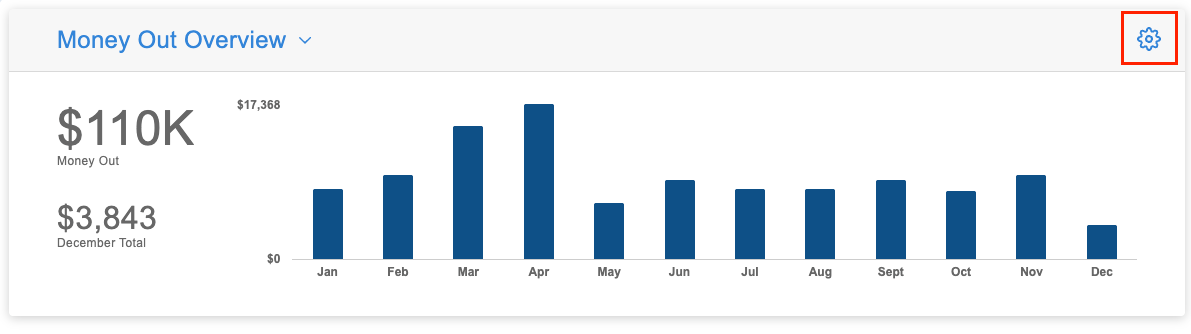
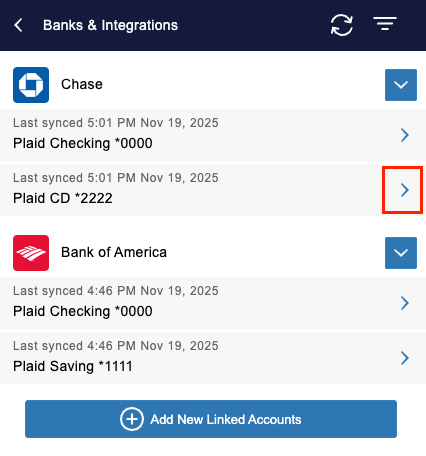
- Select ‘Banks & Integrations’
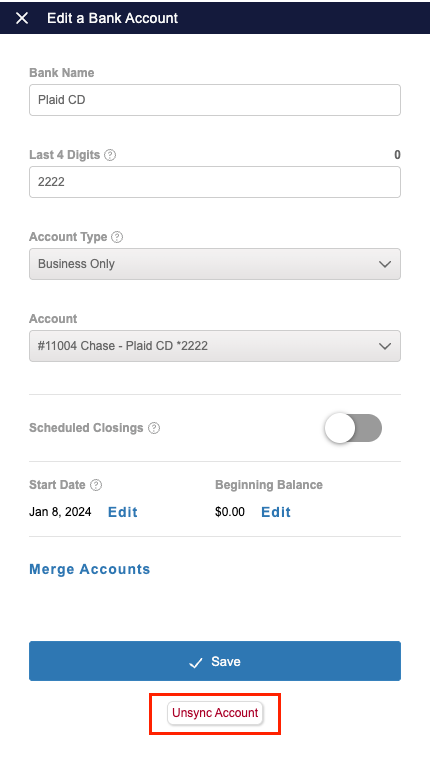
- Click on the arrow next to the specific account you wish to unsync
- Select ‘Unsync Account’
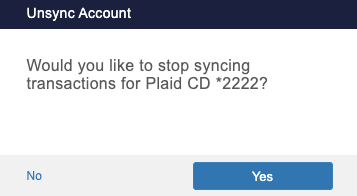
- Confirm you’d like to unsync the account
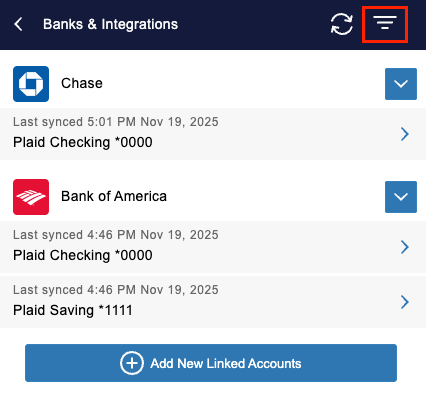
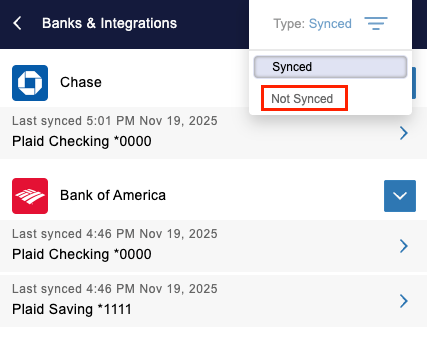
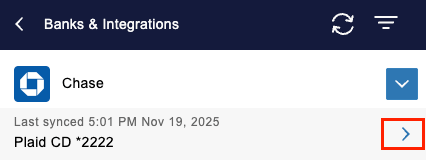
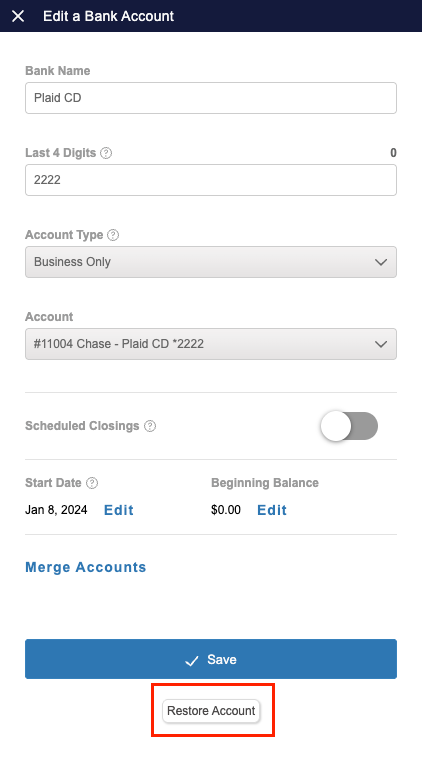
Once an account is disconnected, it can be re-synced at any point. To find these easily on the Banks & Integrations screen:
- Click on the 3 lines icon on the Banks & Integrations screen
- Change the filter to ‘Not Synced’
- Click on a specific account
- Select ‘Restore Account’
How do I completely unlink a financial institution?
- Navigate to the section Accounting > Transactions > Money In or Money Out
- Click the gear icon
- Select ‘Banks & Integrations’
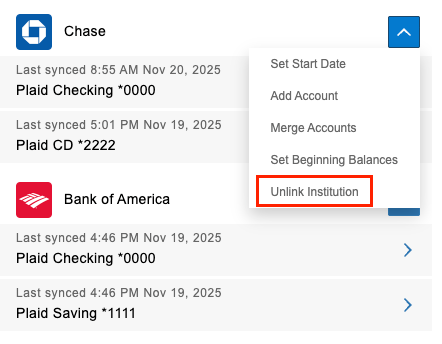
- Hover over the Actions drop-down arrow
- Select ‘Unlink Institution’
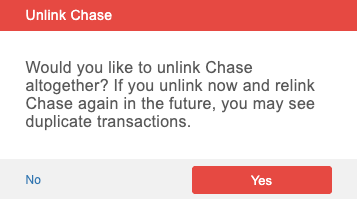
- When you get a pop up asking if you want to unlink it, click 'Yes'
Does unlinking an account or financial institution remove its transactions?
No. Unlinking a bank account or credit card does not remove transactions that have already been imported.
If you link an account by mistake, you’ll need to manually delete any unwanted transactions.
Should I unlink my financial institution to fix an issue?
Unlinking is not recommended as a troubleshooting step, unless you no longer wish to track the account or are instructed to do so by support. Unlinking and re-adding a financial institution can cause transactions to be duplicated. If you’re experiencing an issue, please contact Floorzap for help before making changes.