
How do I manage which accounts from a particular institution are linked?
To connect a new or updated account at an already linked institution, follow the relink process:
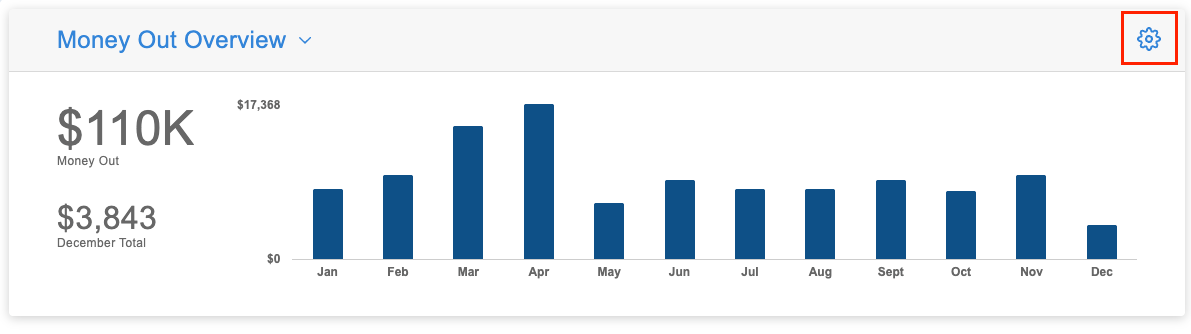
- Navigate to the section Accounting > Transactions > Money In or Money Out
- Click the gear icon
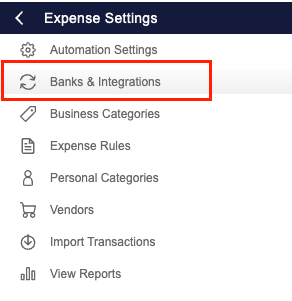
- Select ‘Banks & Integrations’
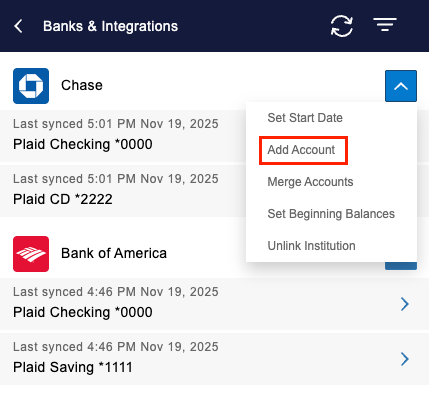
- Hover over the Actions drop-down arrow
- Select ‘Add Account’
- Follow the prompts to revalidate your credentials
- Select the accounts you want linked
Once complete, your new or updated account(s) will appear under Banks & Integrations.