
To export the GL:
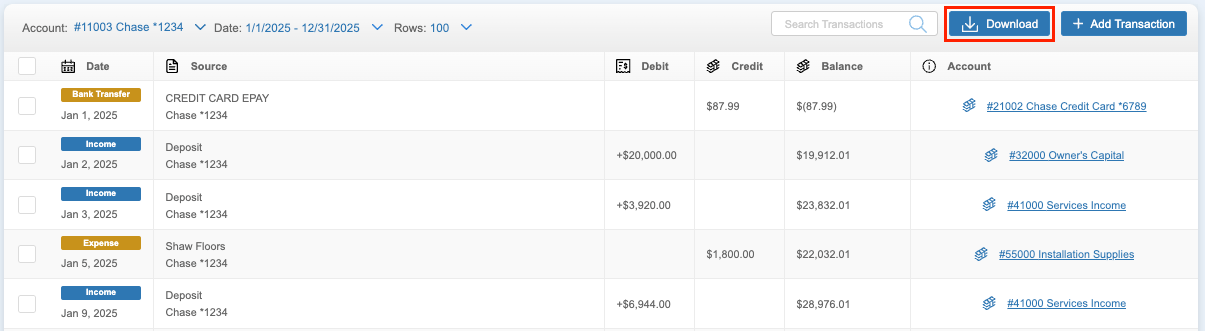
- Navigate to the GL
- Click the ‘Download’ button
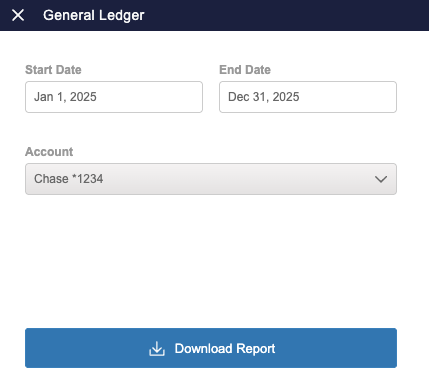
- Select the date range and account to be exported
- To export the entire GL, select the 'All Accounts' option at the top of the list.
- Click 'Download Report'
The GL Report will be downloaded and saved to the device. It can be opened and viewed in any spreadsheet program (i.e. Excel, Google Sheets, etc.).