
Locking Invoices and Work Orders After Signature
Prevent changes to important documents once a customer signs off by enabling the lock setting for invoices and work orders. This feature ensures data integrity and protects your workflow from unauthorized edits.
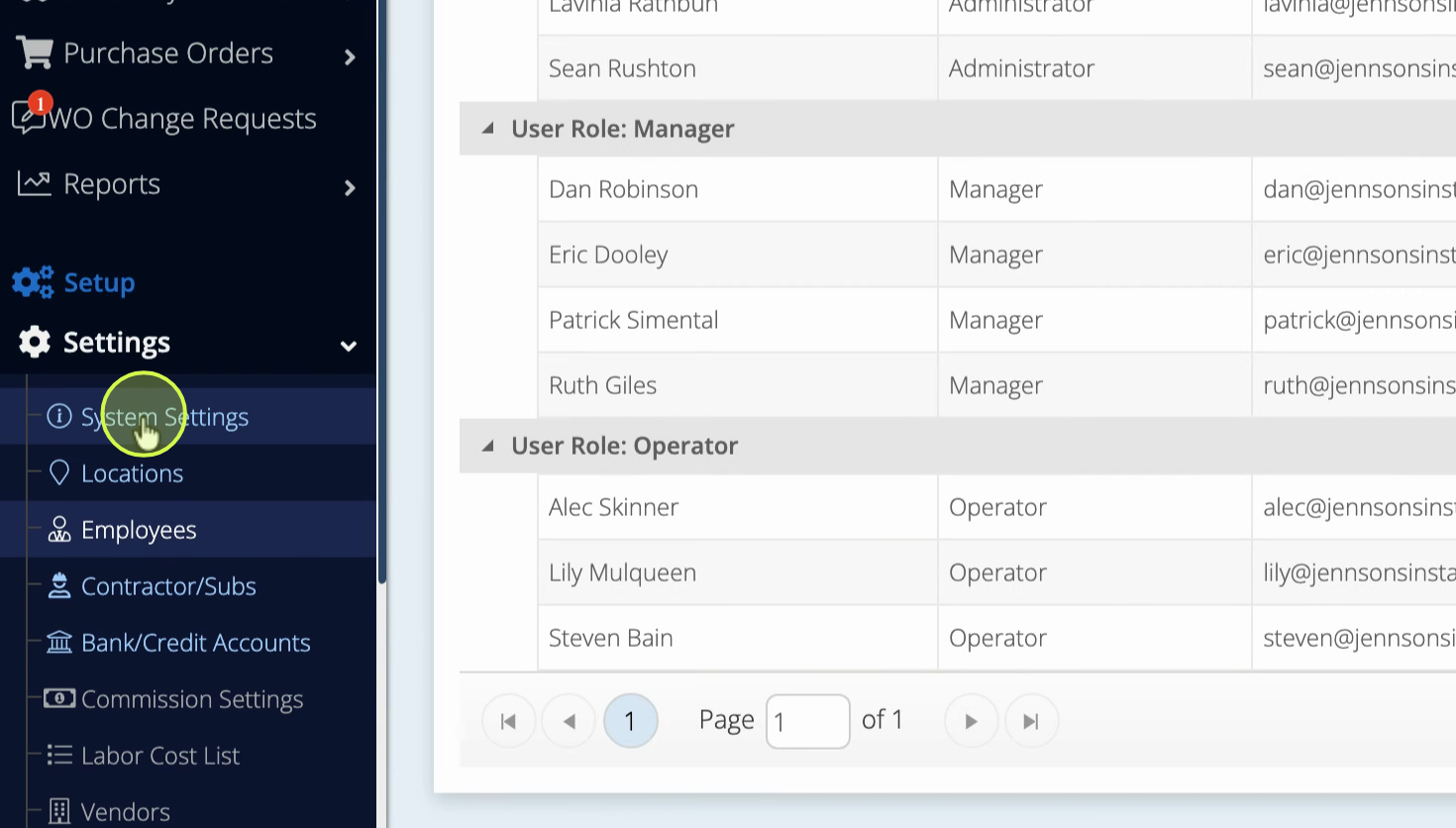
Step 1: Go to System Settings.
Step 2: Select Common Automation.
Step 3: Find the option Lock Invoice and Work Order After Invoice is Signed.
Step 4: Check the box next to this setting. Hover over the question mark for a description.
Step 5: Save your changes. Only system administrators can adjust this setting.
Once enabled, salespeople will not be able to edit the invoice or work order after a customer's signature. This keeps your records secure and compliant.
Use this setting to safeguard your signed documents and streamline your approval process.