
How to Bulk Update Inventory by Vendor
Managing your inventory efficiently keeps your business running smoothly. Here’s how to quickly bulk update inventory for products from a specific vendor.
Step 1: From the front dashboard page, we want to go into our Inventory Product lists.
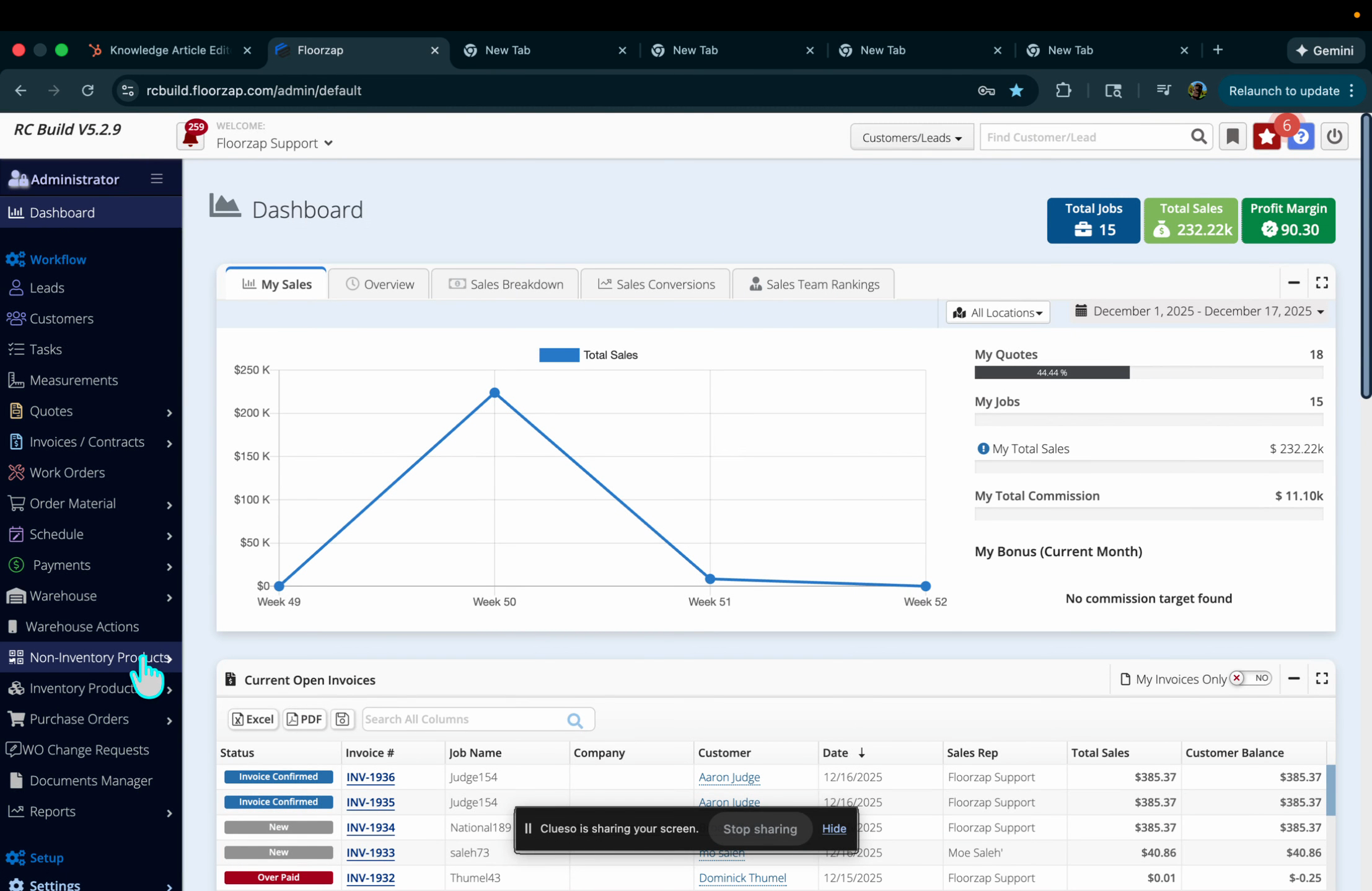
Step 2: Navigate to the Non Inventory Products product list.
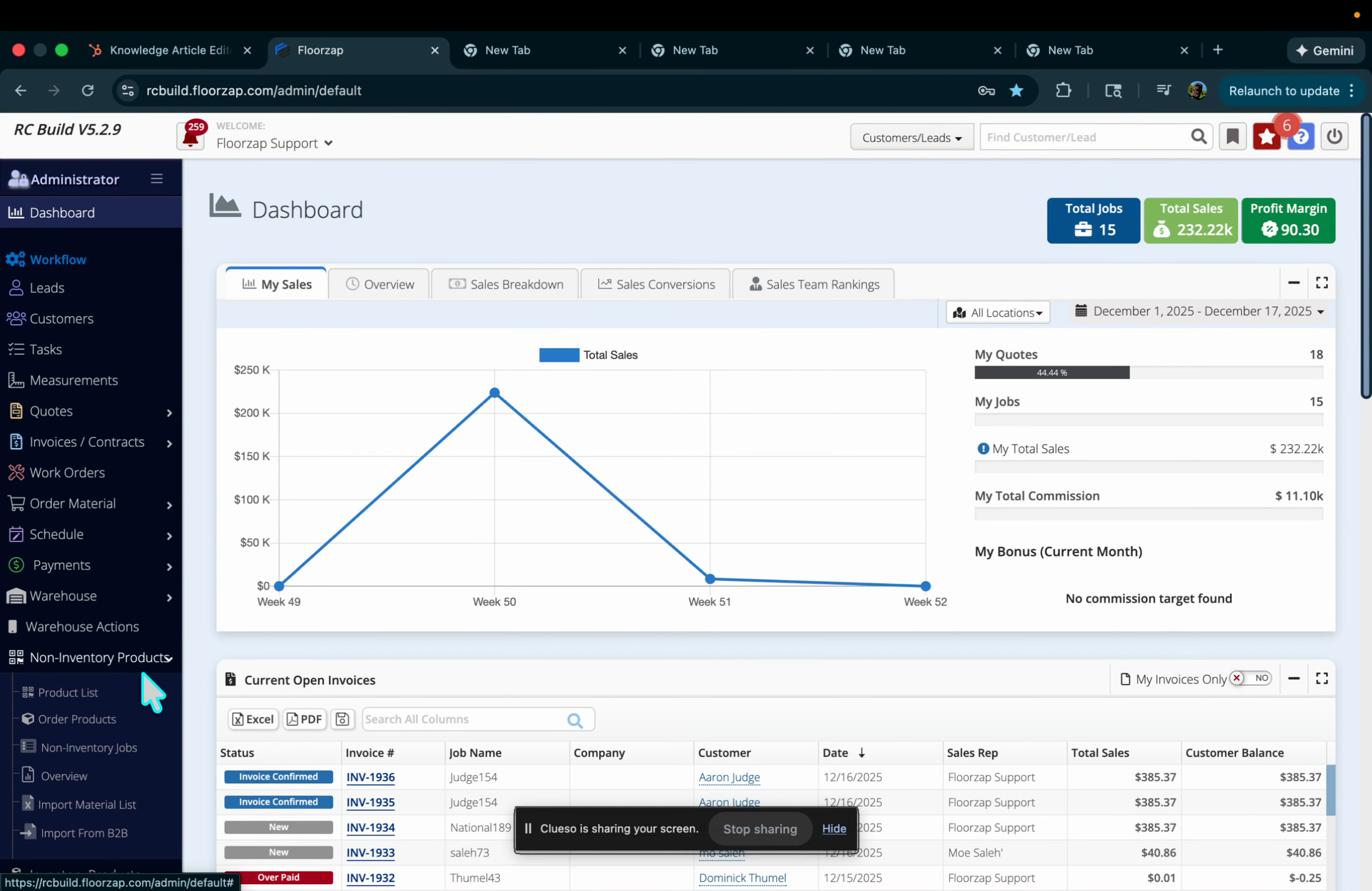
Step 3: Use the filters at the top to select your desired vendor. For example, pick Mohawk from the list.
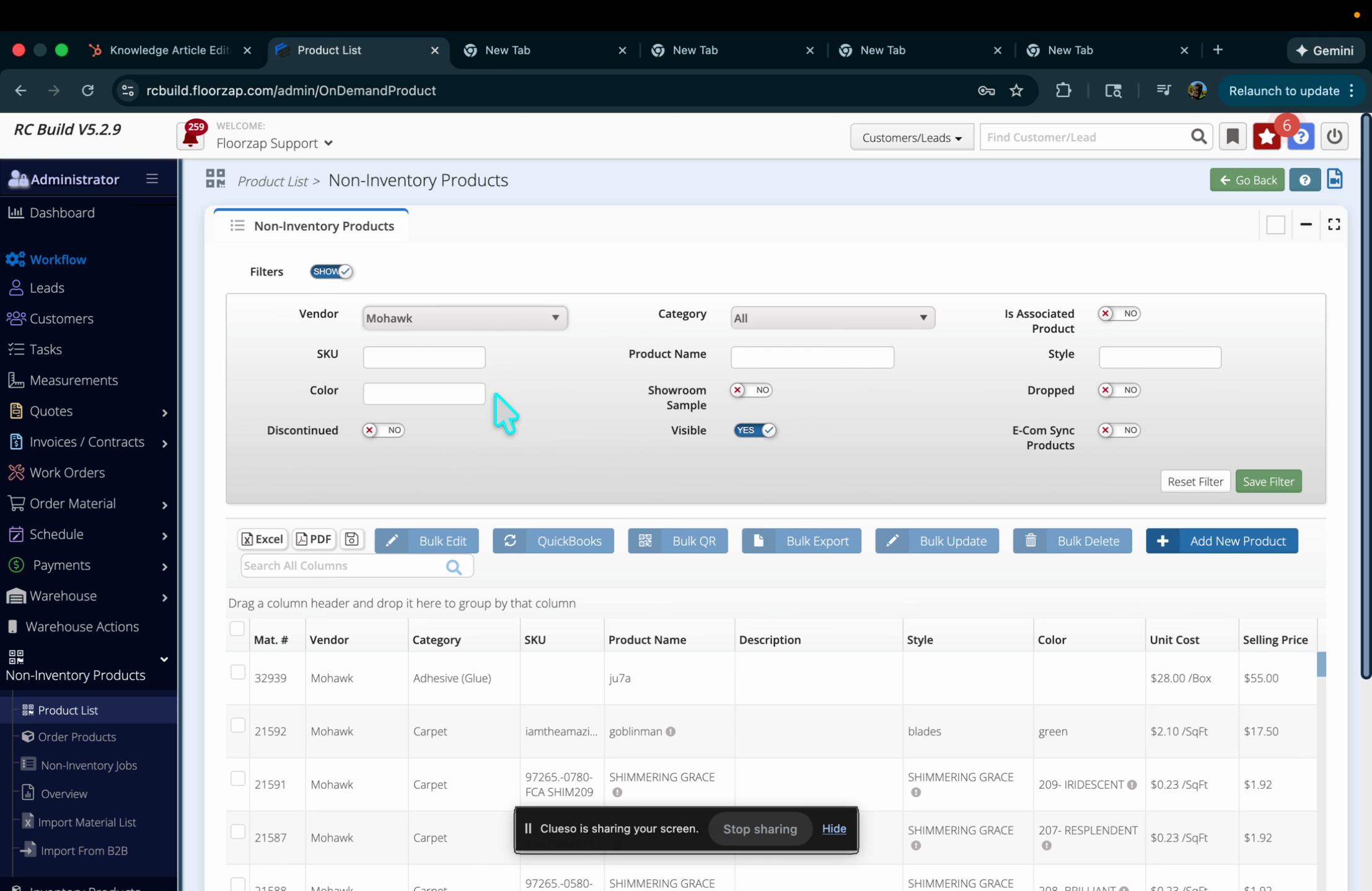
Step 4: Use the checkbox to select all items, or pick specific products you want to update.
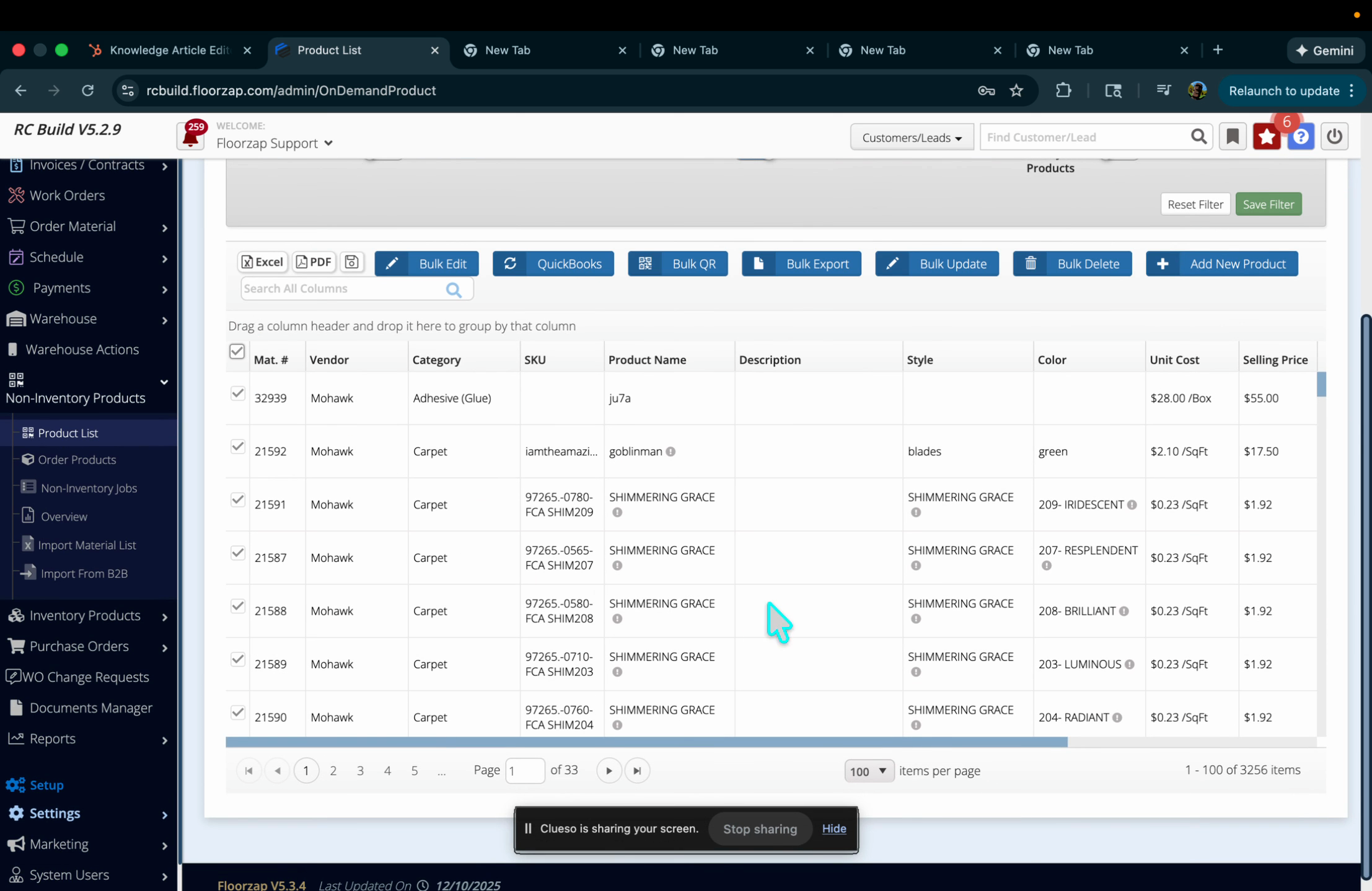
Step 5: Click Bulk Update.
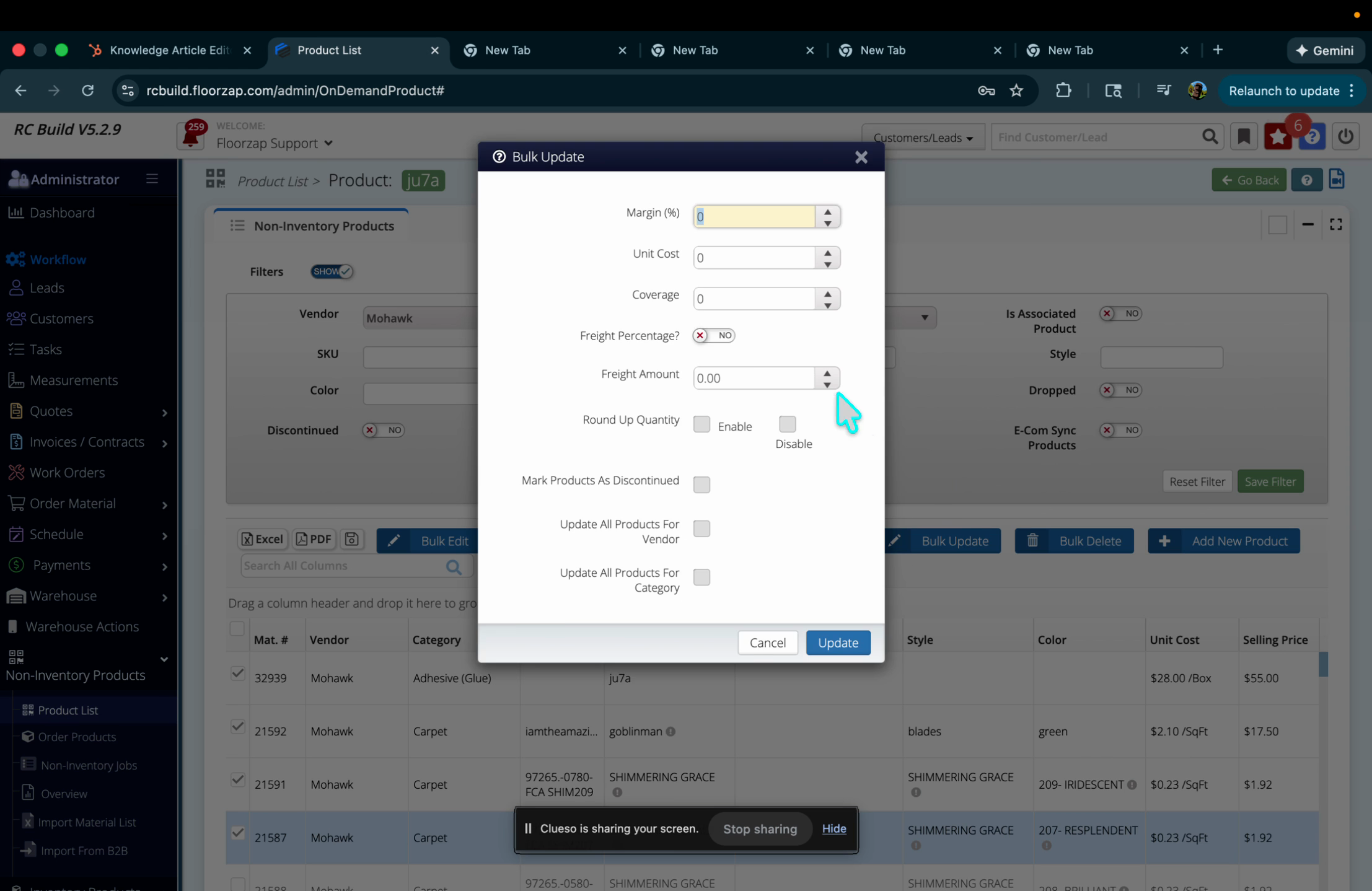
Step 6: Set your desired margin or update setting, like 50% margin.
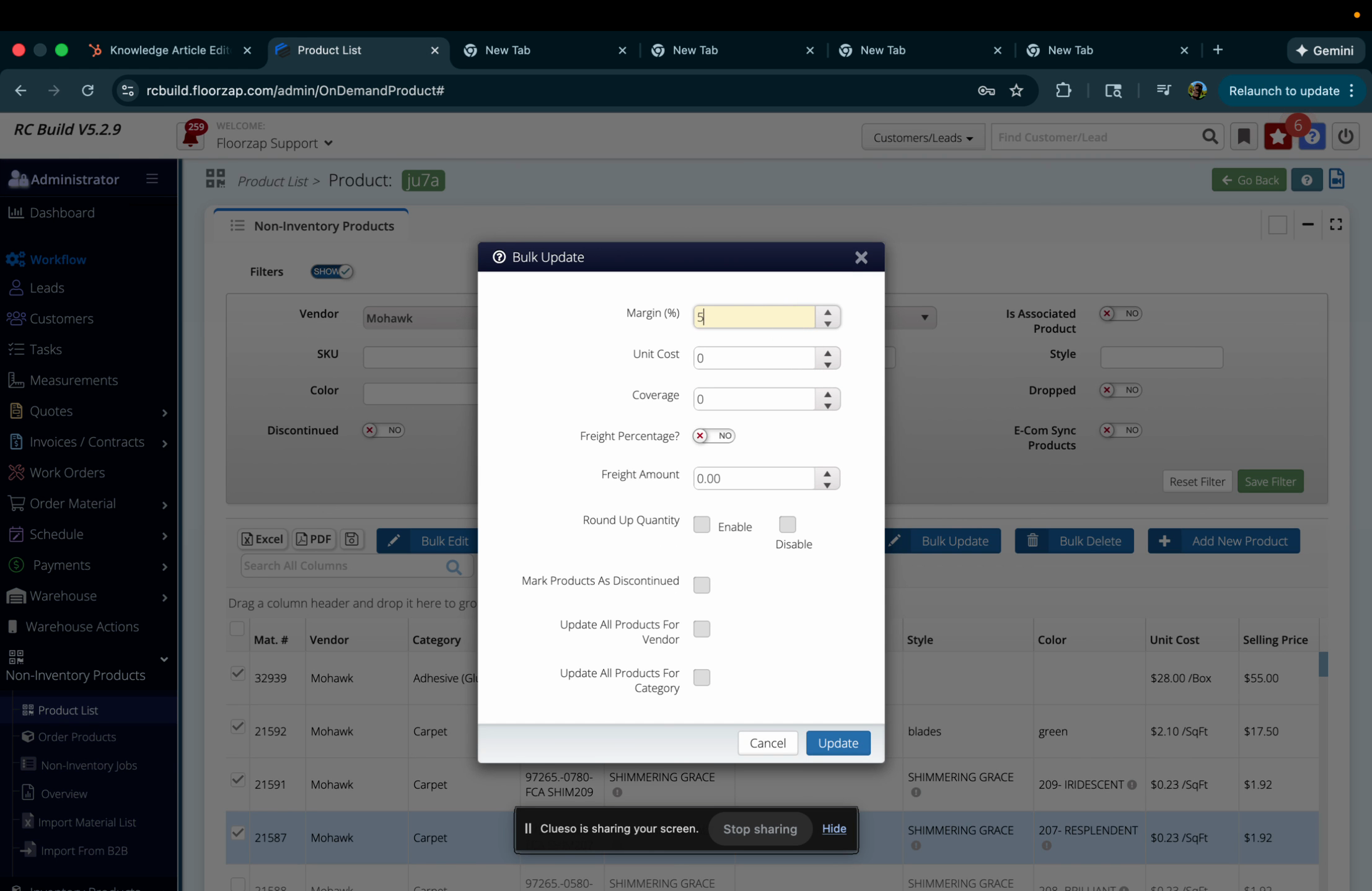
Step 7: Make sure to hit Update to apply your changes.
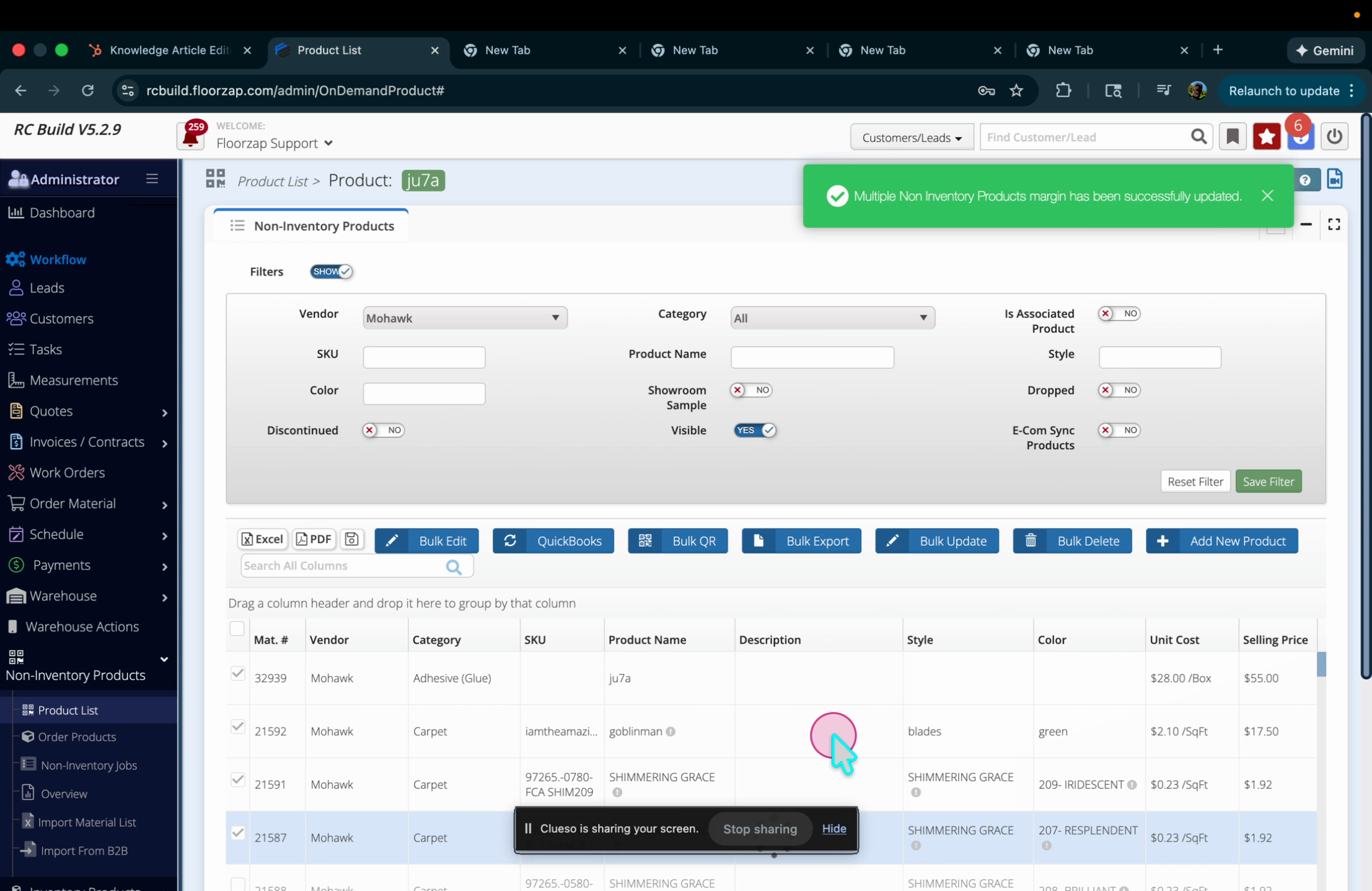
You’ve successfully updated your inventory in just a few clicks. Bulk updating by vendor saves time and keeps your pricing up to date.